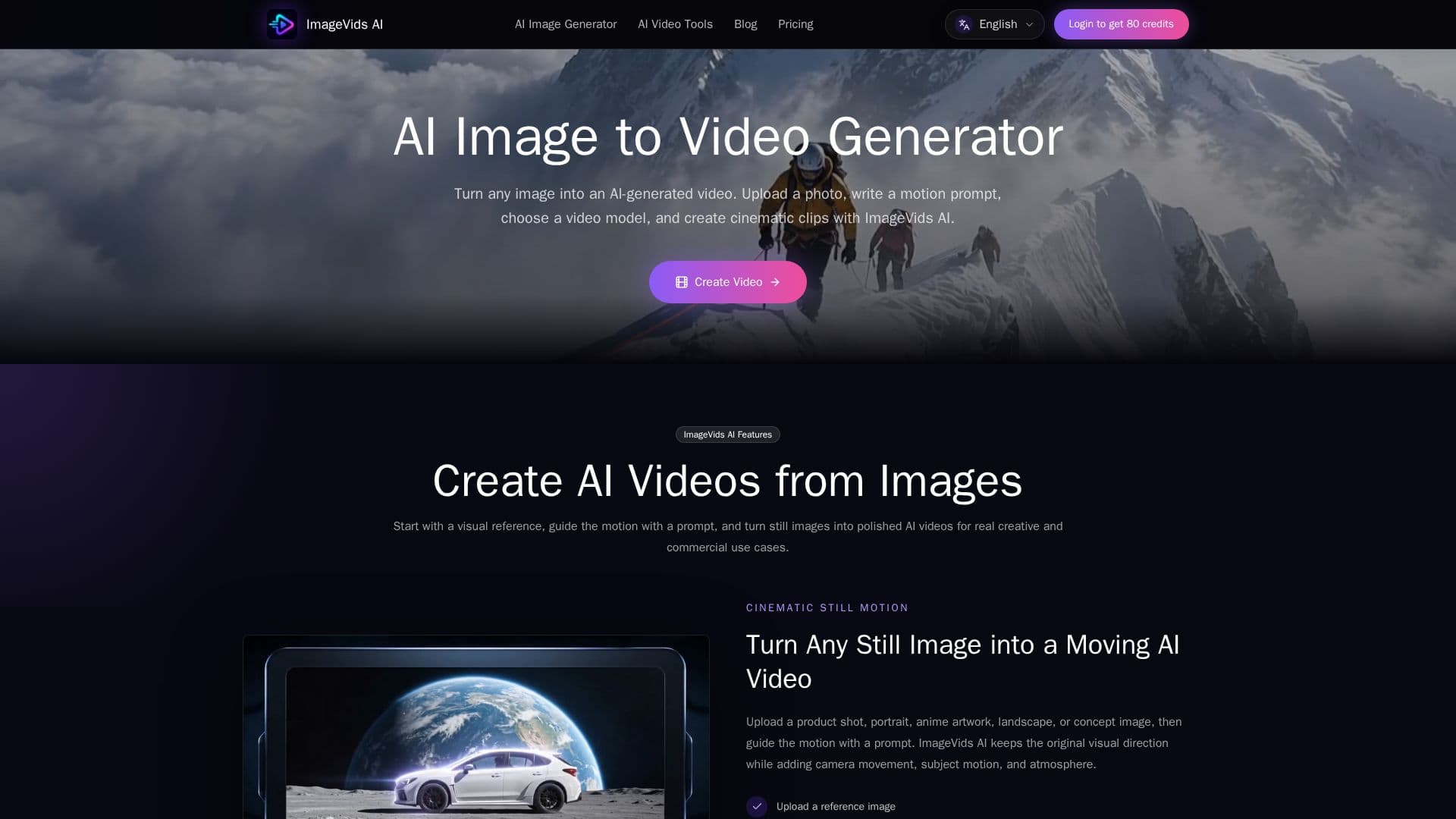
Description
ImageVids AI is an innovative platform designed to convert still images into engaging AI-generated videos. Users can upload images, describe desired motion through prompts, and select from multiple video models to create visually appealing clips. The platform is particularly beneficial for marketers, creators, and businesses looking to enhance their visual content without the need for extensive video editing skills.
The process begins with users uploading a clear image, which can range from portraits and product photos to landscapes and anime art. After uploading, users describe the motion they want to see, such as camera movements or subject actions, and choose from various models that cater to different styles and quality outputs. This flexibility allows for quick iterations and refinements, ensuring that users can achieve the desired results efficiently.
ImageVids AI stands out by offering free trial credits to new users, enabling them to test the platform's capabilities before making any financial commitments. This feature is particularly appealing for those who want to explore AI image-to-video generation without upfront costs. Users can compare models, understand credit costs, and see the limitations of each option before deciding to upgrade to a paid plan.
The platform also supports various use cases, including creating product videos for e-commerce, animating portraits for social media, and generating cinematic clips for storytelling. With a focus on user-friendly design, ImageVids AI simplifies the creative process, allowing users to focus on their ideas rather than technical details. The platform is built for real-world applications, making it suitable for a wide range of users, from individual creators to larger teams needing scalable solutions.
In summary, ImageVids AI is a powerful tool for anyone looking to bring their images to life through video. With its intuitive interface, free trial credits, and multiple model options, it provides a comprehensive solution for generating high-quality AI videos from still images.
ImageVids AI's Core Features
Free Trial Credits
Multiple AI Video Models
Prompt-Based Motion Control
HD Exports Available
Watermark-Free Exports
Commercial Use Options
Flexible Aspect Ratios
Image to Video Conversion
How to use ImageVids AI?
Upload an Image: Start by selecting a clear photo or artwork you want to animate.
Describe Motion: Write a prompt detailing the desired motion, such as camera movements or subject actions.
Choose a Model: Select from various AI video models that fit your creative needs.
Generate Video: Click to create the video, then review the output and make adjustments as necessary.
Export Video: Once satisfied, export the video in your desired format and resolution.
ImageVids AI's Use Cases
- Product Videos
- Social Media Clips
- Cinematic Storytelling
- Anime Animation
- Real Estate Marketing