Description
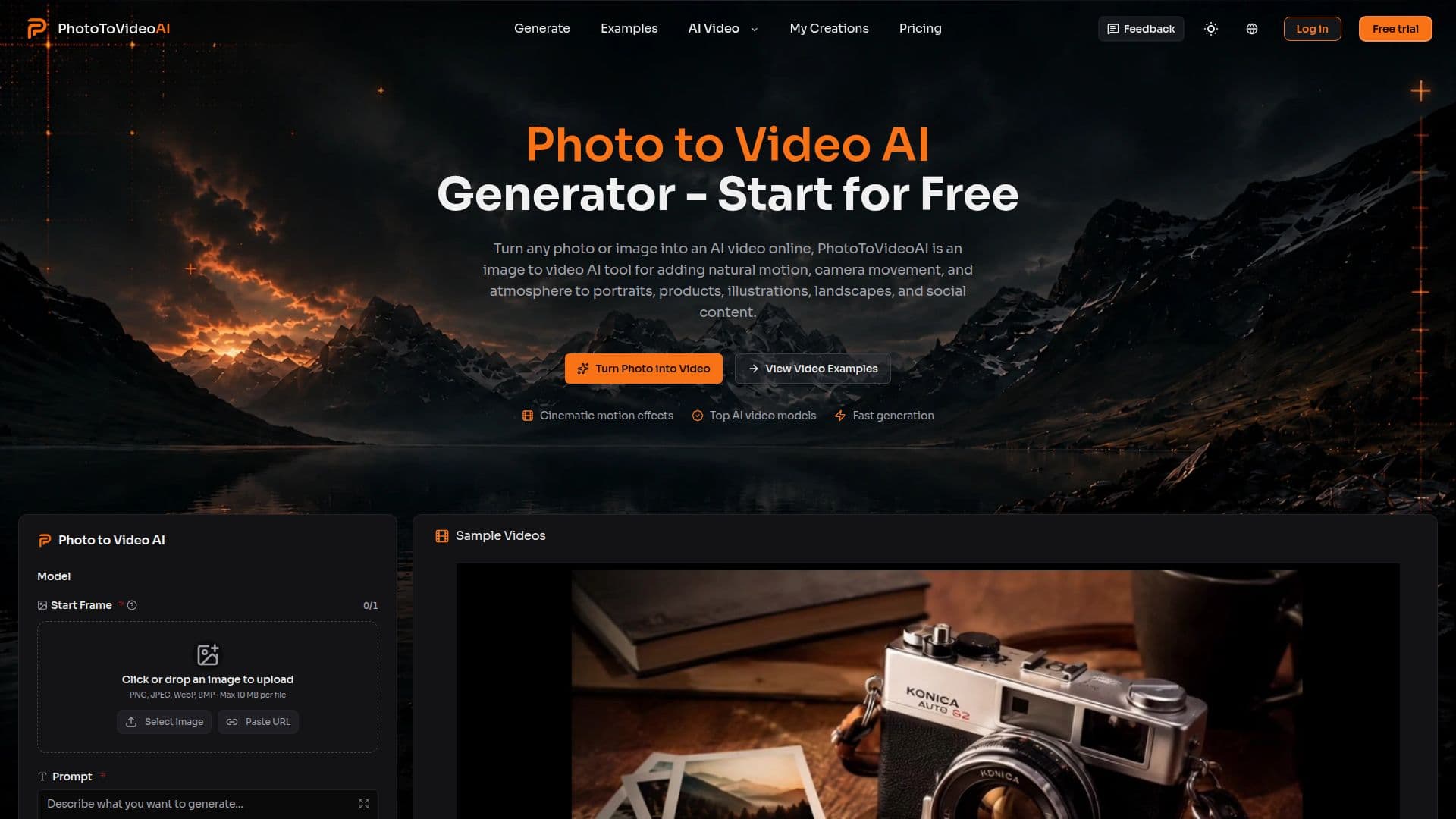
Photo to Video AI Generator is an online tool that transforms still images into dynamic videos. Users can upload a photo and describe the desired motion and scene mood to generate a short video clip. The tool supports various types of images, including portraits, products, illustrations, and landscapes, making it versatile for different creative needs.
Read More
The generator offers features such as natural motion, camera movement, and the ability to add audio to videos. Users can create high-quality videos with up to 4K resolution and download them without watermarks, provided they are on eligible plans. This makes it suitable for social media posts, product reveals, and creative previews.
Photo to Video AI is free to use online, with trial credits available for testing. However, videos created with free trial credits cannot be used commercially. Paid users can use generated videos commercially, provided they have the right to use the source image.
The tool is designed for creators, marketers, and studios, offering flexible input modes and settings to match different project requirements. Users can choose from various models and settings to achieve the desired video output, whether for social media, promotional edits, or personal storytelling.
Overall, Photo to Video AI Generator is a valuable tool for anyone looking to create engaging video content from static images, offering a range of features to enhance creativity and streamline the video creation process.
- CategoryAI Video Generators
- Pricing ModelFreemium
- DeploymentCloud
- PlatformsWeb
Photo to Video AI's Core Features
Convert photos to videos online
Add natural motion and camera movement
Generate videos with audio
High-quality output up to 4K
Watermark-free downloads
Free trial credits available
Commercial use for paid users
Flexible input modes and settings
Supports portraits, products, and landscapes
No sign-up required
How to use Photo to Video AI?
Upload an Image: Choose a clear photo with a focal subject.
Describe the Motion: Specify the desired movement and mood.
Choose Your Model & Settings: Select resolution and format.
Generate and Download: Preview and download the video.
Photo to Video AI's Use Cases
- Product Videos
- Social Media Posts
- Creative Previews
- Portfolio Work
- Personal Stories