
Description
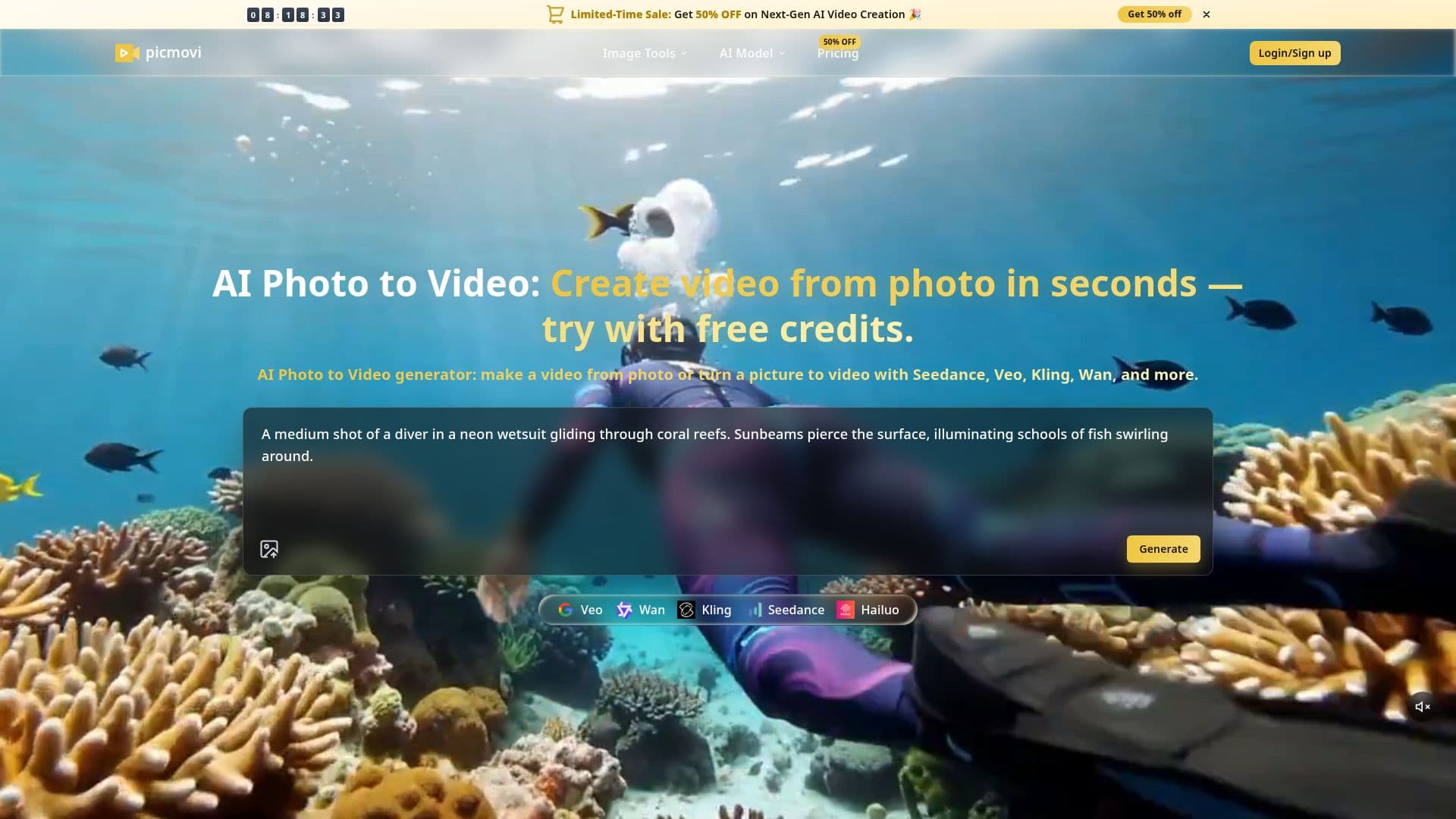
picmovi AI Video Generator is a versatile tool that allows users to convert still photos into dynamic video clips. Utilizing a range of AI models such as Seedance, Veo, Kling, Wan, and Hailuo, the platform provides various options for motion, speed, and realism. Users can upload a photo, add a prompt for camera motion, and generate a video clip that can be previewed and downloaded. The tool is ideal for creating social media content, marketing campaigns, and product videos without the need for a full production shoot.
The platform operates on a credit-based system, offering a freemium model with starter credits upon signup. Users can access entry-level models with these credits, while more advanced models require additional credits. Paid plans are available for users who need higher volume and watermark-free exports. The AI Video Generator supports HD MP4 exports and allows users to control the first and last frames of their videos, ensuring brand consistency and product loops.
picmovi is designed for creators, marketers, and businesses looking to enhance their visual content with AI-generated videos. The tool supports commercial use, provided users have the rights to the images and prompts they upload. With flexible pricing plans, users can choose between monthly, yearly, or one-time payment options, making it accessible for both individual creators and teams.
The platform also offers a history feature, allowing users to revisit and manage their generated videos. This ensures that users can iterate on their projects and keep track of their best results. Overall, picmovi AI Video Generator provides a comprehensive solution for transforming static images into engaging video content.
picmovi AI Video Generator's Core Features
Photo to video conversion
Multiple AI models
Freemium model with starter credits
HD MP4 export
First and last frame control
Commercial use support
Credit-based pricing
Watermark-free paid exports
Model comparison for motion and realism
History feature for project management
How to use picmovi AI Video Generator?
Upload: Add a photo to the platform
Prompt: Describe the desired motion
Generate: Select a model and create the video
Download: Export the video in HD MP4 format
picmovi AI Video Generator's Use Cases
- Social Media Content
- Marketing Campaigns
- E-commerce Videos
- YouTube Content
- Film Production