
Description
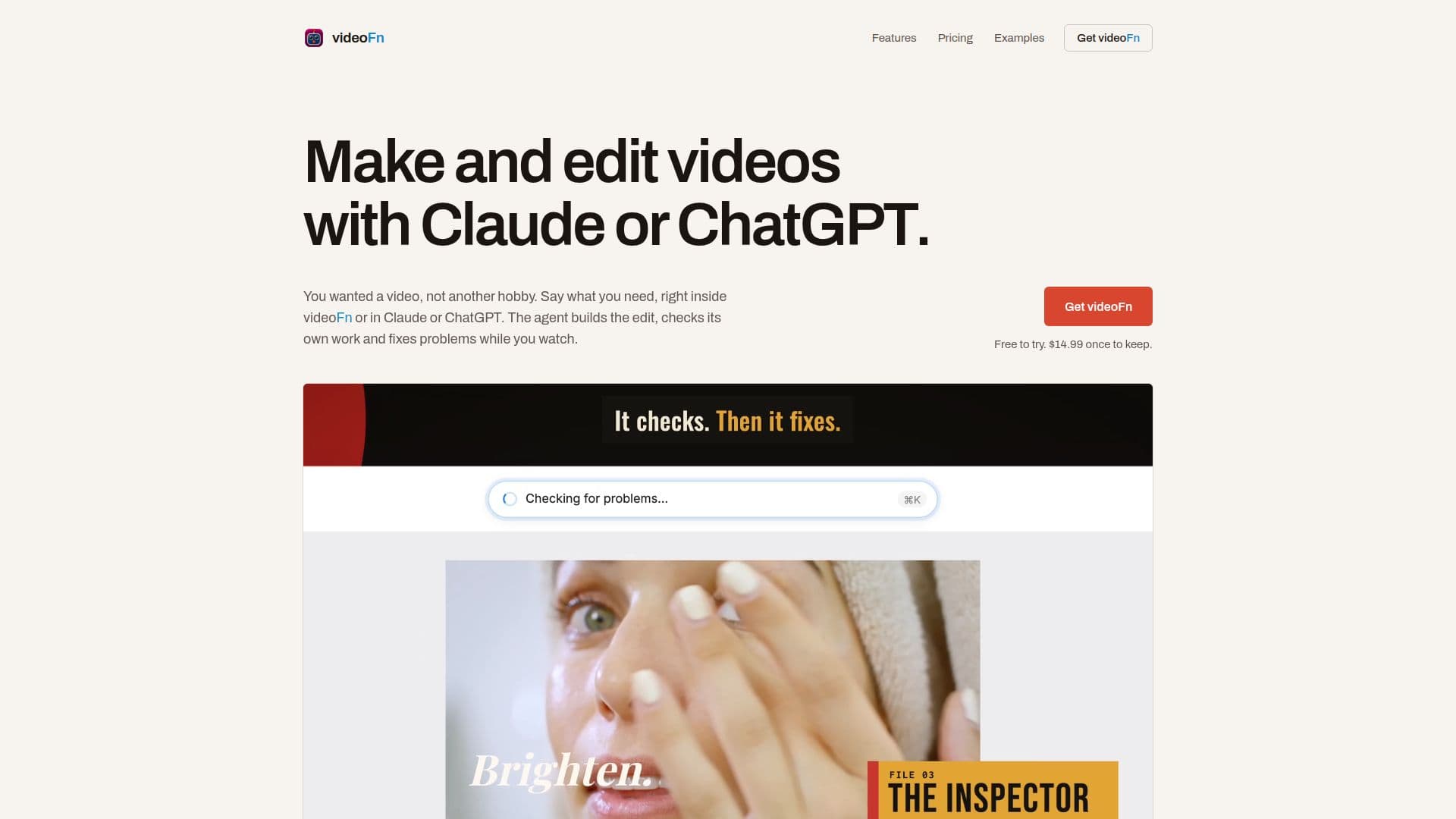
videoFn is a native Mac video editor designed to be operated by an AI assistant such as Claude or ChatGPT. It empowers users to produce professional-quality videos by simply articulating their requirements, eliminating the need to learn complex editing software. The application provides the AI agent with a timeline, local media models, a live preview, and an Apple Silicon renderer to construct and refine video edits.
Read More
Users can interact with the AI agent directly within the videoFn editor or through their existing Claude or ChatGPT interfaces. The agent intelligently builds the video, incorporating clips, photos, or scripts provided by the user. It automatically selects an opening and sets a pace for the first cut, offering a tangible starting point for feedback. Throughout the editing process, the AI agent performs comprehensive checks on text legibility, speech cuts, beat synchronization, and the exported file, proactively fixing any issues before the user reviews the video.
Key capabilities include screen recording at up to 4K with automatic zooms, word-timed subtitles transcribed locally, and clean removal of filler words from speech. The editor also supports beat-synced cuts and motion text, local voiceovers in six languages generated on the Mac, and the ability to transform documents like PDFs and Excel sheets into narrated scenes. Advanced features such as motion tracking to pin labels to moving subjects without keyframes and custom shader creation by describing visual effects are also available.
videoFn operates on a one-time purchase model, allowing users to try the full application for free with watermarked exports. A single payment of $14.99 / €13.99 removes the watermark permanently, with no subscriptions or recurring fees. The application runs entirely on the user's Mac, utilizing on-device models for transcription, image background removal, motion tracking, and voiceovers, ensuring privacy and local processing. It requires a Mac with Apple Silicon and an account with an AI provider like Claude or ChatGPT, with the AI provider's charges being separate. videoFn does not offer image or video generation services itself, nor does it store or process user projects or media on its servers.
- CategoryAI Video Editors
- Pricing ModelOne-time Purchase
- DeploymentLocal
- PlatformsmacOS (Apple Silicon)
videoFn's Core Features
AI-driven video editing via Claude or ChatGPT
Local video rendering on Mac with Apple Silicon
Automatic edit building and problem fixing
Real-time preview during AI editing
Screen, camera, and microphone recording up to 4K
Automatic zooms on clicks for screen recordings
Word-timed subtitles and captions transcribed locally
Speech cleanup: removes ums, uhs, and long pauses
Beat-synced cuts and kinetic typography
Local voiceovers in six languages
Document-to-video conversion (PDFs, Word, Excel)
Motion tracking without keyframes
Custom visual effects via AI agent code generation
One-time purchase for watermark removal
Offline functionality after activation
How to use videoFn?
Download and Open: Install videoFn like any other Mac application; no account creation or configuration is needed.
Connect AI Agent: On the launch screen, connect your Claude, Claude Code, ChatGPT, or other MCP client account.
Brief the AI: Tell the AI agent what kind of video you need, either within videoFn or in your AI chat interface.
Watch and Refine: Observe the live preview as the AI builds and checks the edit, making adjustments as it goes.
Provide Feedback: Give notes in plain English, undo changes, or manually adjust timing in the editor.
Export Final Video: Once satisfied, export the finished video directly from your Mac.
videoFn's Use Cases
- Automated Video Creation
- Screen Recording & Demos
- Content Repurposing
- Social Media Videos
- Educational Content
- Marketing & Explainer Videos
- Speech Cleanup & Subtitling
- Personal Video Projects