
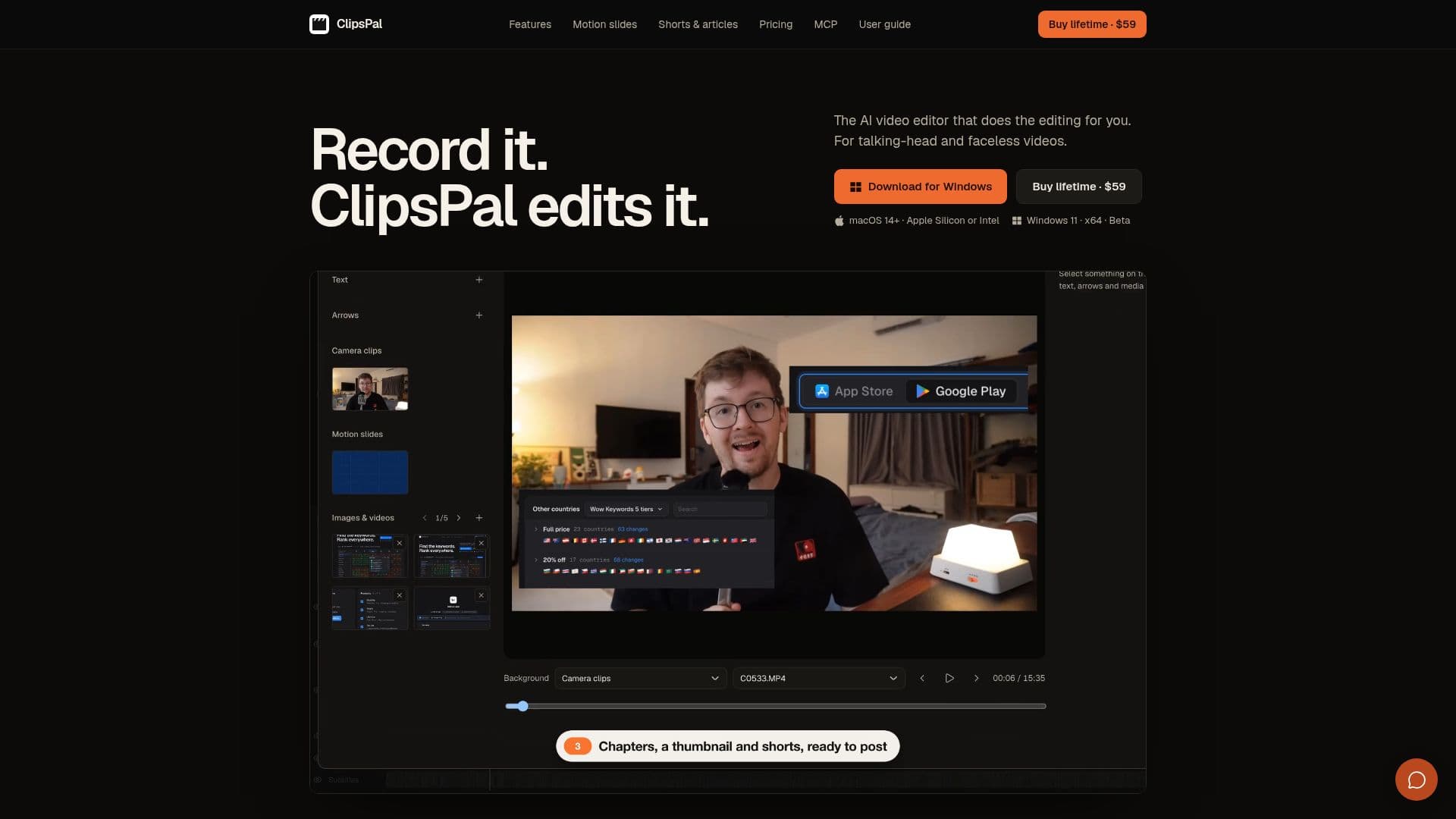
Description
ClipsPal is an AI-powered video editor designed for creators using Mac and Windows, specializing in automating the editing process for talking-head and faceless videos. It streamlines video production by taking raw clips and delivering a polished, edited video. The platform intelligently identifies and removes failed takes and silences, significantly reducing editing time. Beyond basic cuts, ClipsPal enhances videos with dynamic elements such as zoom-ins, automatically generated subtitles in 40 languages, engaging visuals, and motion slides to maintain audience engagement.
Read More
The editor supports various input methods, allowing users to import existing clips or record their screen and voice directly within the application. For Mac users, native screen and camera recording with background removal are available, while Windows users can import files or record audio. ClipsPal offers both an intuitive manual editing interface, enabling users to drag, trim, split clips, and restore any cut, and an advanced AI-driven "Director" mode. In Director mode, users can issue plain language commands or use specific slash commands (e.g., /edit, /cut, /visuals, /zoom, /sounds, /motion, /fix, /short) to guide the AI in performing complex edits, suggesting visuals, adding sound effects, or generating multiple vertical shorts from a single video.
ClipsPal extends its utility beyond video editing by transforming video content into other formats. It can generate articles and YouTube chapters from finished edits, and create engaging thumbnails. The platform integrates with various AI models that users may already pay for, such as Claude Code, Codex, OpenCode, Gemini, Cursor, and Grok, or offers a free local model option. This ensures user footage and audio remain on their computer, with only the transcript sent to the chosen AI for processing, or nothing leaves the computer when using the local model, addressing privacy concerns.
For professional workflows, ClipsPal allows users to export their edits as a timeline to Premiere Pro or DaVinci Resolve, providing flexibility to refine projects in other editors. It offers a one-time payment for lifetime access, including future updates, rather than a subscription model. The tool is suitable for creators producing YouTube content, online courses, founder updates, and product walkthroughs, especially those involving multiple takes. ClipsPal aims to handle the technical editing, allowing creators to focus on content creation.
- CategoryAI Video Editors
- Pricing ModelOne-time purchase
- DeploymentCloud
- PlatformsmacOS, Windows
ClipsPal's Core Features
One-click auto editing for videos
Automatic cutting of failed takes and silences
Subtitles generation in 40 languages
Adds zoom-ins, visuals, and sound effects
Includes motion slides for engagement
Records voice or screen (Mac only for screen/camera)
Director mode for AI-guided editing via natural language or commands
Generates articles from video content
Creates YouTube chapters automatically
Thumbnail editor for custom video covers
MCP server for external AI agents to interact with videos
Generates 1-5 vertical shorts from full videos
Exports MP4 with burned-in subtitles and SRT files
Exports editable timelines to Premiere Pro and DaVinci Resolve
Supports local AI models for enhanced privacy
How to use ClipsPal?
Start a new video: Choose 'New video', then 'Import files', 'Record audio', or 'Record screen' (Mac only).
Configure video settings: Select spoken language, video format, and AI model. Add direction for automatic editing.
Run automatic edit: ClipsPal prepares and transcribes clips, removes pauses and failed takes, then performs the whole-video edit.
Refine with Director: Use plain language or slash commands (e.g., /cut, /visuals) in the Director panel to guide the AI for specific changes.
Manual adjustments: Drag, trim, and split clips, add zoom-ins, visuals, motion slides, headings, and sounds.
Correct subtitles: Edit words in the transcript or preview, and use 'Fix' for consistent spellings.
Generate shorts and articles: Create 1-5 vertical shorts with adjustable framing or generate articles and chapters from the finished edit.
Export your project: Choose to export as MP4 (with or without burned-in subtitles), SRT only, or an editable timeline for Premiere Pro/DaVinci Resolve.
ClipsPal's Use Cases
- Talking-Head Video Editing
- Faceless Video Production
- Content Repurposing
- Online Course Creation
- Product Walkthroughs
- Founder Updates
- Podcast to Video Conversion
- YouTube Channel Management