
Description
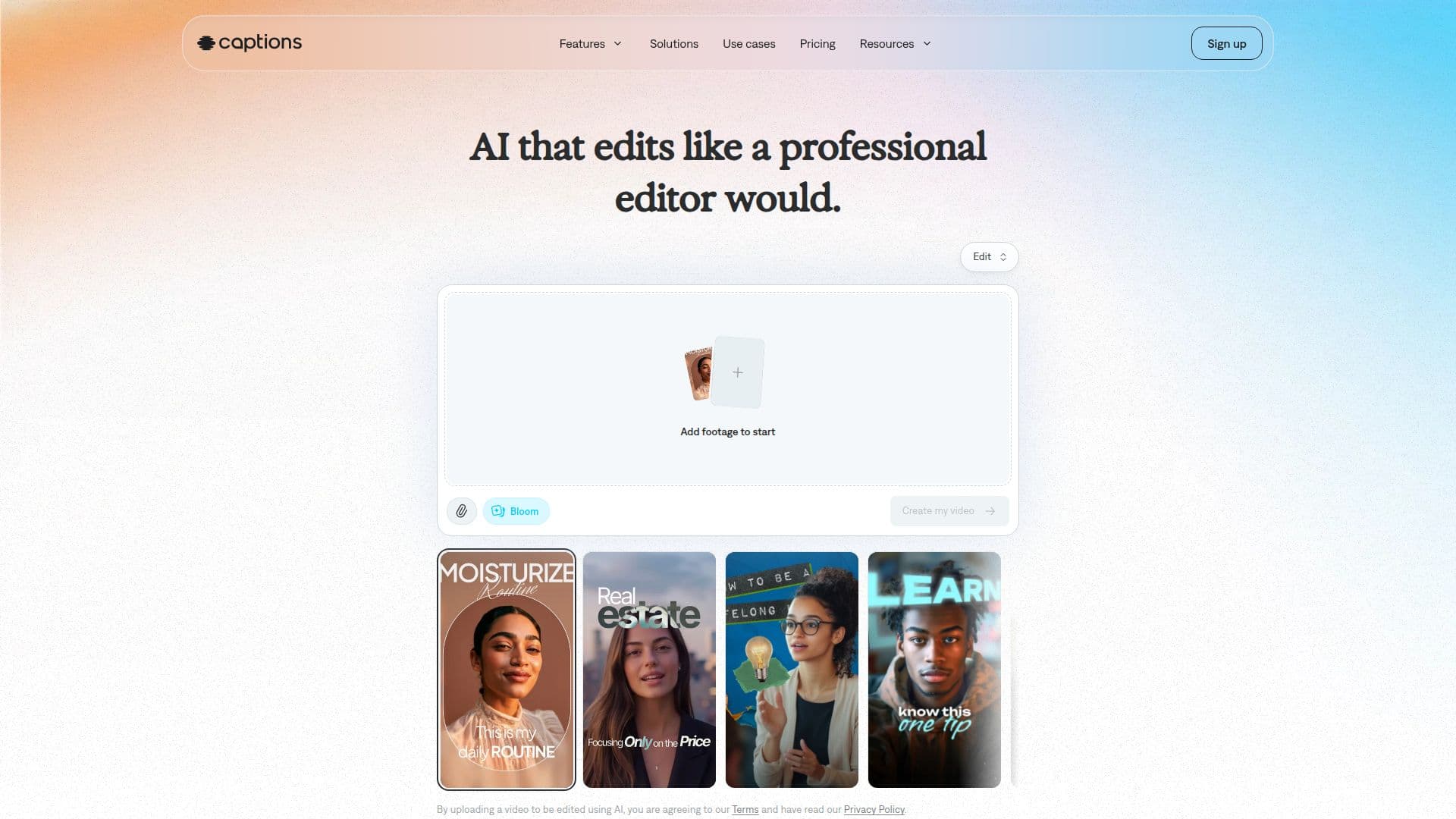
Captions is an AI video editor and generator that produces fully edited videos, making it easy to go from idea to ready-to-share content regardless of editing skill. Users can upload existing footage and finish it with AI editing tools, or generate entirely new footage without recording, including AI avatars and AI actors.
Read More
The AI Edit feature edits an entire video at once: pick a style, and Captions automatically cuts scenes, adds custom zooms, overlays B-roll, applies transitions, and adds music. A chat-based editor lets users direct changes with simple prompts. Additional tools include automatic and stylized captions, translation and subtitling in 100+ languages, eye-contact correction, denoising, filler-word and pause trimming, and royalty-free AI music and sound effects.
Captions works on phone and computer, via browser or the App Store and Google Play, and reports 20M users. It handles vertical and horizontal formats and suits social content, video ads, podcast clips, tutorials, and product assets. The former Mirage Studio product has been merged into Captions.
Captions is free to download with a limited feature set, with paid Max, Scale, and Enterprise plans that use monthly credits and unlock generative AI features. Unused credits roll over up to three months' worth.
- CategoryAI Video Editors
- Pricing ModelFreemium
- DeploymentCloud, Mobile app
- PlatformsWeb, iOS, Android
Captions's Core Features
AI Edit that edits an entire video in one pass
Chat-based editor driven by simple prompts
AI avatars, AI actors, and digital twins
Automatic stylized captions and 100+ language translation
Eye-contact correction and background denoising
Pause and filler-word trimming
Royalty-free AI music and sound effects
Generate new footage without recording
How to use Captions?
Get Captions: Sign up in your browser or download the app for iOS or Android.
Add or generate footage: Upload a video, or generate new footage and AI avatars.
Apply AI Edit: Pick a style and let Captions cut, add B-roll, music, and transitions.
Direct changes: Use the chat-based editor to prompt tweaks, captions, or translations.
Export and share: Download the finished video, ready to post.
Captions's Use Cases
- Social media videos
- Video ads
- Podcast clips
- Localized content
- Tutorials and demos