Description
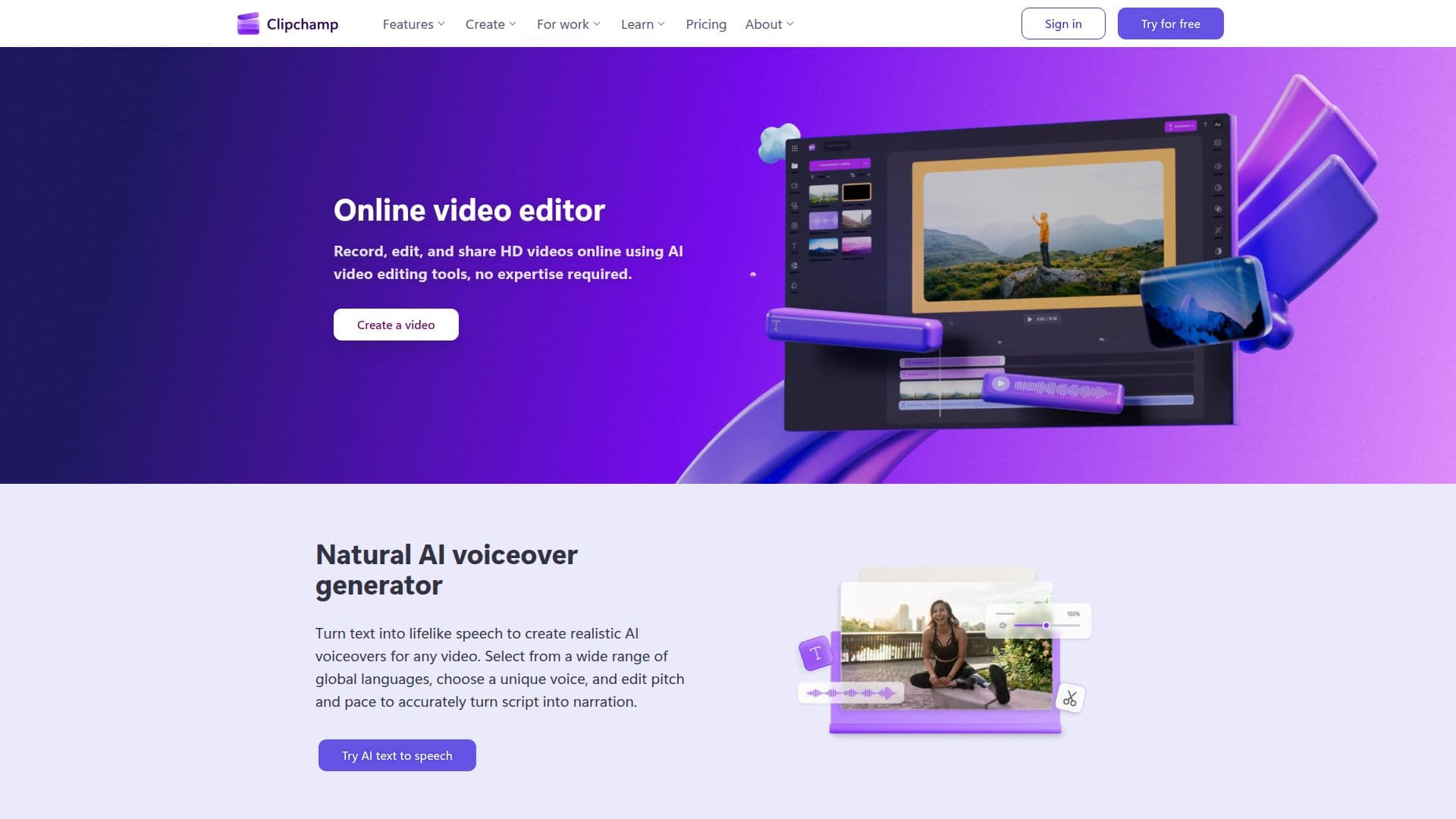
Microsoft Clipchamp is an online video editor designed to simplify video creation for everyone. It allows users to record, edit, and share HD videos using AI-powered tools, making it accessible to both beginners and experienced creators.
Read More
The platform offers a variety of features including a natural AI voiceover generator that transforms text into lifelike speech, enabling users to create realistic voiceovers in multiple languages. Additionally, the smart AI subtitle generator enhances video accessibility by generating accurate captions in over 80 languages, allowing for easy transcription and customization of subtitles.
Clipchamp also provides an online camera, screen, and voice recorder, allowing users to capture audio and video securely on both Windows and Mac devices. Users can enjoy unlimited retakes and utilize AI tools to improve sound and video quality before exporting their projects in HD.
The intuitive AI audio editing tools help enhance voice clarity by removing background noise and unwanted silences, making it ideal for improving meeting recordings and video presentations. Users can explore a rich library of royalty-free stock assets, including videos, images, music, and sound effects, to elevate their projects.
With a focus on user privacy, Clipchamp ensures safe and secure video sharing, allowing users to export unlimited videos without watermarks. The platform is available as an in-browser app and a desktop application, making it convenient for users to edit videos from anywhere. Whether for personal projects, educational content, or professional use, Clipchamp empowers users to create high-quality videos effortlessly.
- CategoryAI Video Editors
- Pricing ModelFreemium
- DeploymentCloud
- PlatformsWeb, Windows
Clipchamp's Core Features
AI voiceover generator
AI subtitle generator
Screen, camera, and voice recorder
Audio editing tools
Royalty-free stock assets
Unlimited video exports
In-browser app
Desktop app
How to use Clipchamp?
Record: Use the screen, camera, or voice recorder to capture your content.
Edit: Utilize AI tools to enhance audio and video quality.
Add: Incorporate stock assets and templates to enrich your video.
Export: Save your video in HD or 4K resolution without watermarks.
Clipchamp's Use Cases
- Social Media Content
- Educational Videos
- Marketing Campaigns
- Personal Projects
- Corporate Presentations