Description
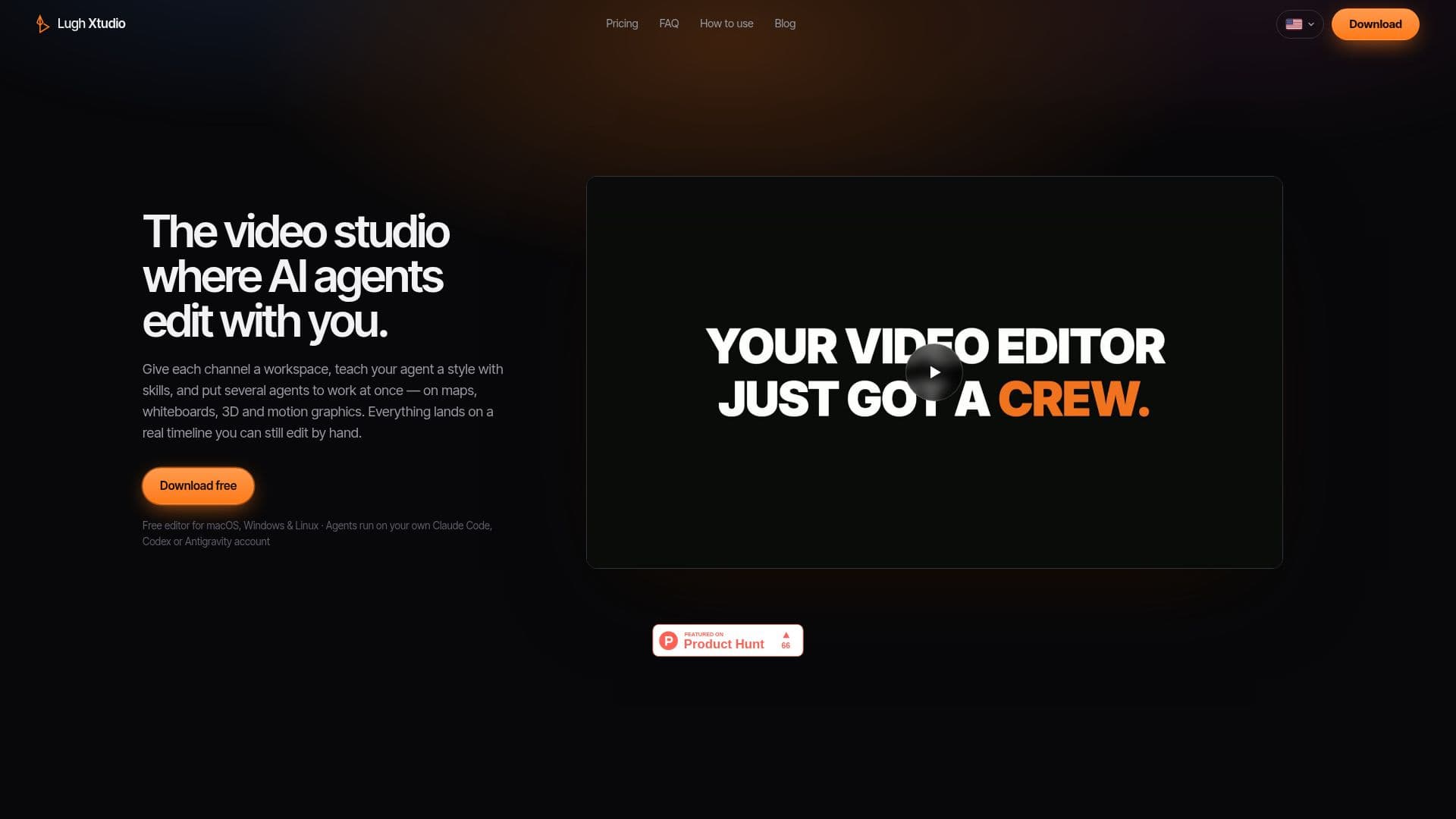
Lugh Xtudio is a comprehensive video editing studio that leverages AI agents to enhance the editing process. It provides users with the ability to create workspaces tailored to specific channels, clients, or series, where projects, brand files, and editing instructions are stored. This ensures consistency across multiple videos.
Read More
The platform allows users to teach AI agents specific editing styles through 'skills', with seventeen pre-defined options available, such as Shorts Viral Editor and Whiteboard Animator. Users can also create custom skills to suit their unique needs. The AI agents can perform tasks like cutting, animating, captioning, and drawing maps, all while working on a real timeline that users can manually adjust.
Lugh Xtudio supports multi-agent functionality, enabling several agents to work on different projects simultaneously. Each agent operates independently, ensuring that changes do not interfere with each other. Users can monitor agent activity through a dedicated panel and make manual adjustments as needed.
The platform is designed to run on macOS, Windows, and Linux, with agents operating on user accounts from Claude Code, Codex, or Antigravity. It offers a free version with a watermark on AI-edited content, while a paid license removes the watermark and provides additional features like 4K export and lifetime updates.
Lugh Xtudio is ideal for video creators looking to streamline their editing process with AI assistance, offering a blend of automation and manual control. It ensures that all processing occurs locally on the user's machine, maintaining privacy and security.
- CategoryAI Video Editors
- Pricing ModelFreemium
- DeploymentLocal
- PlatformsmacOS, Windows, Linux
Lugh Xtudio's Core Features
Multi-agent support
Customizable workspaces
Pre-defined and custom skills
Real timeline editing
Platform compatibility with macOS, Windows, and Linux
Free version with watermark
Paid license for watermark removal and 4K export
Local processing for privacy
How to use Lugh Xtudio?
Download: Install Lugh Xtudio on your computer
Create: Set up a new project and open the agent chat
Connect: Link your Claude Code, Codex, or Antigravity account
Edit: Use AI agents to automate editing tasks
Refine: Manually adjust the timeline as needed
Export: Save your video with or without a watermark
Lugh Xtudio's Use Cases
- Channel Consistency
- Multi-Agent Editing
- Custom Skill Creation
- Local Processing
- 4K Export