Description
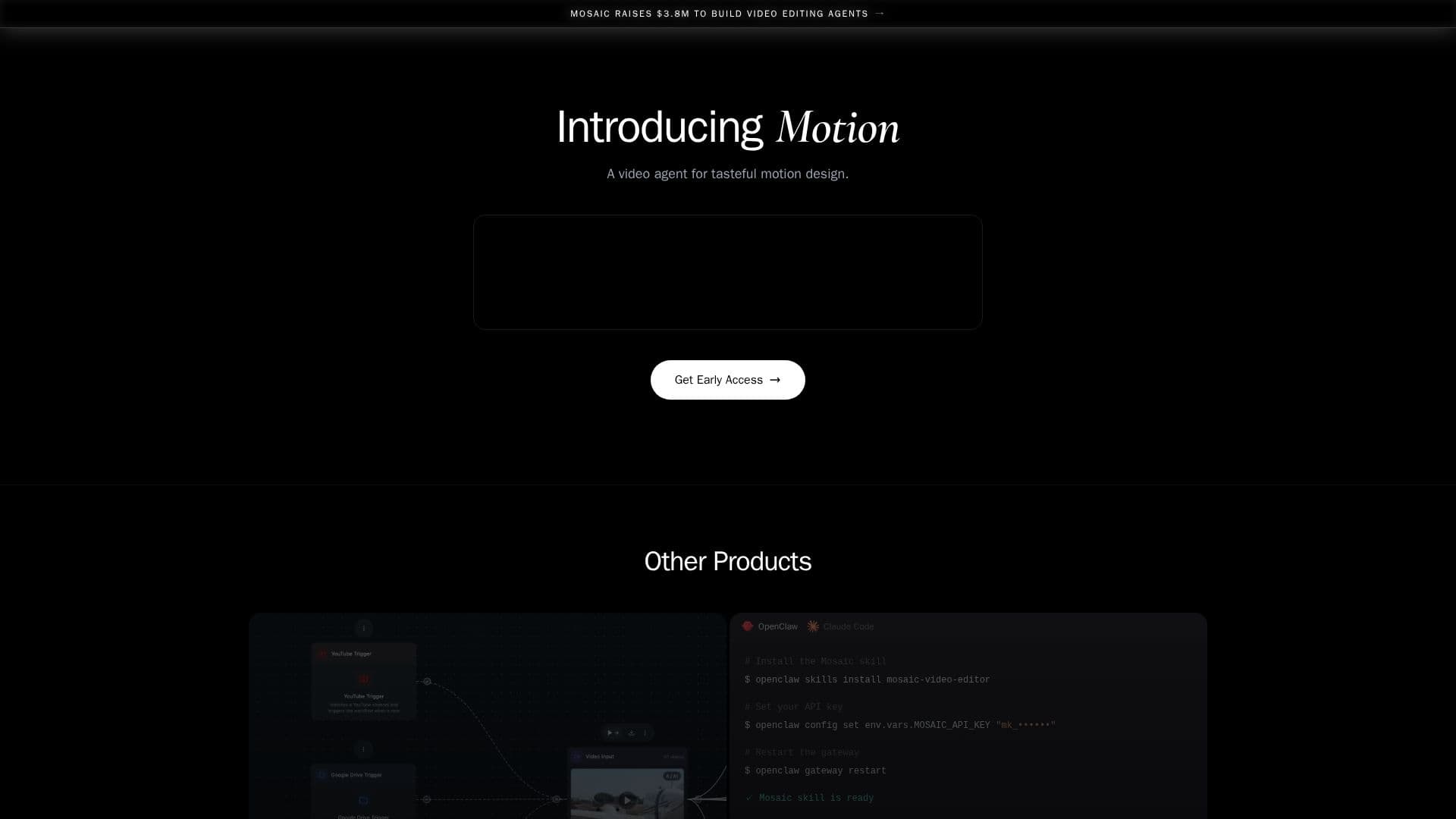
Mosaic is an innovative AI video editing platform designed to streamline and automate video editing workflows. It provides users with the ability to run video edits on autopilot, significantly reducing the time and effort required for video production. Users can A/B test multiple video variants from the same raw footage, ensuring optimal content performance.
The platform features a familiar timeline editor, allowing for hands-on creative control, making it suitable for both novice and experienced video editors. Mosaic is trusted by over 1,000 marketers, agencies, and creators, highlighting its reliability and effectiveness in the industry.
Mosaic offers a range of pricing plans to cater to different needs, including a Creator plan at $480 per year and a Pro plan at $1,500 per year. The Creator plan provides 2,500 credits per month, access to 20+ core AI editing features, and integration with platforms like Adobe Premiere Pro and Final Cut Pro. The Pro plan offers additional benefits such as organization seats, priority support, and increased upload limits.
The platform is equipped with advanced features like automated editing workflows, real-time speech-to-text processing, and natural AI voice generation. Mosaic's API and agent skills allow for seamless integration with existing tools, enhancing the overall video editing experience.
Mosaic is particularly beneficial for content creators, marketers, and agencies looking to scale their video production efforts efficiently. Its ability to automate mundane tasks and provide high-quality outputs makes it a valuable tool in the digital content creation landscape.
Mosaic AI Video Editing Platform's Core Features
Agentic video editing
Autopilot video edits
A/B testing capabilities
Timeline editor
API integration
Automated workflows
Real-time speech-to-text
AI voice generation
Music generation
Advanced video generation
Seamless tool integration
Unlimited storage
Priority support
Custom brand kits
Founder-led onboarding
How to use Mosaic AI Video Editing Platform?
Configure: Set up your video editing preferences
Use: Run video edits on autopilot
Optimize: A/B test video variants
Export: Finalize and export videos to desired platforms
Mosaic AI Video Editing Platform's Use Cases
- Content Creation
- Marketing Campaigns
- Social Media Management
- Educational Content
- Corporate Training