
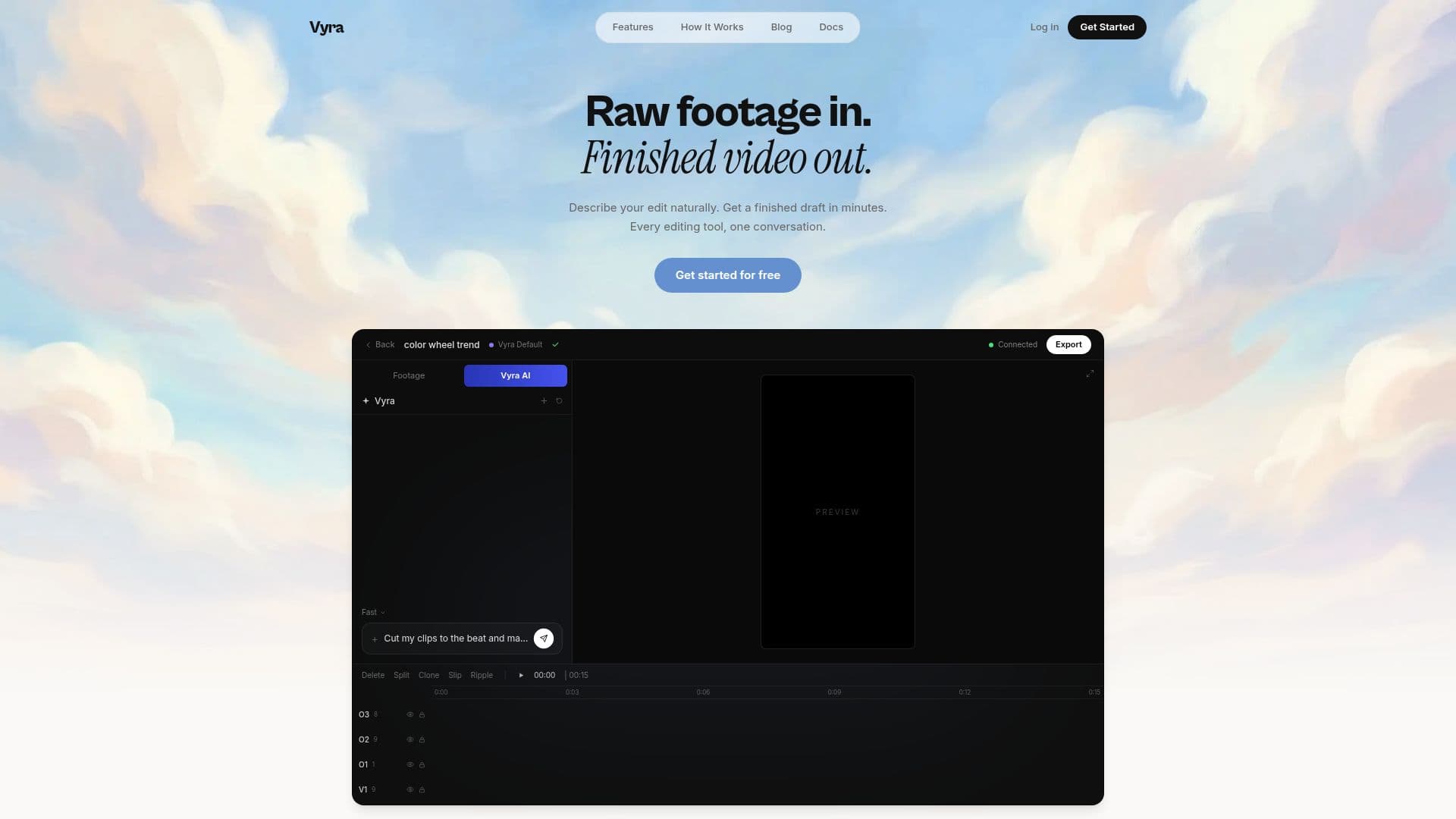
Description
Vyra is an advanced AI video editor designed to streamline the video editing process by transforming raw footage into finished videos in minutes. It offers a comprehensive suite of tools that allow users to edit videos through natural language commands, making the editing process conversational and intuitive. Users can describe their desired edits, and Vyra's AI will execute them, whether it's cutting clips to the beat, adding captions, or applying motion graphics.
The platform offers various pricing plans, starting at USD 24, which includes 6,000 processing credits, 100 GB storage, and 1,000 exports per month at 1440p resolution. Higher-tier plans provide more credits, storage, and 4K resolution options. Vyra's AI capabilities include scene detection, speech transcription, and subject tagging, ensuring that edits are based on the actual content of the footage.
Vyra supports music synchronization, allowing cuts to align perfectly with the rhythm of the chosen track. Users can also apply reference styles by dropping in a reference video, enabling Vyra to mimic its pacing, color, and transitions. Instant captions are another feature, with every word timed to the speech and styled to match the edit.
The platform is versatile, offering a built-in AI chat feature and compatibility with external AI assistants like Claude and Codex. This flexibility allows users to control Vyra remotely through various interfaces, including desktop apps and command-line tools. With over 54,000 creators using Vyra, it is a popular choice for those seeking a cost-effective and efficient alternative to traditional video editing tools.
Vyra's Core Features
AI-powered video editing
Natural language editing
Scene detection and transcription
Music synchronization
Reference style application
Instant captions
Built-in AI chat
Remote control via external AI
How to use Vyra?
Upload: Add your raw footage to Vyra
Edit: Use natural language to describe edits
Review: Check the AI-generated draft
Export: Finalize and export your video
Vyra's Use Cases
- Music Video Editing
- Vlog Creation
- Corporate Videos
- Social Media Clips
- Educational Content