
Description
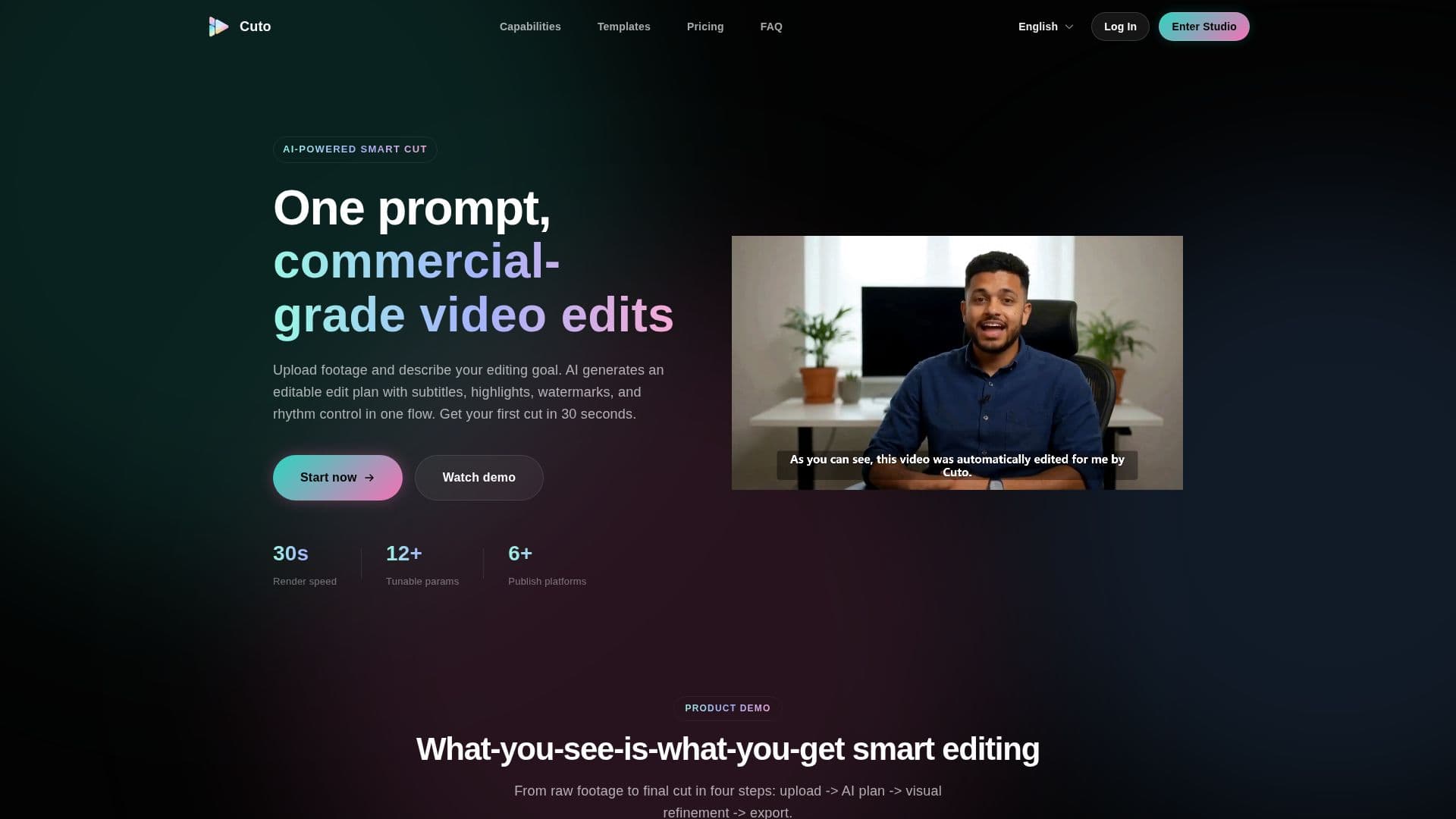
Cuto is a commercial smart editing workspace for image and video. Instead of starting from a blank timeline, users upload footage and describe their editing goal in natural language, and the AI generates an editable edit plan with subtitles, highlights, branded watermarks, and rhythm control in one flow, aiming to deliver a first cut in about 30 seconds.
Read More
The workflow runs in four steps: upload, AI plan, visual refinement, and export. Cuto analyzes multiple clips in parallel, extracts and de-duplicates highlights, and auto-matches rhythm and transitions. Visual enhancements happen in a single panel, with four subtitle styles plus AI segmentation, six adaptive highlight styles, and a fully controllable branded watermark. Built-in scene presets cover talking head, unboxing, education, store review, course chapters, event montage, and live clips, and custom scenes can be saved and reused. Three editing modes (visual timeline, form parameters, or raw JSON) suit different technical preferences.
On export, Cuto generates platform-ready titles, descriptions, and hashtags for Shorts, Reels, TikTok, and Douyin, with bilingual and multi-language support. It supports uploading up to 12 video clips per run and importing external .srt/.vtt subtitles. Pricing is credit-based: Lite at $19/month (380 credits), Pro at $39/month (780 credits), and Ultra at $79/month (1580 credits), with credits charged by source size on upload and a fixed amount on export.
- CategoryAI Video Editors
- Pricing ModelPaid
- DeploymentCloud
- PlatformsWeb
Cuto's Core Features
AI edit planning from a natural-language description of your goal
Parallel multi-clip analysis with highlight extraction and de-duplication
Auto-matched rhythm and transitions
Subtitles, highlights, and branded watermark in one panel
Built-in scene presets for talking head, unboxing, education, and more
Three editing modes: visual timeline, form parameters, or raw JSON
Multi-platform copy generation for titles, descriptions, and hashtags
Multi-format ingest, up to 12 clips per run plus .srt/.vtt import
How to use Cuto?
Upload assets: Drag in up to 12 video clips and optional .srt/.vtt subtitle files.
Generate AI plan: Describe your goal, and AI outputs clips, transitions, and rhythm.
Refine visually: Fine-tune clips on the timeline and adjust subtitles, highlights, and watermark in real time.
Export and distribute: Render in one click and generate platform-ready titles, descriptions, and hashtags.
Cuto's Use Cases
- Talking head cuts
- Unboxing videos
- Live stream clips
- Educational content
- Event montages