
Description
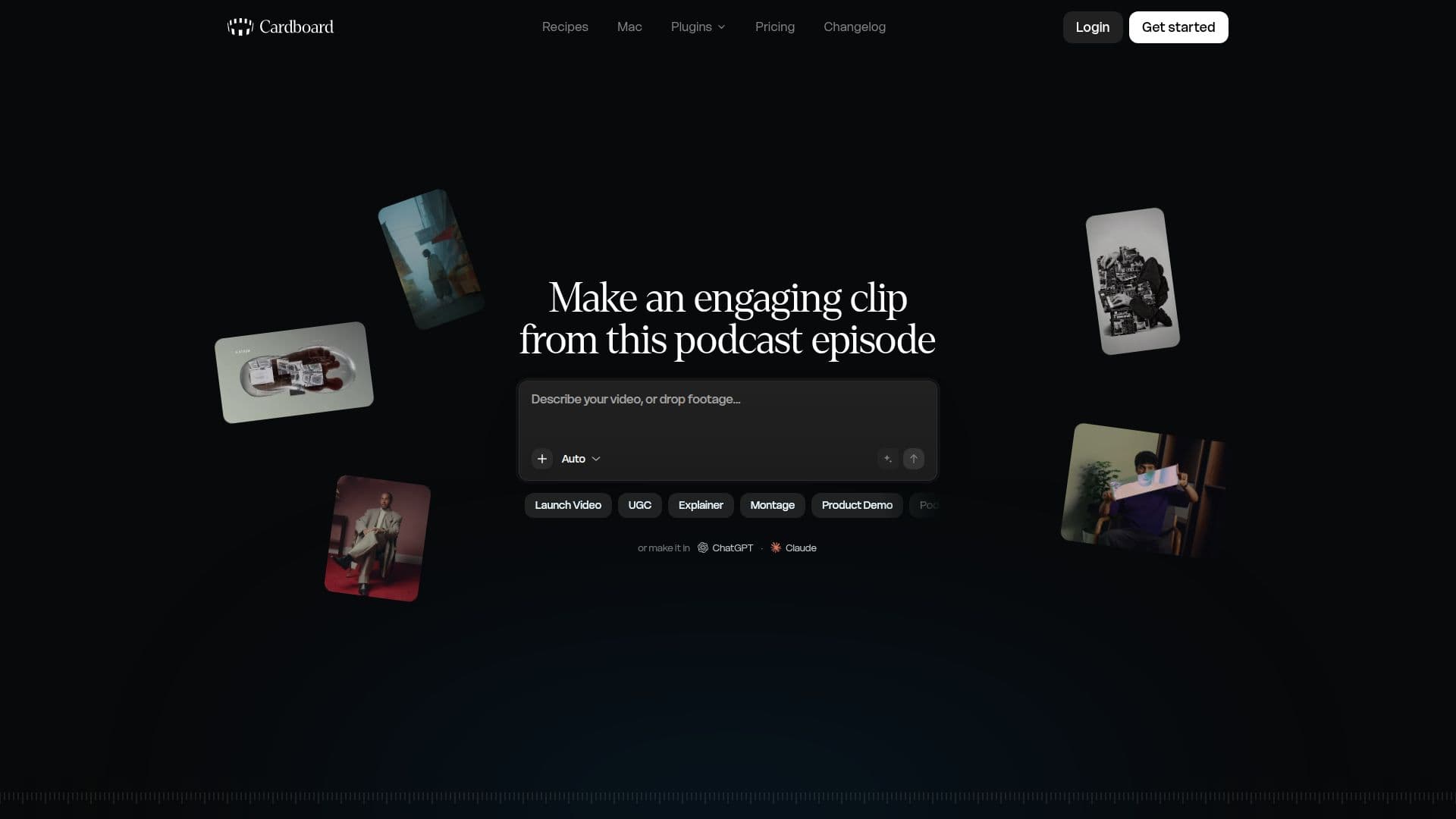
Cardboard is an agentic AI video editor designed to simplify the video creation process for users in their browser or on Mac. The core functionality revolves around a descriptive editing approach: users articulate their vision, and Cardboard's AI takes over, performing tasks such as cutting, captioning, reframing, and composing the video. This allows for rapid prototyping and iteration, transforming raw footage into an editable first cut.
Read More
The platform offers a comprehensive suite of editing tools, enabling users to build stories, shape edits, and publish their work efficiently. Users can refine the initial AI-generated cuts through simple chat requests or by directly manipulating the timeline. Collaboration is also integrated, allowing users to share links with their team for feedback before exporting the finished video in MP4 format.
Cardboard supports various types of footage, from phone clips to heavy camera files, and can connect with external agents like Claude and Codex for enhanced capabilities. The Mac application, specifically optimized for Apple Silicon, offers local processing, which means footage stays on the user's machine, leading to faster edits and reduced credit usage. The Mac app includes the Lite plan for free, providing a robust local editing experience without requiring uploads to the cloud.
Pricing is structured across several tiers: Lite, Starter, Creator, and Pro, catering to different usage needs and feature requirements. The Lite plan offers essential editing tools, captions, watermark-free exports, reframing, video cleanup, and motion graphics. Higher tiers introduce generative AI credits, access to advanced AI models (like Hailuo, Kling, Seed Dance, Omni, Veo), unlimited exports, NLE exports, AI-generated music, stock footage, voice cloning, web-sourced B-roll, 4K exports, and direct clip integration from platforms like X, Instagram, YouTube, and Vimeo. Pro users also benefit from priority processing and early access to new AI features.
Cardboard aims to make video editing as intuitive as everyday communication, allowing users to start projects with a simple prompt and iterate quickly. It provides a flexible workflow for individuals and teams, ensuring that everything needed to create professional-quality videos is readily available.
- CategoryAI Video Editors
- Pricing ModelFreemium
- DeploymentCloud, Runs locally
- PlatformsWeb, macOS
Cardboard's Core Features
Agentic AI Video Editing: Describe edits, and AI cuts, captions, reframes, and composes videos.
Browser and Mac App Availability: Edit videos directly in your web browser or using the dedicated Mac application.
Prompt-Based Editing: Start video projects by simply describing your desired outcome with a prompt.
Refinement via Chat or Timeline: Adjust AI-generated cuts through natural language chat requests or direct timeline manipulation.
Automated Captions: Automatically generate and add captions to videos.
Video Reframing: Adjust video framing for different aspect ratios.
Watermark-Free Exports: Export finished videos without watermarks (Starter plan and above).
Generative AI Credits: Access generative AI for video and image creation (Starter plan and above).
AI-Generated Music: Create and integrate AI-generated music into projects (Starter plan and above).
Stock Footage Integration: Access and utilize stock footage libraries (Starter plan and above).
Voice Cloning: Clone voices for custom voiceovers (Creator plan and above).
Web-Sourced B-roll: Integrate B-roll footage sourced from the web (Creator plan and above).
4K Exports: Export videos in high-resolution 4K (Creator plan and above).
Team Collaboration: Share video links with teams for feedback and review.
Local Processing on Mac: Edit heavy camera files and hours of footage locally on Apple Silicon Macs, reducing upload times and credit usage.
How to use Cardboard?
Describe Your Edit: Use a prompt, your footage, or both, to let Cardboard build an editable first cut.
Direct the Edit: Refine the initial cut through simple chat requests or by making adjustments directly on the timeline.
Collaborate and Share: Send a link to your team for feedback or export the finished video.
Export Your Video: Export the final project as an MP4 file or in other supported formats.
Cardboard's Use Cases
- Viral Reel Creation
- Talking Head Videos
- Podcast Clips
- UGC Ads
- Travel Vlogs
- Product Demos
- Documentaries
- Social Media Content
- Team Feedback Loops
- Educational Content