
Description
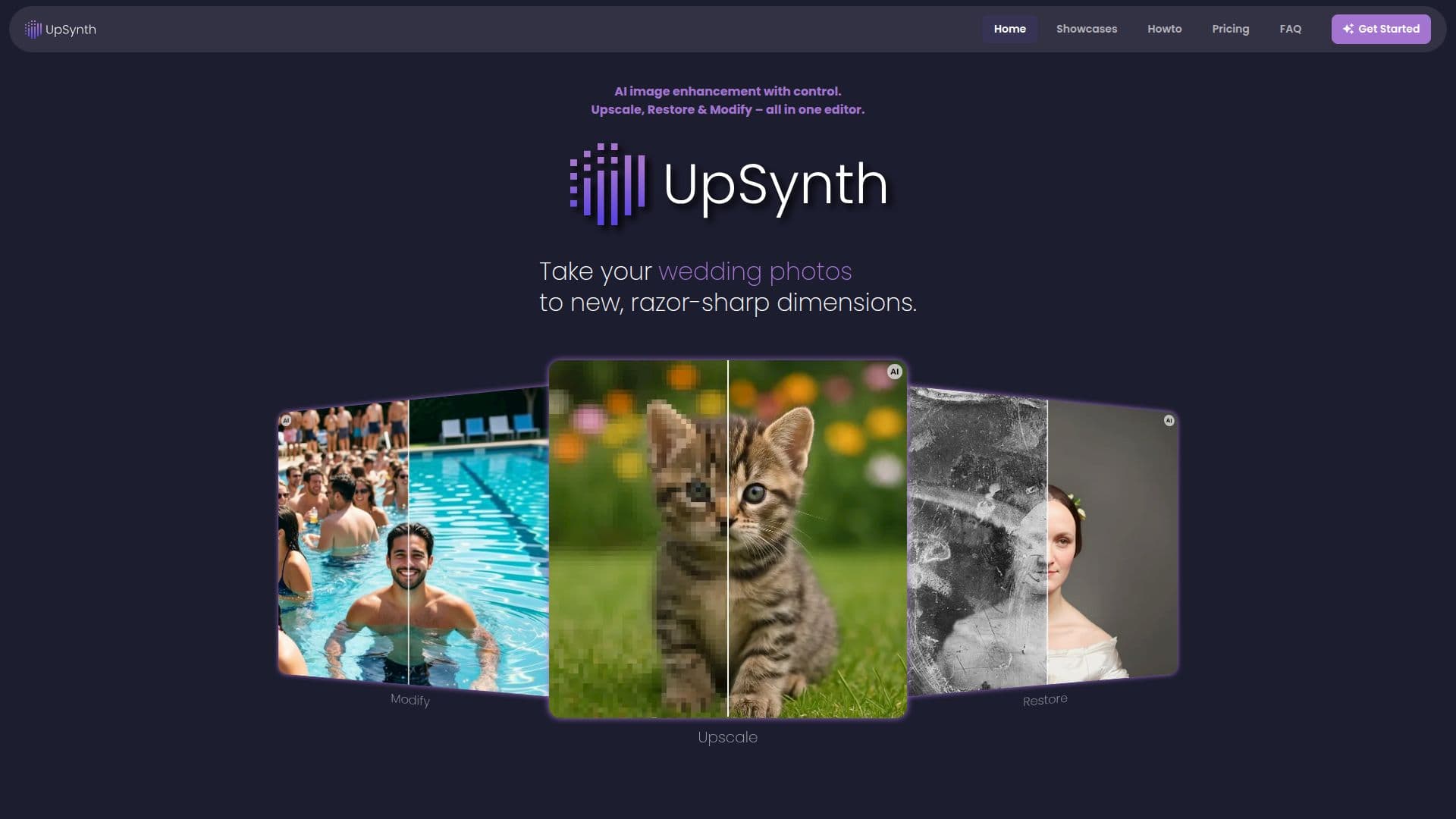
UpSynth is an AI image enhancement and upscaling editor that emphasizes control over the result. Rather than a one-click black box, it combines three tools, Upscale, Restore, and Modify, into a single workflow so users can enhance an image and then refine details step by step, undoing any step at any time.
Read More
Upscale increases resolution while a 'magic' value controls how much creative freedom the AI takes, from conservative settings that stay very close to the original to higher values that generate more detail with more interpretation. Restore lets users mark specific areas so the AI reconstructs them faithfully to the original, ideal for faces, old photos, and sensitive details, and it can remove JPEG compression artifacts. Modify uses a short prompt to fill in missing or damaged areas or deliberately change parts of an image, offering multiple variants to choose from.
The tools work directly in the browser with no registration required, and the first upscale is free. Additional usage is available through credit packages.
- CategoryAI Image Upscalers
- Pricing ModelFreemium
- DeploymentCloud
- PlatformsWeb
UpSynth's Core Features
Controllable AI upscaling with an adjustable 'magic' value
Selective restoration that reconstructs marked areas faithfully
Modify mode to fill or change image areas via prompt
Multiple result variants to choose from
JPEG artifact removal
Undo any step at any time
Browser-based with no registration required
First upscale free
How to use UpSynth?
Upload an image: Add an old photo, illustration, artwork, or graphic.
Upscale: Increase resolution and set the magic value for how creative the AI can be.
Restore selectively: Mark areas to reconstruct faithfully to the original.
Modify: Use a short prompt to fill or change specific areas, then pick a variant.
UpSynth's Use Cases
- Restore old photos
- Print preparation
- Faithful face restoration
- Artifact cleanup