
Description
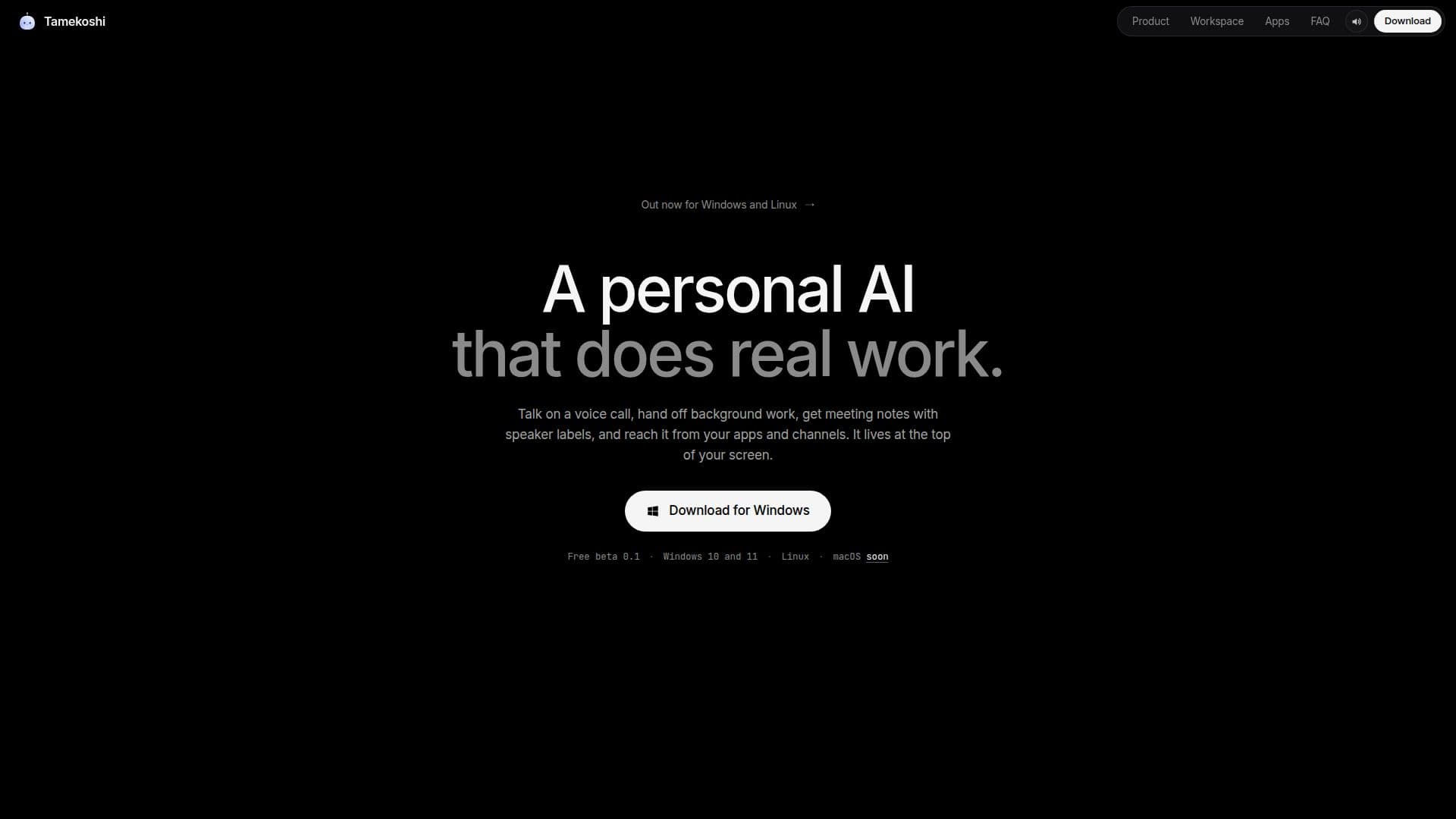
Tamekoshi is a personal AI assistant engineered to take on a variety of real-world tasks, integrating seamlessly into your daily workflow. It operates from the top of your screen, providing a centralized hub for managing communications, tasks, and information across numerous platforms. The AI is designed to be highly interactive, allowing users to engage through voice calls, assign background tasks, and receive detailed meeting notes.
Read More
One of Tamekoshi's core functionalities is its ability to manage voice calls. Users can initiate calls from the AI's interface and converse with their active companion, which retains conversation history and user preferences. The system supports interruptions, muting, and push-to-talk features, and can bring in external resources like apps or a secure vault via @mentions. For complex queries, a "Council" feature allows up to six AI models to advise the primary answering model.
Beyond real-time interaction, Tamekoshi excels at handling background tasks. Users can delegate work and continue with their primary activities, receiving updates and final results directly in the chat. The AI indicates when it's working and can be stopped at any time. It also supports subagents for deeper research and can execute routines based on schedules, webhooks, or polls, learning new skills as approved by the user.
Meeting management is another key area, with Tamekoshi providing meeting notes that include speaker labels. It listens to your computer's microphone and audio locally, ensuring privacy as it does not join the call itself. The notes capture decisions and action items, linked to specific lines of transcription, and can be replayed at various speeds or exported to Markdown, text, or JSON. An opt-in feature offers live assistance on what to say next.
Tamekoshi extends its reach across a vast ecosystem of applications and messaging channels. It supports 286 verified apps, including popular tools like Notion, Linear, GitHub, Sentry, and Figma, with most connecting via a single browser sign-in. Users can also integrate their own MCP servers. For communication, it connects to over 40 messaging channels such as Telegram, WhatsApp, Slack, Signal, iMessage, and email, ensuring a consistent companion experience and memory across all platforms.
The AI is currently available as a free beta for Windows 10 and 11, and Linux (Wayland or X11). A macOS version is in final testing and expected soon, designed to integrate into the MacBook notch or a slim bar on other Mac models. Setup is quick, involving downloading the app, customizing its appearance, adding an AI provider, and connecting coding agents. Tamekoshi prioritizes user control, asking for approval before most actions, with payments and security changes always requiring explicit confirmation. It supports nearly 80 AI providers, allowing users to bring their own keys or sign in with existing accounts like ChatGPT or GitHub Copilot.
- CategoryAI Personal Assistants
- Pricing ModelFree Beta
- DeploymentCloud
- PlatformsWindows, Linux, macOS (Coming Soon)
Tamekoshi's Core Features
Personal AI for voice calls, background tasks, and meeting notes
Voice calls with active companion, supporting interruptions and push-to-talk
Council feature: up to six AI models advise the primary answering model
Background task management with progress updates and cancellation options
Subagents for heavy research tasks, stopping with the main task
Scheduled routines, webhooks, and learned skills
Meeting notes with speaker labels, transcribed locally on your computer
Decisions and action items linked to specific transcription lines
Replay meeting audio at 0.75–2x speed and export notes to Markdown, text, or JSON
Integration with 286 verified apps like Notion, Linear, GitHub, and Figma
Support for 40+ messaging channels including Telegram, WhatsApp, Slack, and iMessage
Consistent companion memory and conversation history across all channels
Asks for approval before acting, with mandatory approval for payments and security changes
Supports nearly 80 AI providers, including Anthropic, OpenAI, Google, and Ollama
Private Linux desktop environment for companions, running builds and browsing
How to use Tamekoshi?
Download and Launch: Get the Tamekoshi 0.1 beta for Windows or Linux from the official website.
Customize Appearance: Pick Tame's look, color, and name during the initial setup.
Add AI Provider: Open Settings, navigate to AI providers, and add your API key or sign in with an existing account.
Connect Coding Agents: Go to Settings, then Coding agents, and install hooks for tools like Claude Code or Cursor, confirming changes.
Start a Voice Call: Move your pointer to the top edge of the screen or press Ctrl Shift N to open Tame, then initiate a voice call with your companion.
Assign Background Tasks: Send a task to your companion via chat; it will notify you of progress and post results when done.
Get Meeting Notes: Allow Tame to listen to your computer's mic and audio during meetings to generate speaker-labeled notes and follow-ups.
Tamekoshi's Use Cases
- Meeting Note Taking
- Background Task Automation
- Cross-Platform Communication
- App Integration and Workflow
- Voice Command and Interaction
- Coding Agent Assistance
- Scheduled Information Delivery
- Research and Information Gathering