Description
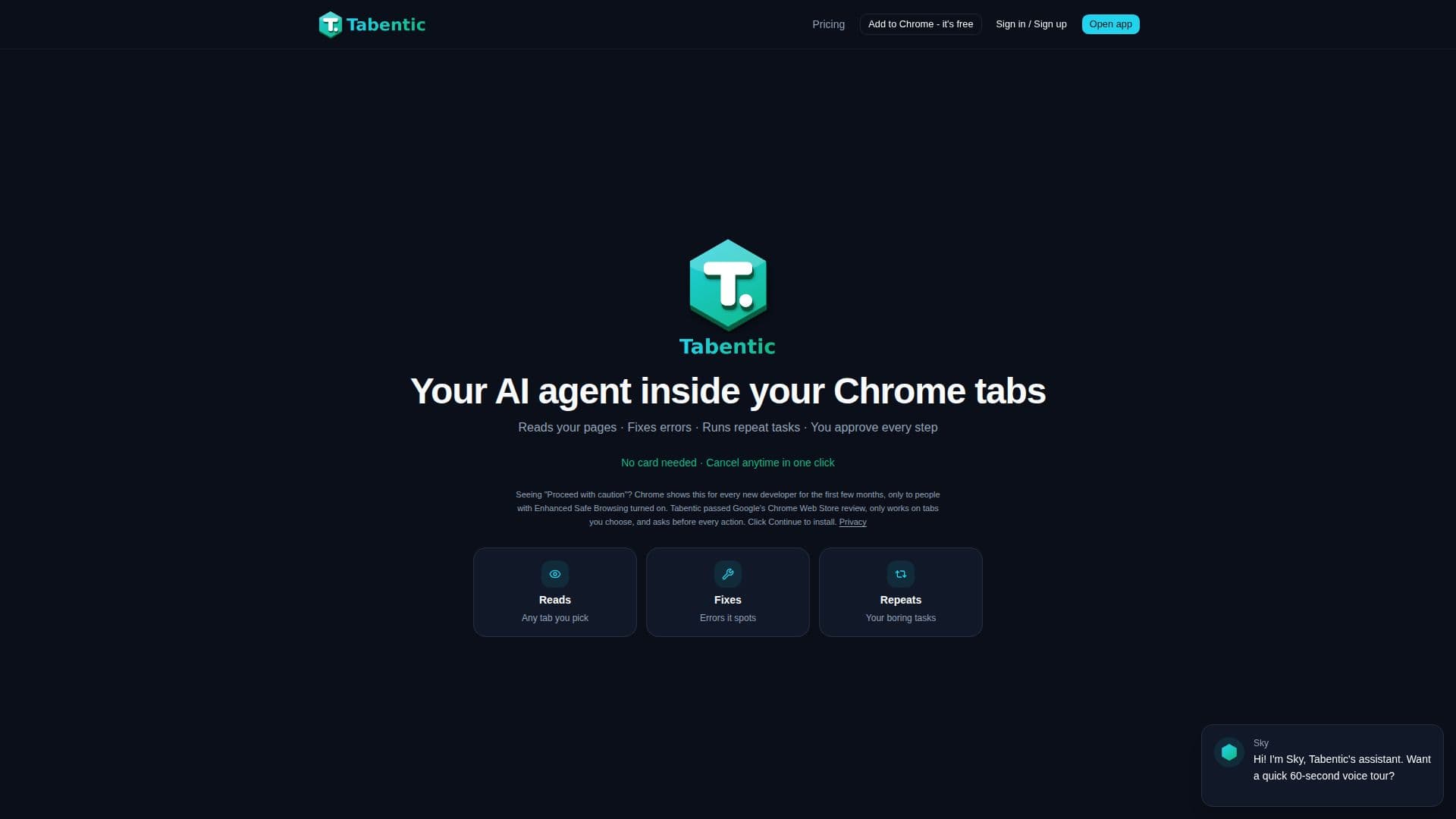
Tabentic functions as an AI agent integrated into your Chrome browser, streamlining various online tasks. It is designed to read content on selected web pages, identify potential errors, and automate repetitive actions, all while requiring user approval for every step. This ensures that users maintain complete control over the agent's operations, preventing unauthorized actions.
Read More
The tool offers a range of starter "recipes" to simplify common tasks. These include summarizing web pages, extracting table data into CSV format, finding broken links, filling out forms from user notes, drafting email replies, comparing product pages, checking pages for errors, and pulling contact information. Users can select specific tabs for the agent to interact with, ensuring that only designated content is processed.
Installation involves adding a small Tabentic Connector from the Chrome Web Store. Once installed, users pick the tabs they want the agent to use and then run a chosen recipe. The agent reads the pages, generates a clear report of its proposed actions, and waits for explicit approval before executing any clicks or keystrokes. This approval-based system is a core aspect of its design, emphasizing user control and transparency.
Tabentic's pricing structure includes a free tier and two paid plans: Pro and Power. The free plan offers limited action tasks and fair-use reading tasks. The Pro plan, priced at $19/month with a 7-day free trial, includes more action tasks, smart model routing, saved and re-runnable recipes, scheduled tasks, and increased voice minutes. The Power plan, at $39/month, provides an even higher limit on action tasks, utilizes stronger models like Claude Sonnet for complex actions, and offers more voice minutes. Action tasks, which involve clicking, typing, or submitting, are limited per plan, while reading tasks are generally under fair use. Users can cancel or change their plan at any time with a single click, and no card is required for the free trial.
- CategoryBrowser & Web Automation
- Pricing ModelFreemium
- DeploymentChrome Extension
- PlatformsChrome
Tabentic's Core Features
AI agent for Chrome tabs
Reads content on selected web pages
Identifies and fixes errors on pages
Automates repetitive tasks
Requires user approval for every action (clicks, types, submits)
Offers pre-built "starter recipes" for common tasks
Summarizes web pages
Extracts table data to CSV
Finds broken links on pages
Fills forms field by field with user approval
Drafts email replies
Compares two product pages side-by-side
Checks pages for typos and layout errors
Pulls contact information from pages
User-controlled tab selection for agent operation
How to use Tabentic?
Add to Chrome: Install the Tabentic Connector extension from the Chrome Web Store.
Pick your tabs: Choose the specific Chrome tabs you want the AI agent to interact with.
Run a recipe: Select a pre-built recipe or describe a task for the agent to perform.
Approve actions: Review the agent's proposed actions and approve each click or keystroke before execution.
Tabentic's Use Cases
- Web Page Summarization
- Data Extraction to CSV
- Broken Link Detection
- Automated Form Filling
- Email Reply Drafting
- Product Page Comparison
- Web Page Error Checking
- Contact Information Pulling
- Scheduled Repetitive Tasks