
Description
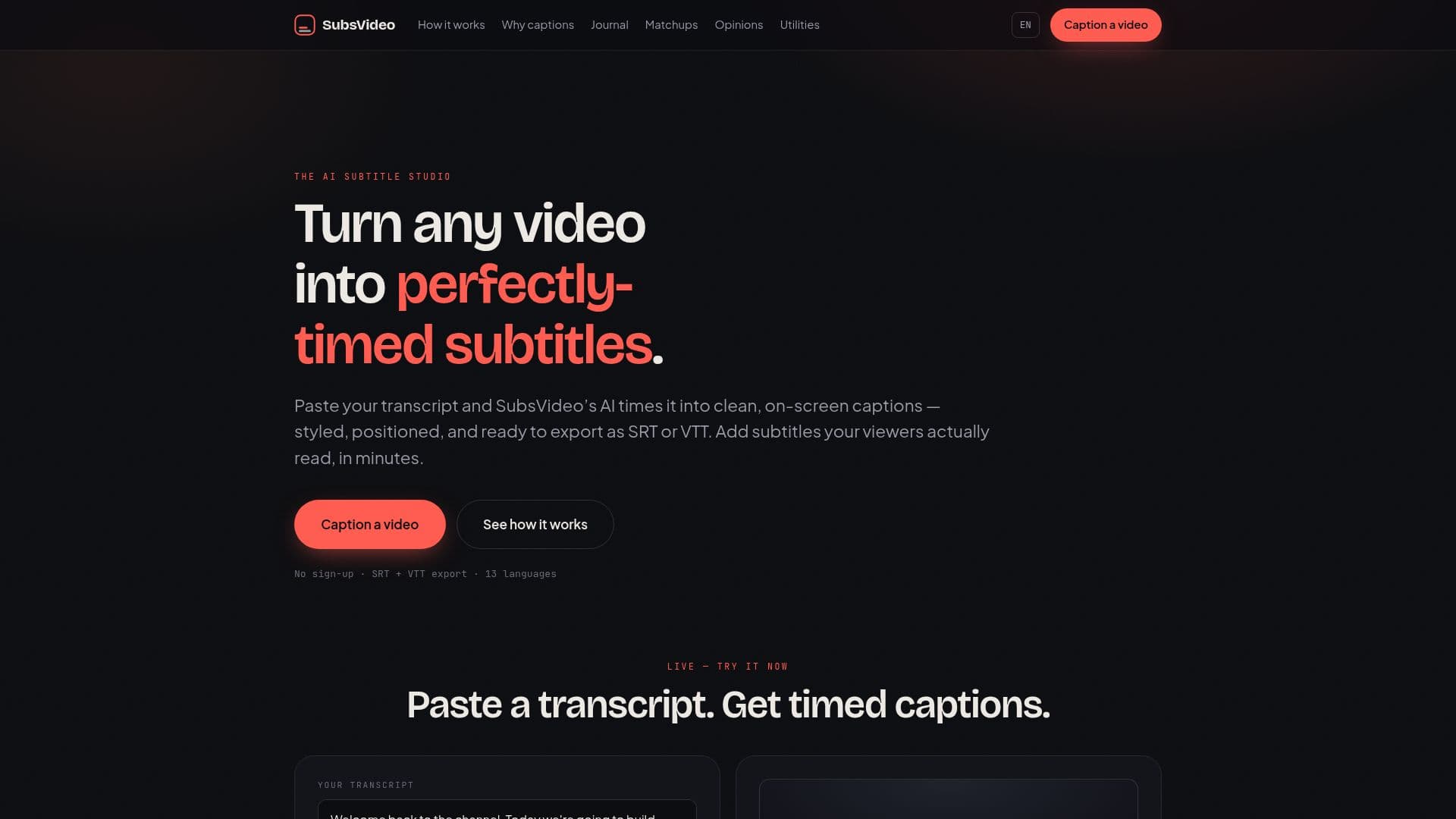
SubsVideo is an AI subtitle tool for creators, marketers, educators, and podcasters who want readable captions without wrestling with a video timeline. You paste a transcript and its AI splits and times each line into short, two-line cues paced to real reading speed, so captions land on the right word at the right second.
Read More
The caption generator runs entirely in your browser, so your transcript and footage never leave your device, and there is no sign-up, account, or watermark. You can choose from several caption styles such as classic, cinema yellow, bold, or a coral band, position captions at the bottom, middle, or top of the frame, and preview the look live before exporting.
SubsVideo exports standards-compliant SRT and VTT files that load into YouTube, Premiere, Final Cut, CapCut, and any HTML5 player. It is built for 13 languages, letting you produce subtitle tracks for international audiences. A hosted studio additionally offers transcription from audio, team libraries, and burned-in exports.
- CategoryAI Subtitles & Dubbing
- Pricing ModelFree
- DeploymentCloud
- PlatformsWeb
SubsVideo's Core Features
AI times pasted transcripts into clean, readable caption cues
Short two-line cues paced to reading speed (characters per second)
Adjustable caption timing to match your cut and audience
Multiple caption styles including classic, cinema yellow, bold, and coral band
Caption positioning at the bottom, middle, or top of the frame
Live preview of captions over a video frame
SRT and VTT export for YouTube, Premiere, Final Cut, and CapCut
Runs in the browser with no sign-up, no watermark, and 13-language support
How to use SubsVideo?
Paste your transcript: Drop in a script or auto-generated transcript, from one sentence to a full episode.
Let AI time every line: Each caption is split to a readable length and given its own in and out point.
Style and position: Choose a caption look and where it sits on the frame, previewing it live.
Export and ship: Download the SRT or VTT file and load it into YouTube, your editor, or your player.
SubsVideo's Use Cases
- Creators and YouTubers
- Social and marketing teams
- Course and content makers
- Podcasters and interviewers