
Description
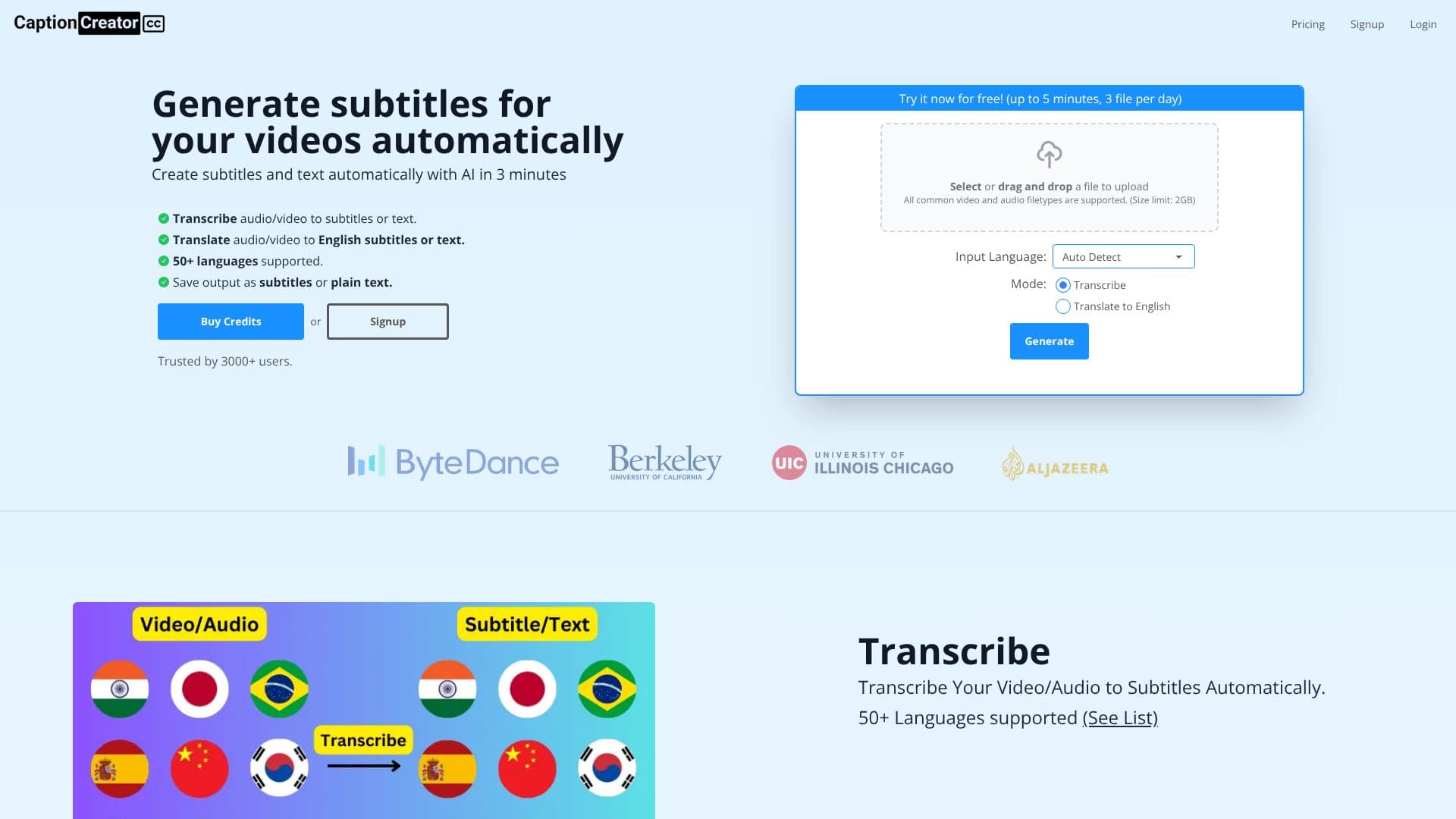
CaptionCreator offers an automated solution for generating subtitles and text from your video and audio content using advanced AI technology. The platform is designed for speed, capable of processing and generating subtitles in as little as 3 minutes, regardless of video length. It supports a wide array of common video and audio file types, with a size limit of up to 2GB per file.
Read More
The core functionality includes transcribing audio/video into subtitles or text in over 50 supported languages. Additionally, it provides a powerful translation feature to convert audio/video content into English subtitles or text, also supporting a broad range of source languages. This makes it an invaluable tool for global content creators looking to expand their reach.
CaptionCreator excels in handling challenging audio environments, accurately transcribing or translating even noisy recordings. It also accommodates multilingual audio, where multiple speakers converse in different languages within the same file, and can seamlessly work with diverse accents. This versatility ensures high accuracy and usability for a wide range of content.
For users looking to try before committing, CaptionCreator offers a free tier. Without an account, users can process up to 3 files per day, each under 5 minutes. With a free account, unlimited files under 5 minutes can be processed. For longer videos or more frequent use, users can purchase credits on a pay-as-you-need basis, with credits that do not expire as long as the service is used at least once a year. A 30-day money-back guarantee is provided for all credit purchases.
The platform is trusted by over 3000 users, including content creators like YouTubers DaFluffyPotato and 1littlecoder, who praise its speed, multilingual capabilities, and translation features. CaptionCreator aims to simplify the video production workflow, making content more accessible and engaging for a broader audience.
- CategoryAI Subtitles & Dubbing
- Pricing ModelFreemium
- DeploymentCloud
- PlatformsWeb
CaptionCreator AI Subtitle Generator's Core Features
Automatic subtitle generation from audio/video
Transcription to text and subtitles
Translation to English subtitles and text
Support for over 50 languages
Handles noisy audio with high accuracy
Processes multilingual audio content
Accommodates diverse accents
Supports common video and audio file types
Export as subtitle files (e.g., SRT) or plain text
Fast processing time (under 3 minutes for any length video)
Free tier available for limited use
Pay-as-you-need credit system
Credits do not expire with annual usage
30-day money-back guarantee
How to use CaptionCreator AI Subtitle Generator?
Upload File: Select or drag and drop your video or audio file.
Select Mode: Choose to 'Transcribe' or 'Translate to English'.
Set Language: Auto-detect input language or select from the list.
Process: Click 'Generate' to start subtitle creation.
Download: Save your generated subtitles or text.
CaptionCreator AI Subtitle Generator's Use Cases
- Video Accessibility
- Content Localization
- Transcription Services
- YouTube Creators
- Podcasters
- Marketing Videos
- Educational Content
- News Reporting