
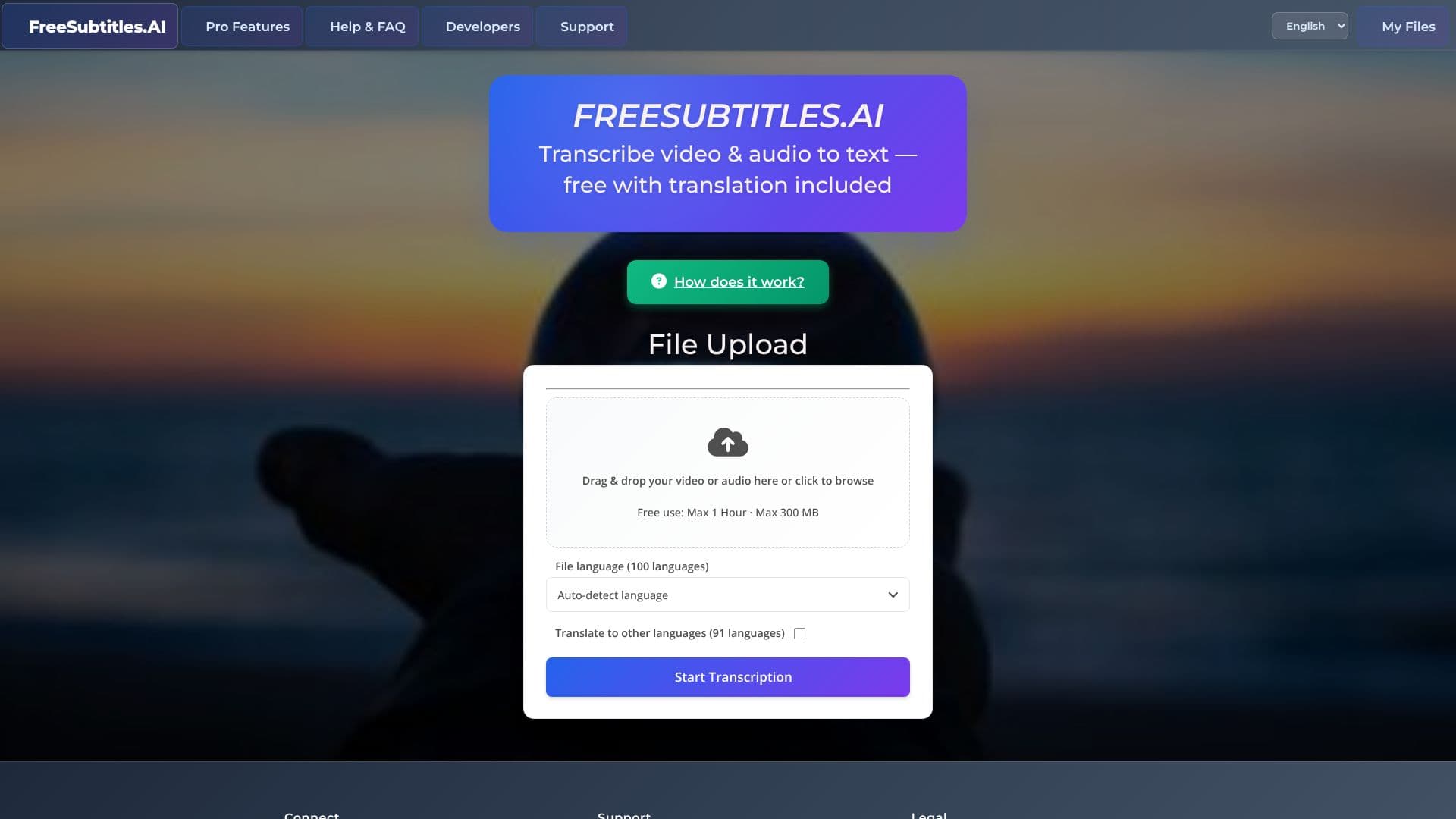
Description
Subtitles.app is a browser-based transcription and subtitling tool from Saint Technology Inc. It converts uploaded or linked audio and video into text, offers translation, and can export a short subtitled video clip, without requiring a paid subscription to start. The company reports more than 859,000 files and 249,000 hours transcribed on the platform.
Read More
Anyone can use Free Use without signing up: a medium-accuracy model transcribes files up to 30 minutes long and 1 GB in size, with a daily limit of one upload signed out or three signed in. Pro removes those limits and switches to what the company calls its highest-accuracy transcription models, at $0.99 per hour of media processed, billed as credit that never expires rather than a subscription.
Users can drop a file directly or paste a link, since Subtitles.app can fetch media from more than 1,100 sites through its Video Importer. Once transcribed, the text can be searched, filtered by speaker, corrected line by line (Pro), and translated into up to 120 languages, with the source file's language auto-detected from about 100 languages. A built-in media player overlays the subtitles on the video and can switch between translated tracks. An "ask this video" feature lets a user ask questions about the content instead of scrubbing through the file, with free uploads including a limited number of questions.
Developers can connect their own software through a Pro API key, and Pro also supports batch transcription of many files in parallel and automatic speaker labeling. Every transcription can be downloaded as an SRT, VTT, or TXT file, and a short subtitled video clip, up to five minutes, can be exported with a watermark on Free Use or without one on Pro; full-length 1080p export uses credit. Free Use media and transcripts are automatically deleted about 30 minutes after processing; Pro retains media for up to a month and transcripts indefinitely unless the user deletes them.
- CategoryAI Subtitles & Dubbing
- Pricing ModelFreemium
- DeploymentCloud
- PlatformsWeb
Subtitles.app's Core Features
Transcribes audio and video files (MP4, MKV, MOV, MP3, WAV, FLAC) with auto-detected source language from about 100 languages.
Translates the transcript into up to 120 target languages.
Video Importer fetches media directly from a pasted link across more than 1,100 sites.
Exports subtitle files as SRT, VTT, or TXT, or opens the transcript in a built-in media player.
Media player overlays subtitles on the video and can switch between translated tracks.
"Ask this video" lets a user ask questions about the content instead of scrubbing through the file.
Pro adds automatic speaker labeling, batch transcription of multiple files in parallel, and an API key for developers.
Pay-as-you-go Pro pricing at $0.99 per hour of media, with credit that never expires and no subscription.
How to use Subtitles.app?
Upload or link media: Drop a video or audio file, or paste a link from a supported site.
Set your options: Choose the source language (or auto-detect) and any languages to translate into.
Start transcription: Run the job on Free Use or switch to Pro for the highest-accuracy models and no daily limit.
Review and edit: Search the transcript, check speaker labels, or correct lines (Pro) before exporting.
Export your files: Download SRT, VTT, or TXT subtitles, or export a subtitled video clip.
Subtitles.app's Use Cases
- Video transcription
- Subtitle export
- Multilingual translation