
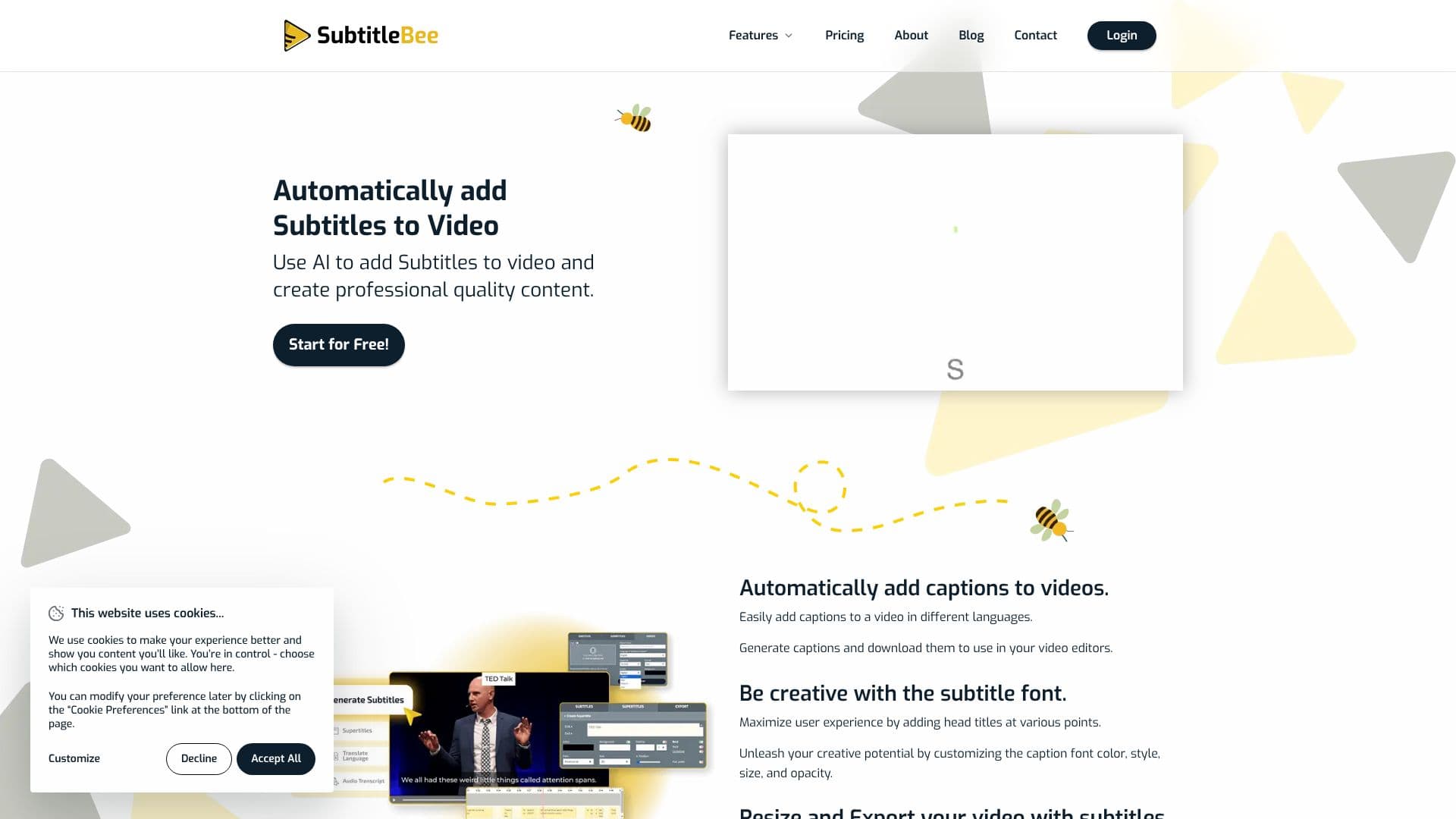
Description
SubtitleBee offers an AI-powered solution to automatically generate and add subtitles to your videos, significantly enhancing content accessibility and engagement. The platform boasts 95% accuracy in its AI subtitle generation, allowing users to create professional-quality content with ease. You can upload videos directly or paste links, with support for various file formats like MP4, MOV, WMV, AVI, and Webm, and a free upload limit of 1GB.
Read More
The process is straightforward: upload your video, let the AI generate subtitles, and then utilize the intuitive editor to style and adapt them. Users can customize subtitle font color, style, size, and opacity, and even add head titles at various points. This level of customization ensures subtitles align with brand aesthetics or creative vision. Beyond styling, SubtitleBee allows users to add text overlays (supertitles) to videos, making content more visually appealing and engaging for marketing or promotional purposes.
SubtitleBee also excels in global reach by offering subtitle translation in over 120 languages, making content inclusive for diverse audiences worldwide. The platform can automatically translate subtitles once generated for the original language, with high accuracy. For those needing transcripts, SubtitleBee provides an AI audio transcription service to convert audio files into readable text, perfect for generating notes or captions.
Value proposition extends to discoverability and engagement. Adding subtitles improves SEO, making videos easier to find on search engines. Captions also increase watch time and click-through rates by keeping viewers engaged. Furthermore, SubtitleBee ensures content is accessible to deaf and hard-of-hearing audiences. The service is privacy-focused, with users retaining full control and rights over their content.
Additional features include video cropping for different social media platforms, video compression, and the ability to add custom logos and progress bars to videos. SubtitleBee aims to streamline the video post-production process, saving time and effort for creators, influencers, educators, and businesses looking to maximize their video content's impact.
- CategoryAI Subtitles & Dubbing
- Pricing ModelFreemium
- DeploymentCloud
- PlatformsWeb
SubtitleBee AI Subtitles's Core Features
AI-powered subtitle generation with 95% accuracy
Automatic subtitle translation in over 120 languages
Customizable subtitle appearance (font, color, style, size, opacity)
Ability to add text overlays (supertitles) to videos
Audio transcription for converting audio files to text
Video cropping for various social media platforms
Option to add custom logos to videos
Progress bar generator for enhanced viewer engagement
Export options for burned-in subtitles or separate subtitle files (.srt, .ass, .vtt, .txt)
Supports video uploads up to 1GB for free
Privacy-focused with full content control for users
How to use SubtitleBee AI Subtitles?
Upload Video: Upload your video file or paste a link to start.
Generate Subtitles: Let the AI automatically generate subtitles for your video.
Edit & Style: Customize subtitle appearance, add text overlays, and make corrections.
Translate (Optional): Translate subtitles into over 120 languages.
Export Video: Download your video with embedded subtitles or as separate subtitle files.
SubtitleBee AI Subtitles's Use Cases
- Video Accessibility
- Global Reach
- Content Engagement
- SEO Improvement
- Marketing Videos
- Educational Content
- Social Media Content