
Description
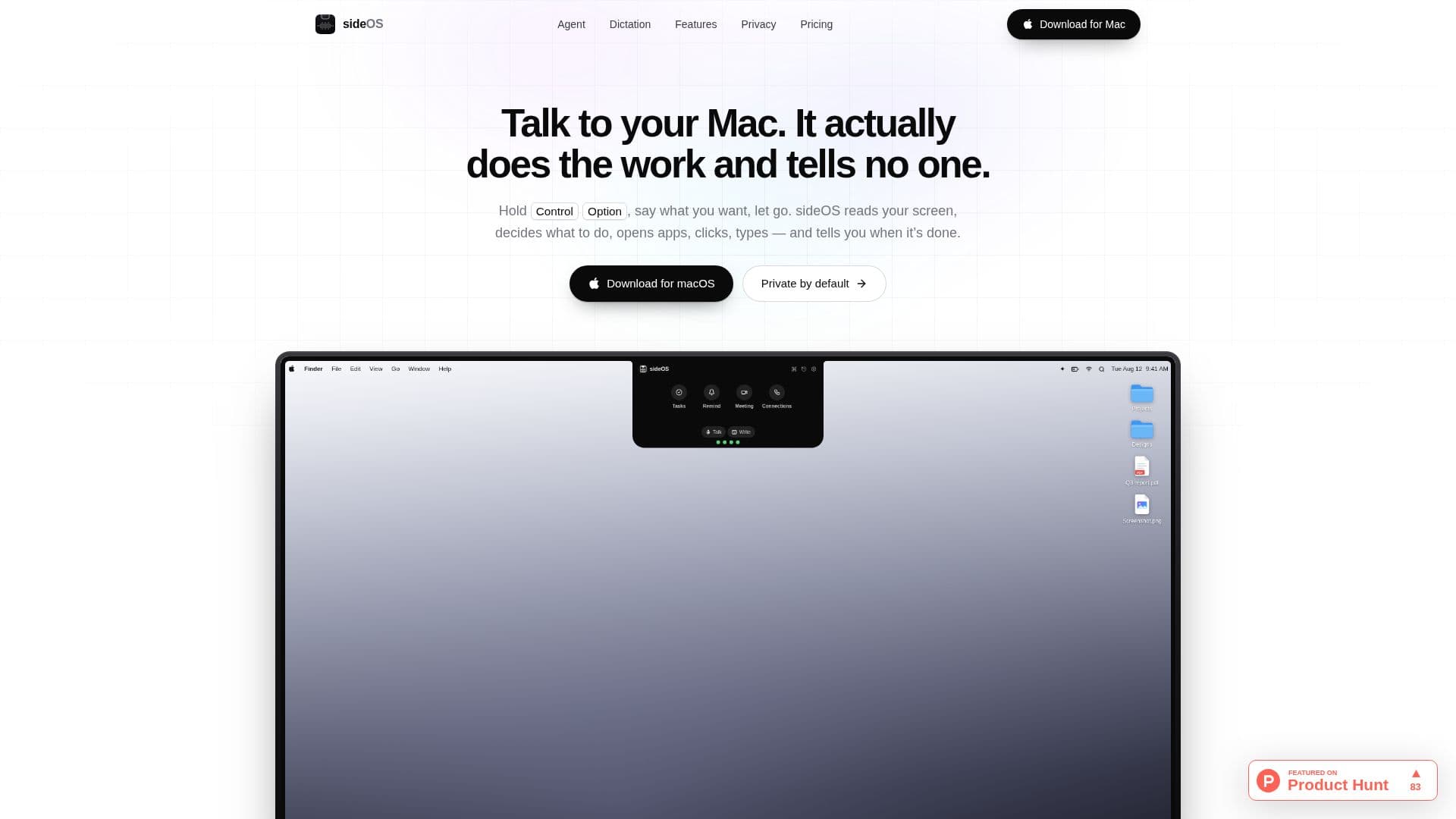
sideOS is an innovative AI assistant designed to seamlessly integrate into your MacBook's notch. This tool allows users to control their device through simple voice commands by holding the Control and Option keys. Once activated, sideOS can read your screen, open applications, click, type, and report back to you, making it a versatile tool for enhancing productivity.
Read More
One of the standout features of sideOS is its commitment to privacy and security. The tool operates offline, ensuring that your voice data remains on your device and is not sent to the cloud. This is particularly beneficial for users who prioritize data privacy. Additionally, sideOS offers an optional cloud dictation engine for longer recordings and wider language support, which can be enabled in the settings.
The tool is compatible with Apple Silicon Macs running macOS 14 or later. It does not require a notch to function, as it can also operate from the top center of the screen on displays without a notch. Users can utilize local models and the newer speech engine, which requires macOS 26.
sideOS requires certain permissions to function effectively, including Accessibility to read the screen, Microphone to hear commands, and Speech Recognition to convert speech into text. Screen Recording is optional and only used when necessary. The tool also supports integration with various applications like Mail, Notes, Calendar, and web browsers, allowing for a comprehensive user experience.
The pricing model for sideOS is straightforward, with a one-time purchase cost of USD 89.90. This purchase includes all future updates, ensuring that users have access to the latest features without additional costs. Users can also choose to integrate their preferred AI model by pasting a key from providers like Anthropic, OpenAI, Google AI Studio, or xAI, which is securely stored in the Keychain.
Overall, sideOS is designed for users who want a powerful, private, and efficient AI assistant to enhance their MacBook experience. Its offline capabilities, ease of use, and integration with existing applications make it a valuable tool for professionals and casual users alike.
- CategoryAI Personal Assistants
- Pricing ModelOne-time purchase
- DeploymentOffline
- PlatformsmacOS
sideOS's Core Features
Offline operation
Voice command control
Screen reading and interaction
Integration with macOS applications
Privacy-focused design
One-time purchase model
Supports multiple AI models
On-device speech recognition
How to use sideOS?
Activate: Hold Control + Option keys
Speak: Give your command
Execute: sideOS performs the task
Review: Receive feedback on actions
sideOS's Use Cases
- Voice-Controlled Automation
- Privacy-Focused Computing
- Application Integration
- AI Model Flexibility
- Enhanced Productivity