
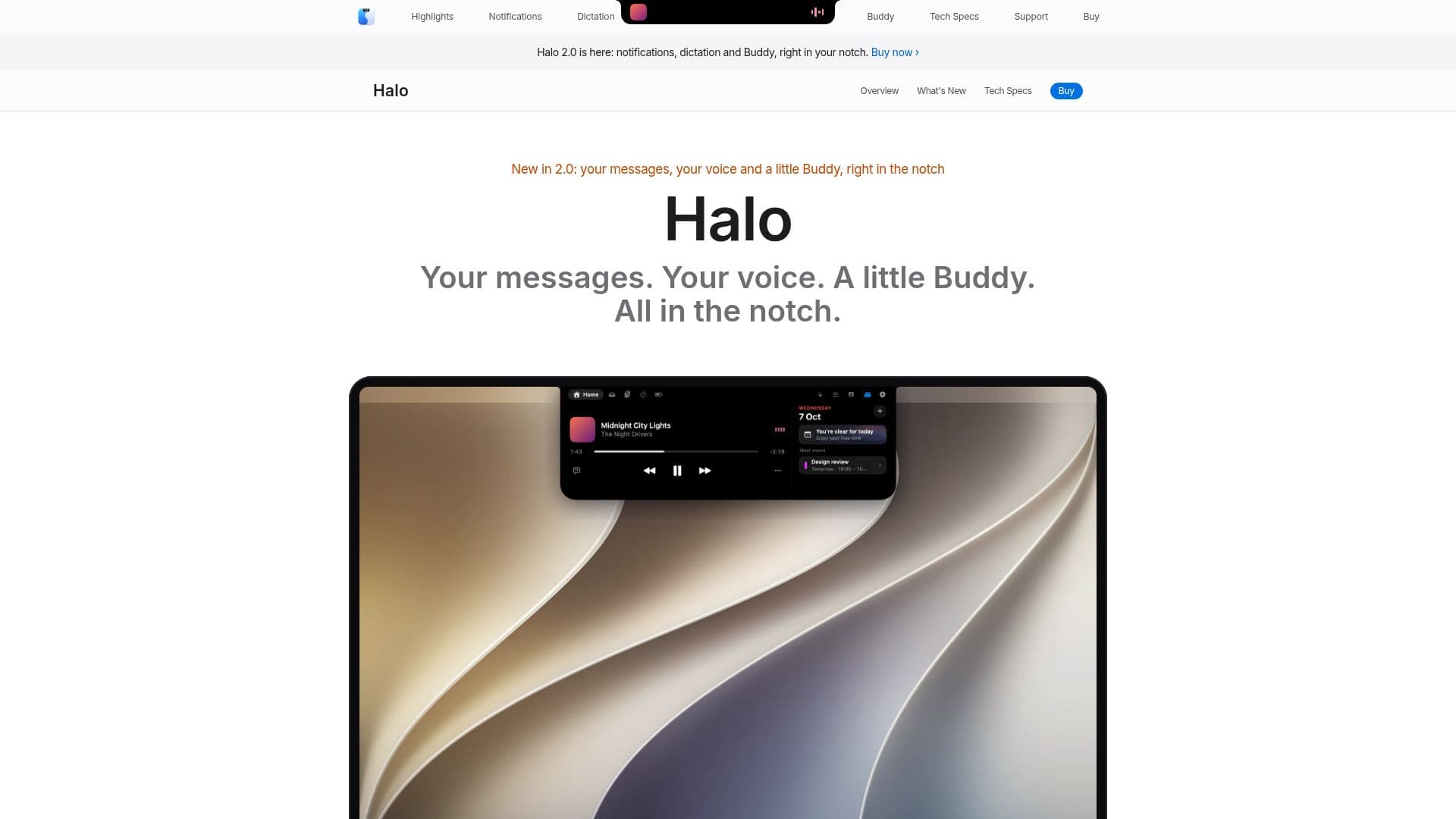
Description
Halo is a versatile application designed to bring the Dynamic Island experience to macOS users, whether their screens have a notch or not. It provides a centralized hub for notifications, dictation, AI agent status, and music control, enhancing productivity and user interaction. Halo is compatible with macOS 15 Sequoia or later and supports both Apple silicon and Intel-based Macs. It offers unique features such as external monitor control via DDC/CI, allowing users to adjust brightness, contrast, and input settings directly from the app.
Read More
The app integrates seamlessly with various applications, displaying notifications from any app directly in the island. Users can dictate text using Apple's speech recognition or opt for Whisper with a Groq key for additional language support. Halo Buddy, a friendly on-screen assistant, follows the cursor and provides visual feedback on AI agent activities, such as Claude Code and Codex.
Privacy is a key focus for Halo. The app does not require an account and ensures that personal data remains on the user's device. It connects to the internet only for essential functions like update checks and optional usage analytics, which are anonymized. The app is available for a one-time purchase of $9.99, with no subscription fees, and supports up to three Macs per license.
Halo's design ensures it does not interfere with fullscreen apps, hiding itself during video playback or gaming. It supports multiple languages, including English, Spanish, German, French, Italian, Portuguese, Russian, and Uzbek, adapting to the user's system language or allowing manual selection. Overall, Halo offers a comprehensive solution for enhancing the macOS experience with its dynamic and interactive features.
- CategoryWorkflow Automation
- Pricing ModelOne-time purchase
- DeploymentDesktop app
- PlatformsApple silicon, Intel
Halo's Core Features
Dynamic Island for macOS
Notifications from any app
Dictation with Apple's speech recognition
AI agent status display
External monitor control via DDC/CI
Halo Buddy on-screen assistant
Privacy-focused with no account required
Supports multiple languages
How to use Halo?
Purchase: Buy Halo for $9.99
Install: Download and install on macOS 15 or later
Configure: Set preferences for notifications and dictation
Use: Access features via the Dynamic Island
Halo's Use Cases
- Notification Management
- Voice Dictation
- AI Agent Monitoring
- Monitor Control
- Multilingual Support