Description
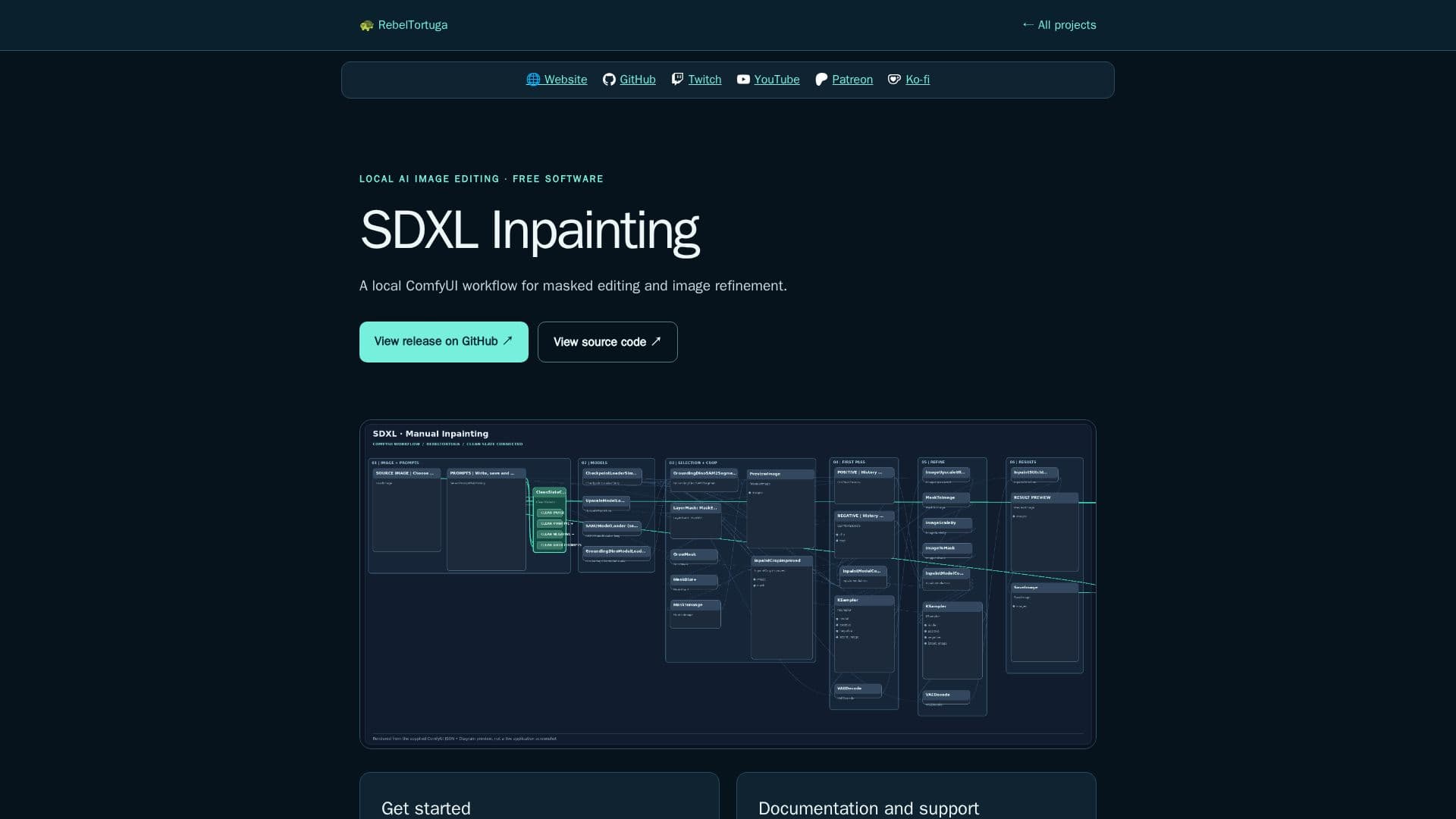
SDXL Inpainting offers a robust and free ComfyUI workflow designed for local image editing and refinement. This powerful tool allows users to perform masked editing, providing precise control over specific areas of an image. Key capabilities include object selection, enabling users to isolate and modify particular elements within their visuals, and mask refinement for achieving highly accurate and detailed edits.
Read More
The workflow also supports advanced techniques such as crop-and-stitch editing, which allows for seamless integration of different image sections, and upscaling to enhance image resolution and quality. As an independent community software, SDXL Inpainting is free to use, with optional contributions and Ko-fi support available for those who wish to support its development.
Users are encouraged to download the latest release package and carefully read the provided repository README and any included START HERE instructions. It is crucial to check the prerequisites and installation steps specific to their system, as AI workflows often require compatible ComfyUI models and custom nodes. Windows users, for example, may need PowerShell 7 or other specific prerequisites, which are detailed in each project's repository.
RebelTortuga, the publisher, emphasizes clear documentation, transparent downloads, and user control, aligning with standards for software safety. They advise users to verify downloaded files and review scripts before execution. Full setup details, dependencies, limitations, and usage guidance are available on the project's GitHub repository, where users can also report bugs or suggest features. This ensures a secure and well-supported environment for local AI image manipulation.
- CategoryAI Photo Editors
- Pricing ModelFree
- DeploymentLocal
- PlatformsComfyUI
SDXL Inpainting's Core Features
Local ComfyUI workflow for image editing
Masked editing capabilities
Object selection for precise modifications
Mask refinement for detailed control
Crop-and-stitch editing functionality
Image upscaling for enhanced resolution
Free to use community software
Downloadable release package
Requires compatible ComfyUI models and custom nodes
Detailed documentation on GitHub repository
Bug reporting and feature suggestion via GitHub Issues
Transparent downloads and user control
Verification of downloaded files recommended
Supports Windows systems (may require PowerShell 7)
Open-source diagnostic and repair tools
How to use SDXL Inpainting?
Download Package: Open the latest release and download the provided package.
Read Instructions: Consult the repository README and any included START HERE instructions.
Check Prerequisites: Review prerequisites and installation steps for your specific system.
Install Dependencies: Ensure compatible ComfyUI models and custom nodes are installed.
Review Workflow: Examine the tool or workflow before running it.
Execute Locally: Run the SDXL Inpainting workflow on your local system for masked editing.
SDXL Inpainting's Use Cases
- Masked Image Editing
- Object Selection & Refinement
- Image Upscaling
- Crop-and-Stitch Editing
- Local AI Workflow