
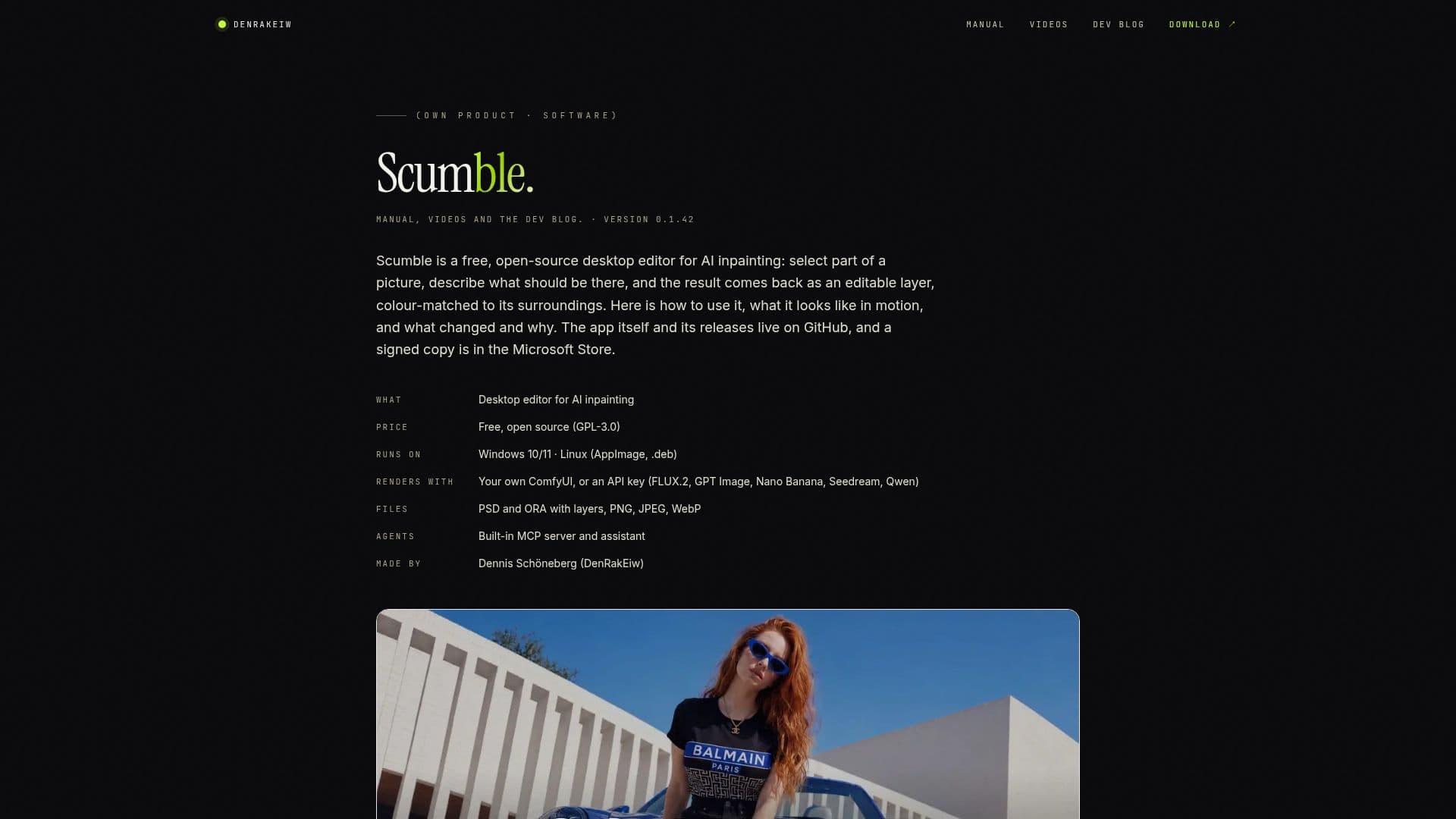
Description
Scumble is a versatile, open-source desktop editor designed for AI inpainting. It enables users to select a portion of an image, describe the changes they want, and receive the modified result as an editable layer that seamlessly blends with the surrounding colors. This tool is particularly useful for artists and designers who require precise control over image modifications.
Read More
Scumble operates on your own ComfyUI or through API models such as FLUX.2, GPT Image, Nano Banana, and others. It supports various selection tools, including brush, shapes, lasso, magic wand, and text, allowing for flexible and detailed image editing. The software also offers GPU filter layers for curves, color balance, grain, LUTs, and film looks, enhancing the creative possibilities.
The application is free under the GPL-3.0 license, with no subscription or account required. Users can render images on their own ComfyUI at no additional cost, or use API providers, paying them directly with their own keys. Scumble supports Windows 10 and 11, with Linux versions available, though not yet tested by the developer.
Scumble's compatibility with PSD and OpenRaster files allows for seamless import and export of layered images, making it a valuable tool for professionals working with complex image files. Additionally, the built-in MCP server and assistant enable AI agents like Claude to control the editor, offering further automation and efficiency.
Developed by Dennis Schöneberg, an AI engineer based in Germany, Scumble is a testament to the power of open-source software in the creative industry. Its integration with various AI models and platforms makes it a flexible and powerful tool for image editing and inpainting.
- CategoryAI Photo Editors
- Pricing ModelFree
- DeploymentDesktop
- PlatformsWindows, Linux
Scumble's Core Features
AI inpainting with editable layers
Selection tools: brush, shapes, lasso, magic wand, text
Color match per layer
GPU filter layers: curves, color balance, grain, LUTs, film looks
Upscaling of selections or entire images
PSD and OpenRaster import/export
Rendering via ComfyUI or API providers
Built-in MCP server and assistant
How to use Scumble?
Select: Choose part of the image to edit
Describe: Specify the desired changes
Render: Use ComfyUI or API models to process
Edit: Receive and adjust the editable layer
Scumble's Use Cases
- Image Editing
- Creative Design
- Professional Art
- AI Integration
- File Compatibility