


Description
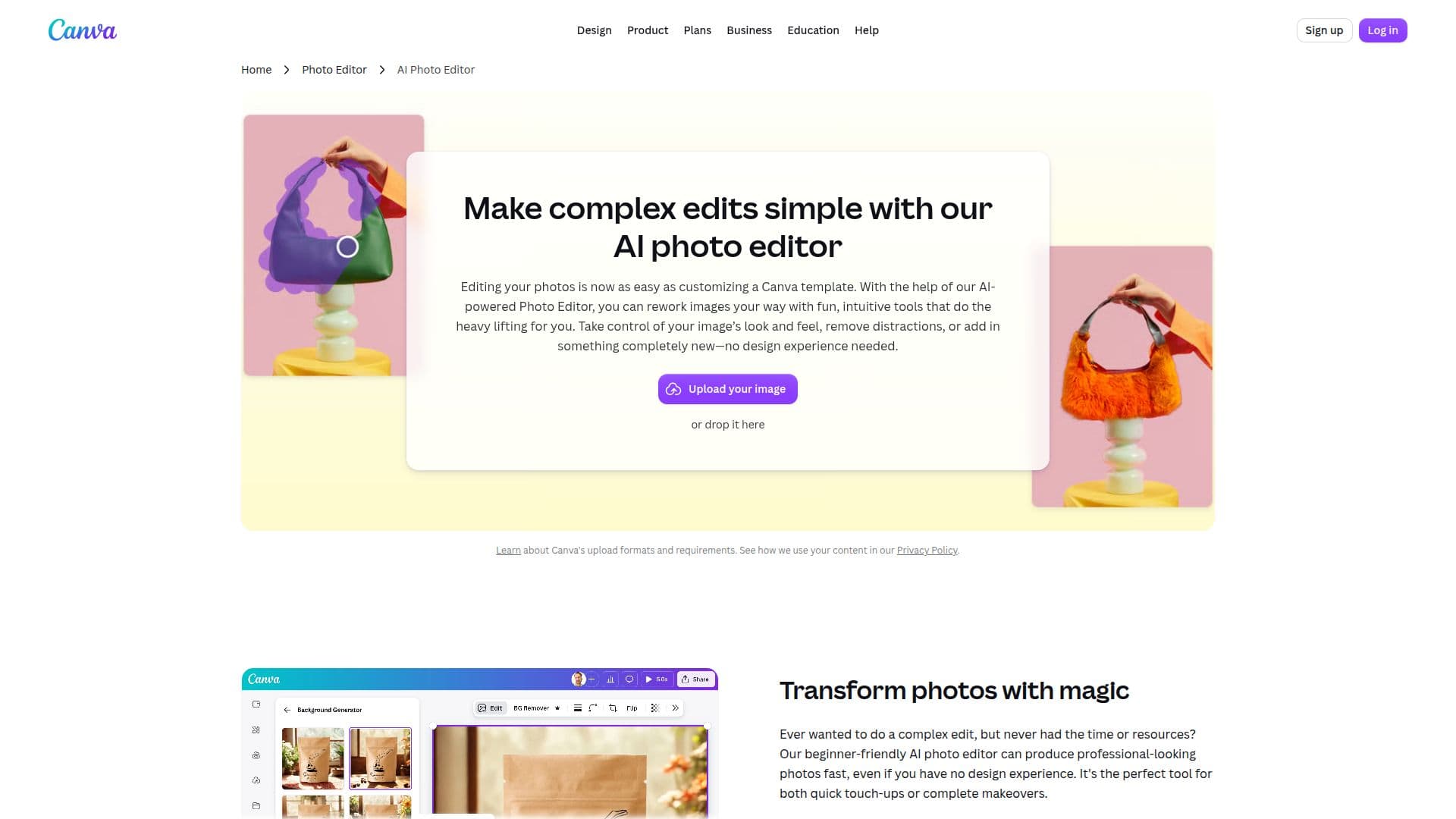
Designify is an AI-powered photo editing tool that streamlines the process of enhancing images. It offers a range of features designed to simplify complex edits, making it easy for users to transform their photos. With Designify, users can erase clutter, remove backgrounds, and refine their images with precision. The tool supports offline editing, allowing users to continue working on their projects even without an internet connection. This feature ensures that creativity is not disrupted, enabling users to crop, flip, and polish images with various filters and effects. Designify is suitable for individuals and teams looking to enhance their visual content efficiently.
The pricing model for Designify includes various plans such as Free, Pro, Business, and Enterprise, each offering different levels of AI access and features. Users can upgrade their plans to increase their monthly AI allowance or purchase AI top-ups for additional access. Designify is designed for solo creators, marketers, and businesses of all sizes, providing tools for smarter ad performance insights, enhanced brand management, and seamless collaboration.
Designify's AI tools are available in multiple languages, making it accessible to a global audience. The platform supports languages such as English, Spanish, Portuguese, French, German, Italian, Dutch, Polish, Turkish, Arabic, Japanese, Korean, Chinese, Indonesian, Thai, Vietnamese, and Hindi. This broad language support ensures that users worldwide can leverage the power of AI in their photo editing tasks.
Overall, Designify offers a comprehensive suite of AI-powered photo editing tools that cater to various needs, from simple edits to advanced transformations. Its offline capabilities and extensive language support make it a versatile choice for users looking to enhance their images effortlessly.
Designify AI Photo Editor's Core Features
AI-powered photo editing
Background removal
Clutter erasure
Offline editing capabilities
Precision image refinement
Multiple filters and effects
Language support for global users
Seamless collaboration tools
How to use Designify AI Photo Editor?
Upload: Add your photo to the platform
Edit: Apply AI photo edits
Refine: Enhance with filters and effects
Download: Save your edited image
Share: Distribute your creation
Designify AI Photo Editor's Use Cases
- Background Removal
- Clutter Erasure
- Offline Editing
- Precision Refinement
- Global Accessibility