
Description
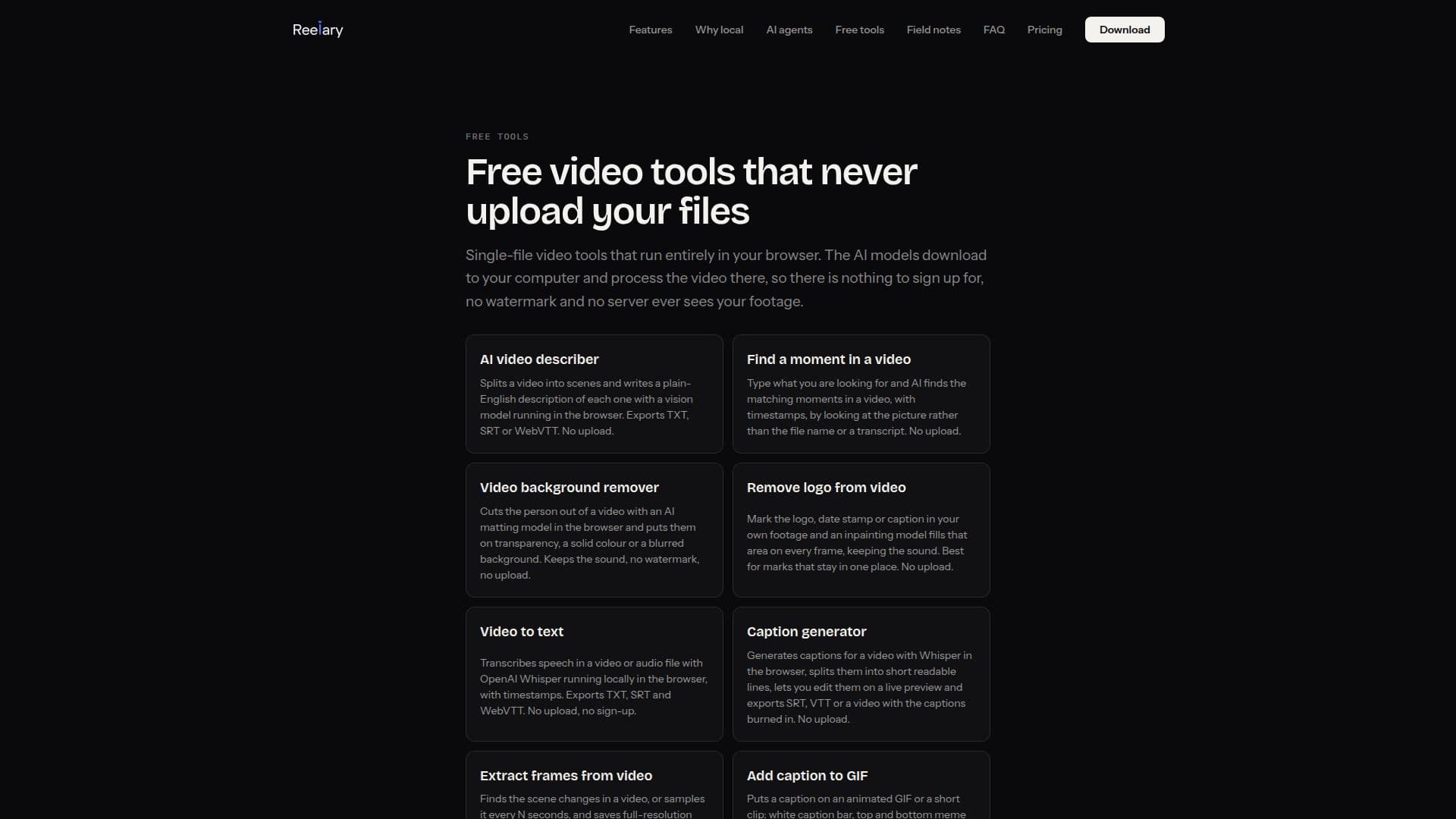
Reelary provides a suite of free, in-browser video tools designed for efficient and private video processing. These tools operate entirely within your browser, meaning video files never leave your computer. This local processing approach eliminates the need for file uploads, sign-ups, and prevents watermarks, ensuring complete privacy and faster performance, especially for large files.
Read More
The browser-based tools leverage the video decoder built into your browser and open AI models like Whisper for speech, Florence-2 and CLIP for visual analysis, and MODNet and MI-GAN for background and logo removal. Once an AI model is downloaded, the tools can function offline, offering capabilities such as AI video description, finding specific moments, extracting frames, and converting video to text and captions.
Beyond the free browser tools, Reelary also offers a desktop application for Mac and Windows. This desktop app extends the same local AI processing capabilities to an entire footage library. It transcribes and describes every clip, allowing users to search their entire library by meaning (e.g., "drone shot of a coastline at sunset" or spoken dialogue). The desktop app can then assemble search results into a rough cut, all while keeping files on the user's machine.
The desktop app's free tier allows unlimited indexing and searching of entire libraries, including visual semantic search, smart folders, and script-driven timeline editing. Exports on the free tier are capped at 720p with a light watermark and a maximum length of 60 seconds. For professional use, Reelary Pro is available as a one-time purchase, unlocking features like watermark-free 4K export, NLE project export (FCPXML / EDL), dialogue search, people recognition, and place-based search. A Studio license is also available for teams requiring activation on more machines.
Reelary's commitment to privacy is central to its design. No footage, frames, thumbnails, transcripts, or filenames are ever uploaded to external servers. The AI models run on the user's CPU or GPU, and all indexes are stored locally. This makes Reelary suitable for sensitive projects where contractual obligations or privacy concerns prevent cloud-based processing, such as corporate footage, medical material, or client NDAs. The platform supports a wide range of video and image formats, ensuring broad compatibility for various media types.
- CategoryAI Video Editors
- Pricing ModelFreemium
- DeploymentDesktop, Browser
- PlatformsWindows, macOS
Reelary's Core Features
In-browser video tools
Local file processing (no upload)
AI video describer
Find specific moments in video
Background and logo removal from video
Video to text transcription
Caption generation
Scene change detection for frame extraction
Full-resolution JPG/PNG frame export
On-screen text search in photos and videos
Desktop app for Mac and Windows
Unlimited library indexing (desktop app)
Visual semantic search (desktop app)
Script-driven shot search and timeline editing (desktop app)
Offline functionality after initial model download
How to use Reelary?
Access Browser Tools: Navigate to Reelary's website and select the desired free video tool.
Upload File Locally: Drag and drop your video or image file into the browser tool interface.
Configure Settings: Choose processing options, such as scene detection sensitivity or export format.
Process Content: Allow the tool to process the file locally using downloaded AI models.
Review and Download: View results and download processed files directly to your computer.
Install Desktop App: Download and install the Reelary desktop application for Mac or Windows.
Index Library: Point the desktop app to your footage folders to begin local indexing and analysis.
Search and Edit: Use natural language queries to search your indexed library and assemble rough cuts on a timeline.
Reelary's Use Cases
- Video Content Analysis
- Footage Library Management
- Rough Cut Editing
- Marketing Asset Creation
- Privacy-Sensitive Projects
- On-Screen Text Search
- Video Archiving & Search
- Educational Content Review