
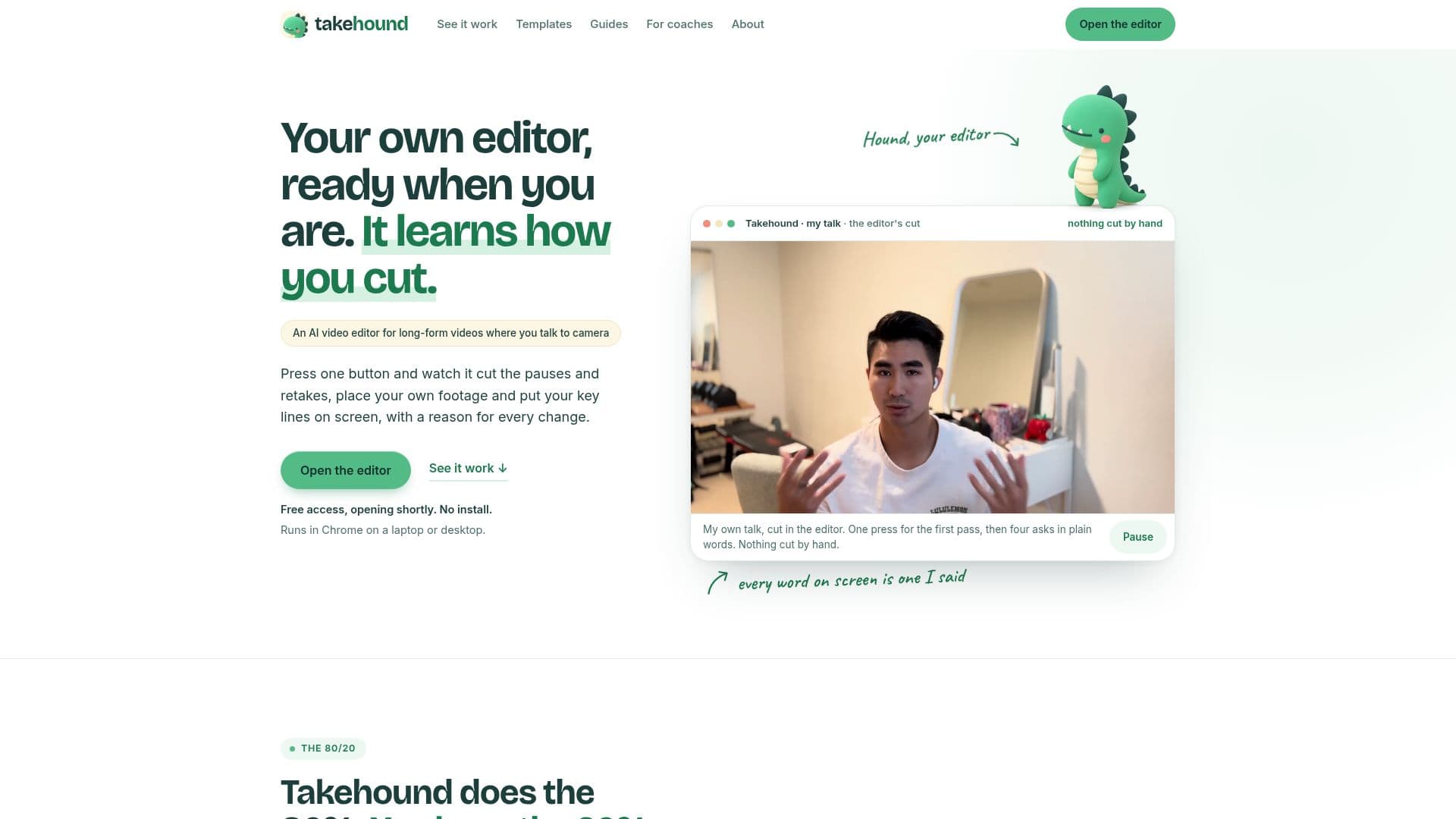
Description
Takehound is a browser-based AI video editor designed to streamline the editing process for long-form talking videos. It automates the tedious tasks of cutting pauses, filler words, and repeated takes, while placing your own footage and key lines on screen. The tool learns how you edit, providing a personalized editing experience that evolves with each use.
Read More
The platform operates entirely in your browser, requiring no installation, and is accessible on laptops or desktops with Chrome. It offers a free access model, currently available through a waitlist. Users can sign in with Google to keep their projects and editing preferences synced across devices.
Takehound's editing process involves a first pass that sends your video data to decision models like Jev by TypeSafe AI and APIs from Anthropic and Google's Gemini. The tool ensures privacy by not retaining any of your data on its servers, and nothing is used to train models.
The editor is particularly suited for creators who talk to the camera and are not professional editors. It allows users to export their projects as MP4 files or timeline files compatible with DaVinci Resolve and Final Cut, though it does not support Premiere.
Takehound's unique value proposition lies in its ability to learn and adapt to your editing style, making it a powerful tool for creators looking to save time and effort in video production. However, it is not a stock footage library or a video generator, and it requires user input to complete the editing process.
- CategoryAI Video Editors
- Pricing ModelFree
- DeploymentBrowser
- PlatformsChrome
Takehound's Core Features
Browser-based video editing
Automated cutting of pauses and filler words
Learns and adapts to user editing style
Exports to DaVinci Resolve and Final Cut
Free access via waitlist
No installation required
Privacy-focused data handling
Supports long-form talking videos
How to use Takehound?
Sign up: Join the waitlist for access
Log in: Use Google to sign in and sync projects
Configure: Add your video and footage
Use: Press one button to start the editing process
Optimise: Make manual adjustments and export
Takehound's Use Cases
- Talking head videos
- Educational content
- Vlogs
- Corporate presentations
- Content creators