Description
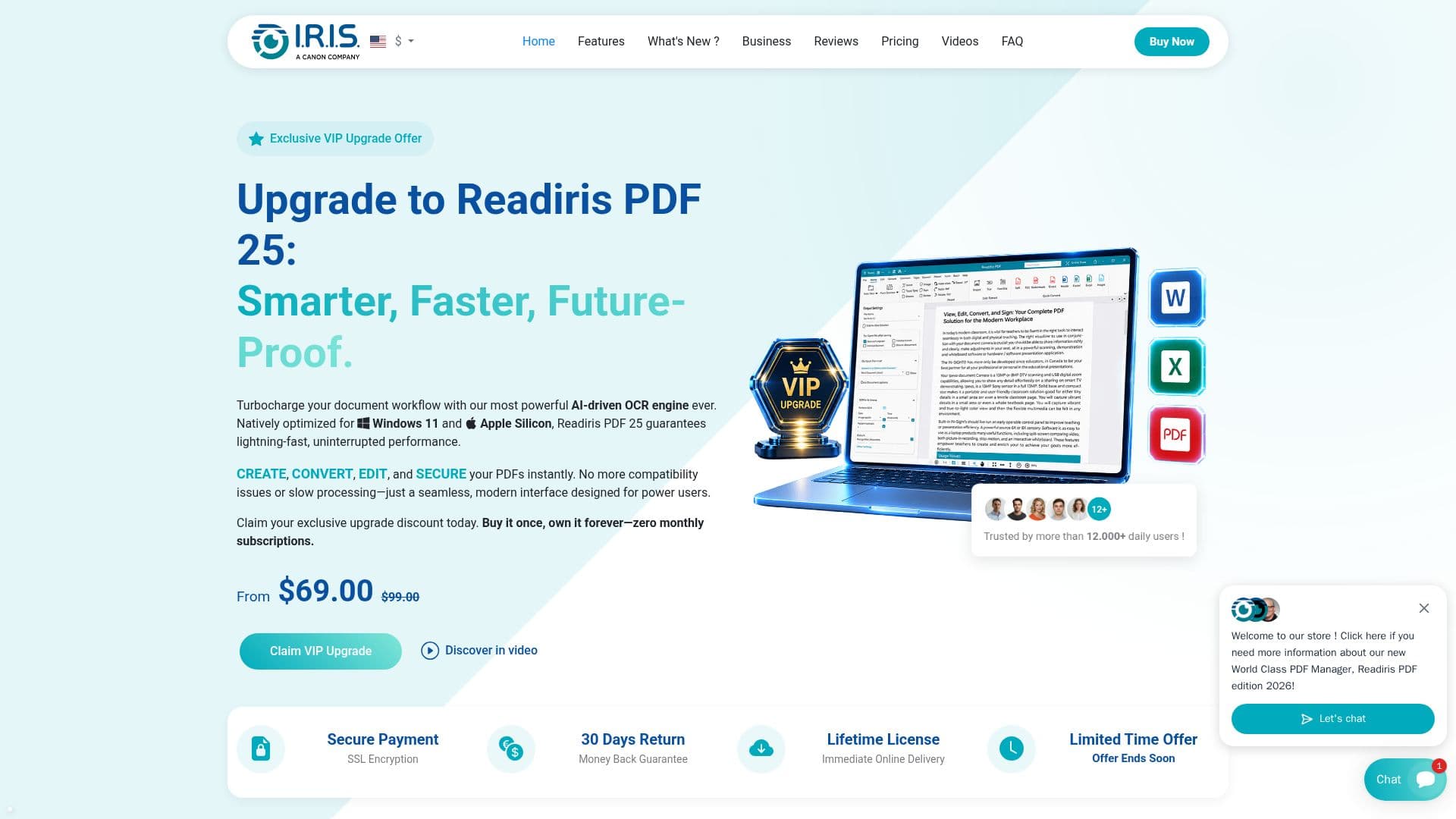
Readiris PDF Upgrade 2026 is an advanced PDF management tool designed to enhance your document handling capabilities. This upgrade is specifically available for existing users of Readiris 17, 22, and 23, offering a seamless transition to the latest features. With AI-powered Optical Character Recognition (OCR), Readiris PDF allows users to edit, convert, and manage PDFs efficiently. It supports 138 languages, including Asian and Arabic scripts, making it a versatile choice for global users.
The tool provides a one-time purchase model with a lifetime license, distinguishing it from competitors like Adobe Acrobat, which typically require ongoing subscriptions. This makes Readiris PDF a cost-effective solution for users who prefer a non-subscription model. The software excels in high-speed OCR batch processing, enabling users to convert multiple files with a single click.
Readiris PDF offers comprehensive PDF editing features, allowing users to add text, images, and shapes, modify font styles, and insert links and watermarks. It also supports document organization tasks such as merging, splitting, rotating, and annotating pages. Users can protect their documents with password encryption and eSignatures, ensuring data security.
The 2026 edition introduces several improvements, including enhanced user interface, OCR speed and accuracy, and document automation features. New capabilities include forms filling, PDF-UA support, and multiple e-signature options. The tool is compatible with all scanners, ensuring seamless integration into existing workflows.
Readiris PDF is suitable for various industries, including business, legal, education, and healthcare, offering tailored features for each sector. It supports exporting to and from popular office formats and cloud services like Dropbox and Google Drive, enhancing its utility for diverse professional needs.
Readiris PDF Upgrade 2026's Core Features
AI-powered OCR
Supports 138 languages
Lifetime license
Batch OCR processing
PDF editing and conversion
Document protection and eSign
Improved OCR speed and accuracy
Forms filling and PDF-UA support
Multiple e-signature options
Compatible with all scanners
Cloud export capabilities
Advanced document automation
Smart page separation
PDF compression
Barcode extraction
How to use Readiris PDF Upgrade 2026?
Install: Download and install Readiris PDF Upgrade 2026
Configure: Set up language and scanner preferences
Convert: Use OCR to convert documents to desired formats
Edit: Modify PDFs with text, images, and annotations
Protect: Secure documents with passwords and eSignatures
Organize: Merge, split, and manage PDF pages
Export: Save and share documents via cloud services
Readiris PDF Upgrade 2026's Use Cases
- Document Conversion
- PDF Editing
- Batch Processing
- Document Security
- Forms Management
- Cloud Integration
- Language Support
- Legal Document Handling
- Educational Resource Management
- Healthcare Document Management