Description
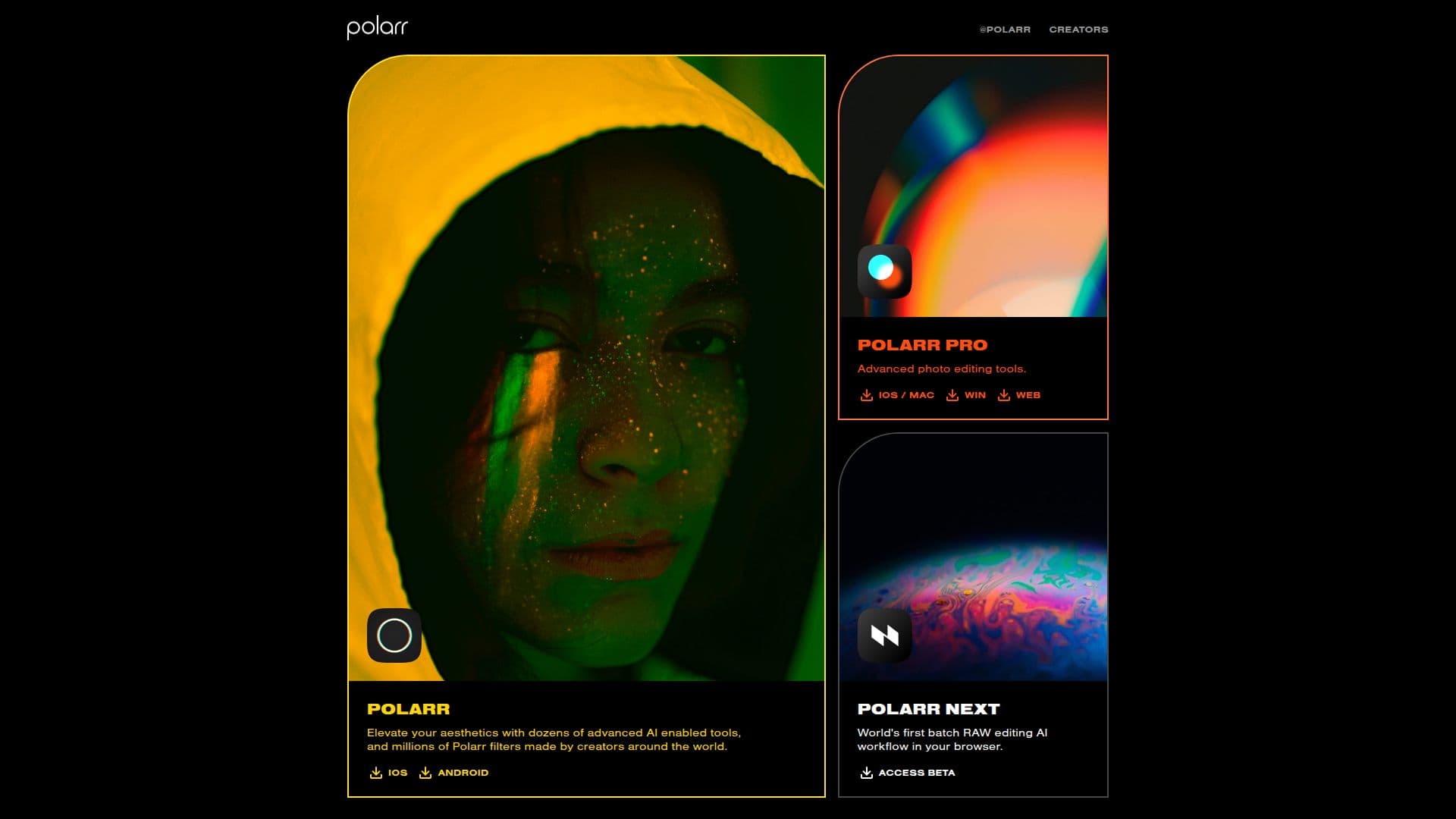
Polarr is a versatile platform that provides both web and mobile applications for photo and video editing. It specializes in offering a wide range of filters and editing tools that cater to users looking to enhance their visual content. With its user-friendly interface, Polarr allows individuals to apply professional-grade edits to their images and videos seamlessly.
Read More
The platform is designed for both casual users and professionals, making it suitable for anyone from social media enthusiasts to content creators. Polarr's editing tools are equipped with advanced features that enable users to adjust colors, apply filters, and fine-tune their visuals to achieve the desired aesthetic. The application supports various formats, ensuring that users can work with their preferred media types.
One of the key benefits of using Polarr is its accessibility. Users can access the platform from both web and mobile devices, allowing for editing on the go. This flexibility is particularly beneficial for those who need to make quick adjustments to their content before sharing it online. Additionally, Polarr's editing capabilities are designed to be intuitive, making it easy for users to navigate through the various tools and features available.
Polarr is not just about basic editing; it also offers advanced functionalities that appeal to more experienced users. Features such as batch editing, customizable filters, and the ability to save and share presets enhance the editing experience. This makes Polarr a powerful tool for those who require more than just standard editing options.
In summary, Polarr stands out as a comprehensive photo and video editing solution that combines ease of use with powerful editing capabilities. Whether you're looking to enhance your personal photos or create stunning visuals for professional use, Polarr provides the tools necessary to achieve your creative vision.
- CategoryAI Photo Editors
- Pricing ModelFreemium
- DeploymentCloud
- PlatformsWeb, Mobile
Polarr's Core Features
Web and mobile applications
Advanced filters and effects
User-friendly interface
Batch editing capabilities
Customizable filters
Save and share presets
Supports various media formats
Intuitive navigation
How to use Polarr?
Access the Polarr website or download the mobile app.
Choose the photo or video you want to edit.
Select the desired filters and effects to apply.
Make adjustments using the editing tools available.
Save your edited content or share it directly to social media.
Polarr's Use Cases
- Social Media Content Creation
- Professional Photography
- Video Editing
- Personal Photo Enhancement
- Marketing Materials