
Description
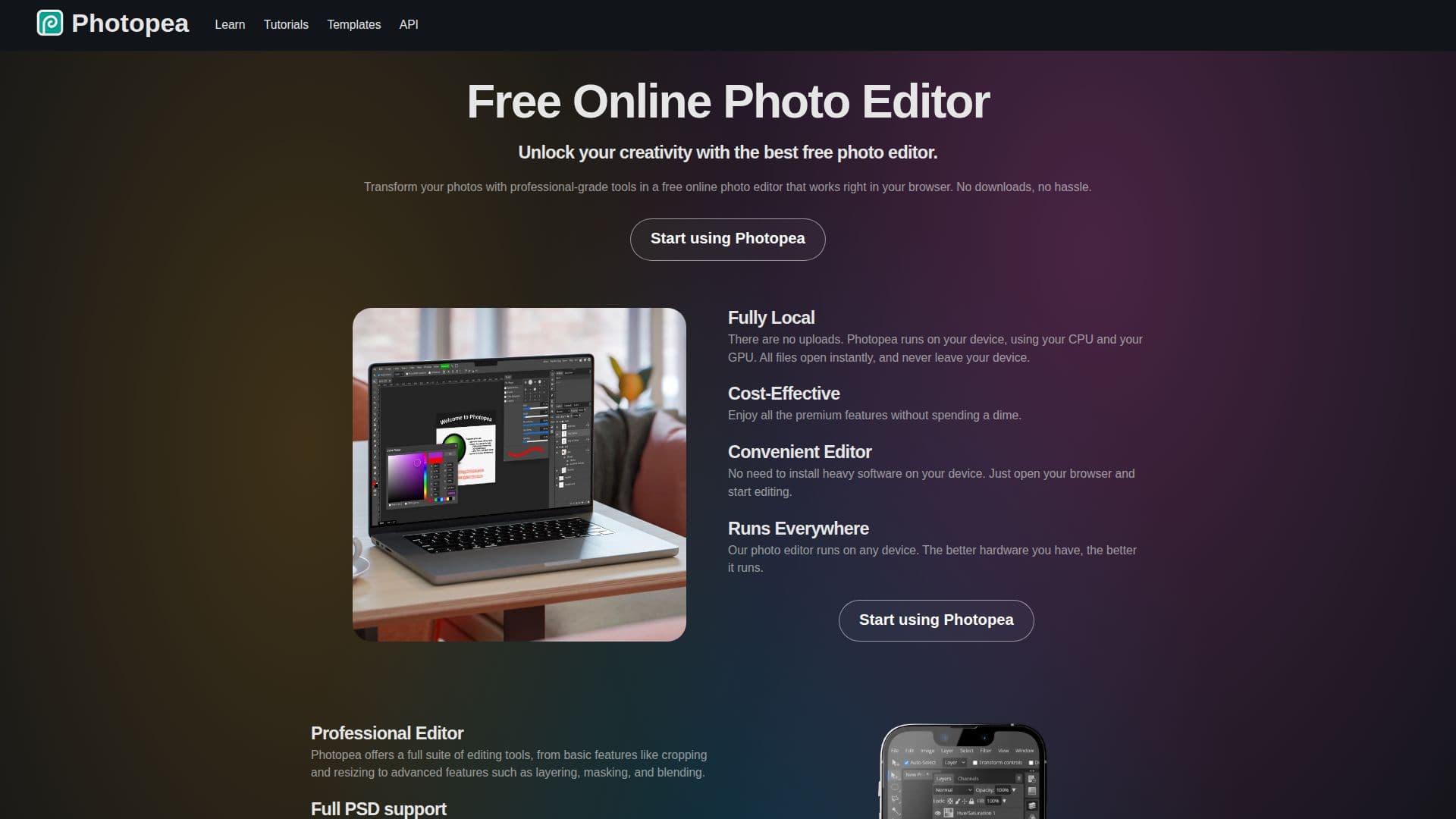
Photopea is a versatile online photo editor that allows users to edit images with professional-grade tools directly in their browser. It eliminates the need for downloads, running entirely on your device using your CPU and GPU, ensuring that files never leave your device. This makes it a convenient and secure option for photo editing.
The editor supports a wide range of formats, including PSD, PNG, JPG, GIF, BMP, WEBP, SVG, PDF, AI, and many others, making it a comprehensive tool for graphic designers and photographers. Photopea offers advanced features such as layering, masking, blending, vector graphics creation, and adjustments like Levels, Curves, Gaussian Blur, Liquify, and Puppet Warp.
Photopea is cost-effective, providing premium features without any cost. Users can opt for a Premium account with a one-time payment for additional benefits. The editor is suitable for various users, including social media enthusiasts, students, educators, small business owners, and graphic designers, offering tools to enhance photos, create promotional materials, and produce professional-quality work.
Photopea also integrates with cloud storage services like Dropbox, Google Drive, and OneDrive, allowing users to open, edit, and save files directly to their cloud storage. The editor's API is available for developers to integrate its functionalities into their applications, and it supports plugins and live messaging.
Overall, Photopea is a powerful tool for anyone looking to edit photos online without the hassle of installing software, providing a wide array of features and format support to cater to diverse needs.
Photopea Online Photo Editor's Core Features
Free online photo editing
Runs locally on your device
Supports PSD and other formats
Advanced editing tools
Vector graphics creation
Cloud storage integration
API available for developers
Premium account option
How to use Photopea Online Photo Editor?
Open browser: Access Photopea website
Upload image: Load your photo into the editor
Edit photo: Use tools for adjustments and effects
Save changes: Export or save to cloud storage
Photopea Online Photo Editor's Use Cases
- Social Media Enhancement
- Educational Projects
- Small Business Promotion
- Graphic Design
- Cloud Integration