
Description
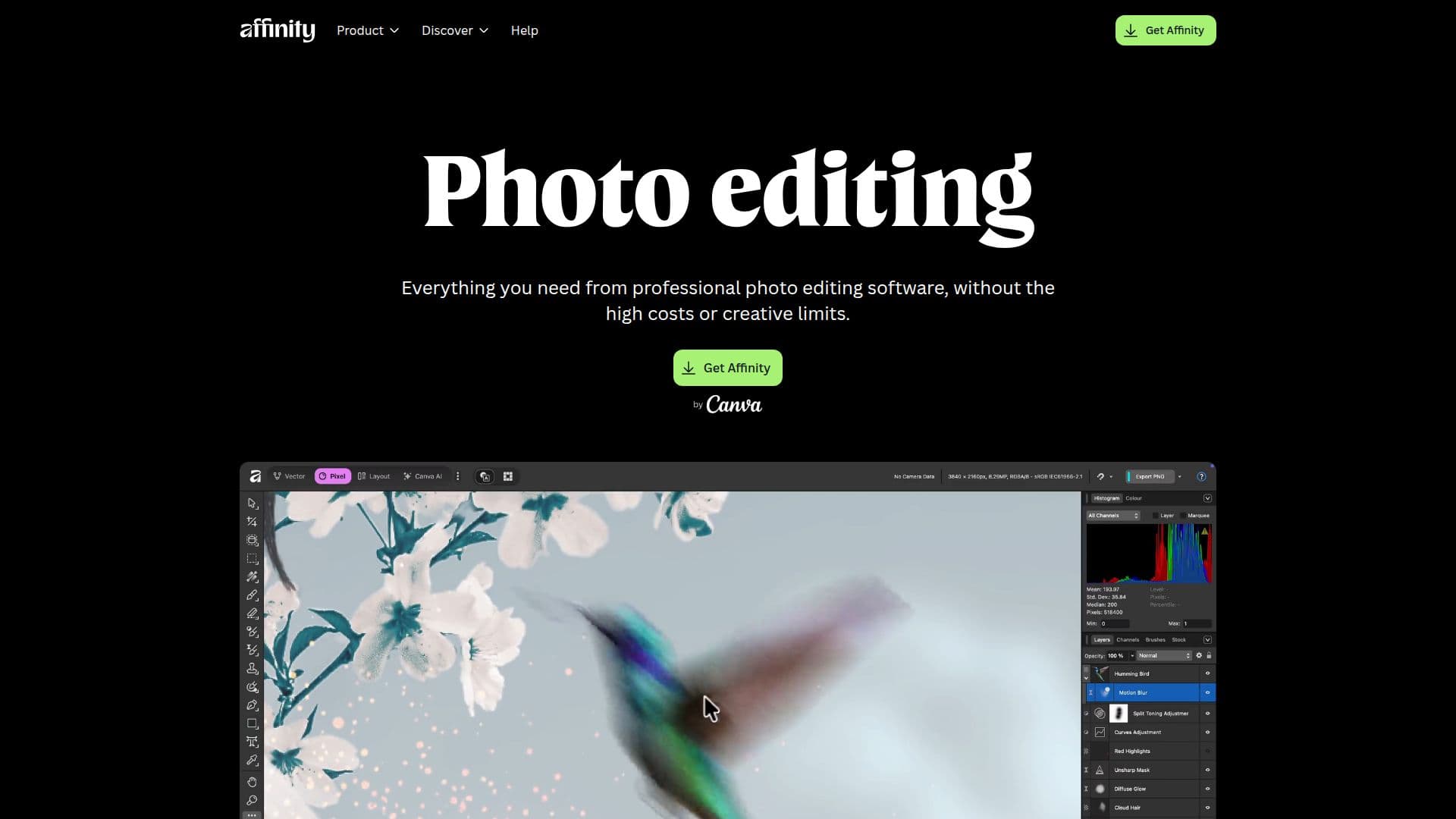
Affinity Photo is a comprehensive photo editing software designed for creatives who seek precision and speed without the burden of high costs. It offers a wide range of professional tools for photo editing, layout, and vector design, all integrated into a single, customizable application. Affinity Photo is free to use, allowing users to access every tool in the Pixel, Vector, and Layout studios without restrictions or payment. The software supports non-destructive editing, enabling users to experiment with filters, masks, and adjustments without compromising the original image.
Read More
Affinity Photo is optimized for hardware acceleration, ensuring smooth and fast editing even with large files. It supports various file formats for export, including JPEG, PNG, TIFF, WebP, and press-ready PDFs. Users can import Photoshop (PSD) files with layer fidelity, making collaboration seamless. The software also offers advanced retouching tools, frequency separation, and a full suite of liquify tools for flawless image touch-ups.
With a Canva premium plan, users can unlock AI features within Affinity Photo, such as Generative Expand, Generative Fill, and Smart Selections, enhancing the editing process. Affinity Photo integrates with professional apps like DaVinci Resolve and Capture One, allowing seamless transitions between different creative workflows.
The software is designed for creatives by creatives, emphasizing true creative freedom and fair access. It is suitable for photographers, designers, and artists who require a robust toolkit for their craft. Affinity Photo continues to receive free updates, ensuring users have access to the latest features and improvements.
- CategoryAI Photo Editors
- Pricing ModelFreemium
- DeploymentCloud
- PlatformsmacOS, Windows
Affinity Photo's Core Features
Non-destructive editing
Hardware-optimized GPU acceleration
Supports PSD file import
Batch processing capabilities
Advanced retouching tools
AI features with Canva premium plan
Integration with DaVinci Resolve
Integration with Capture One
Export to multiple formats
Customizable workspace
Unlimited layers
Live filter previews
RAW development
HDR and focus merge
Liquify and mesh warp tools
How to use Affinity Photo?
Download: Select macOS or Windows version
Install: Follow installation instructions
Configure: Customize your workspace
Edit: Use Pixel Studio for photo editing
Export: Send files directly to Canva
Affinity Photo's Use Cases
- Photo retouching
- RAW development
- Image compositing
- Batch processing
- Vector design
- HDR merging
- Focus stacking
- AI-powered editing
- Motion design integration
- Professional app integration