Description
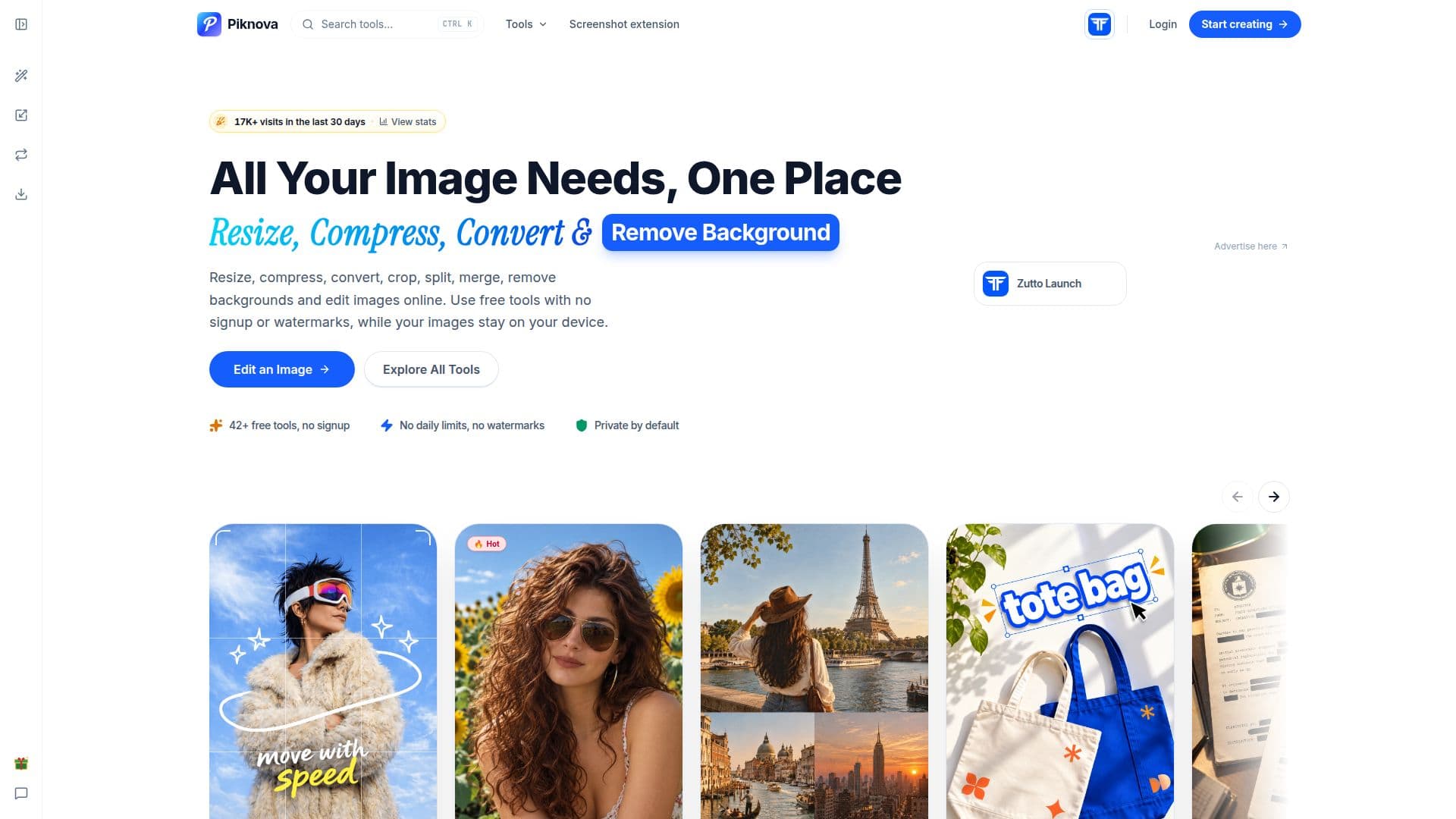
Piknova provides a comprehensive collection of free, online image editing tools designed for speed and simplicity. All tools operate directly within your browser, ensuring that your images are never uploaded to a server, thus maintaining privacy and security. This browser-first approach means no account is required, no watermarks are added to your exports, and there are no limits on usage or resolution.
Read More
The platform caters to a wide range of users, including social media creators, e-commerce sellers on platforms like Shopify and Amazon, and writers or agencies managing content for blogs and team updates. Whether you need to prepare photos for Instagram, optimize product shots for online marketplaces, or annotate screenshots for a how-to guide, Piknova offers a dedicated tool for each task.
Key capabilities include an Image Merger to combine multiple images into various layouts, an Image Overlay tool for superimposing images with opacity control, and a Bulk Background Remover that processes up to 10 images at once. The Image Splitter is ideal for creating Instagram grids or LinkedIn carousels, while the Bulk Image Compressor efficiently reduces the size of up to 50 images to a target KB. Other essential tools cover background removal, precise image compression, format conversion (JPG, PNG, WebP), and resizing by pixels, cm, mm, or inches.
Piknova also features unique utilities like a Redacted Text Generator for privacy, a Screenshot Editor for annotations, and various YouTube downloaders for banners, profile pictures, and thumbnails in different resolutions. The background remover, notably, uses an AI model that downloads to your browser and runs locally, further emphasizing the commitment to user privacy.
While all 42 tools are currently free and unlimited, Piknova is exploring a freemium model for future cloud-based processing of heavier models. However, core functionalities like full resolution, format retention, and no watermarks will always remain free. The platform is independently built and operated from India, focusing on practical solutions without complexity or exaggerated claims.
- CategoryAI Photo Editors
- Pricing ModelFree
- DeploymentCloud
- PlatformsWeb
Piknova's Core Features
Browser-Based Processing: All image tools run directly in your browser, no upload needed.
No Account Required: Use any tool and download results without signing up.
No Watermarks: All exports are watermark-free, regardless of size or plan.
Full Resolution Downloads: Every export is available in full resolution.
Local AI Background Removal: AI model downloads to your browser for on-device processing.
Image Merger: Combine multiple images into grids, side-by-side, stacked, or collage layouts.
Image Overlay: Superimpose one image onto another with position, resize, and opacity controls.
Bulk Background Remover: Remove backgrounds from up to 10 JPG, PNG, or WebP images simultaneously.
Image Splitter: Divide large images into tiles for social media grids and carousels.
Bulk Image Compressor: Compress up to 50 JPG, PNG, and WebP images at once to a target KB size.
Image Compressor: Compress images to an exact size in KB.
Image Converter: Convert between JPG, PNG, and WebP formats.
Image Resizer: Resize images by pixels, cm, mm, or inches with aspect ratio lock.
Screenshot Editor: Mark up screenshots with text, arrows, and boxes, including redaction tools.
YouTube Downloaders: Save YouTube banners, profile pictures, and thumbnails in various sizes and resolutions.
How to use Piknova?
Choose a Tool: Select the specific image editing tool you need from the available list.
Open Your Image: Drop your image file into the tool interface or paste it from your clipboard.
Apply Edits: Use the tool's features to perform desired edits, such as resizing, compressing, or removing backgrounds.
Download Result: Download your edited image in full size, original format, and without any watermarks.
Piknova's Use Cases
- Social Media Content Creation
- E-commerce Product Optimization
- Content Marketing & Blogging
- Privacy-Focused Image Editing
- Quick Image Adjustments
- YouTube Asset Management
- Batch Image Processing
- Image Composition