
Description
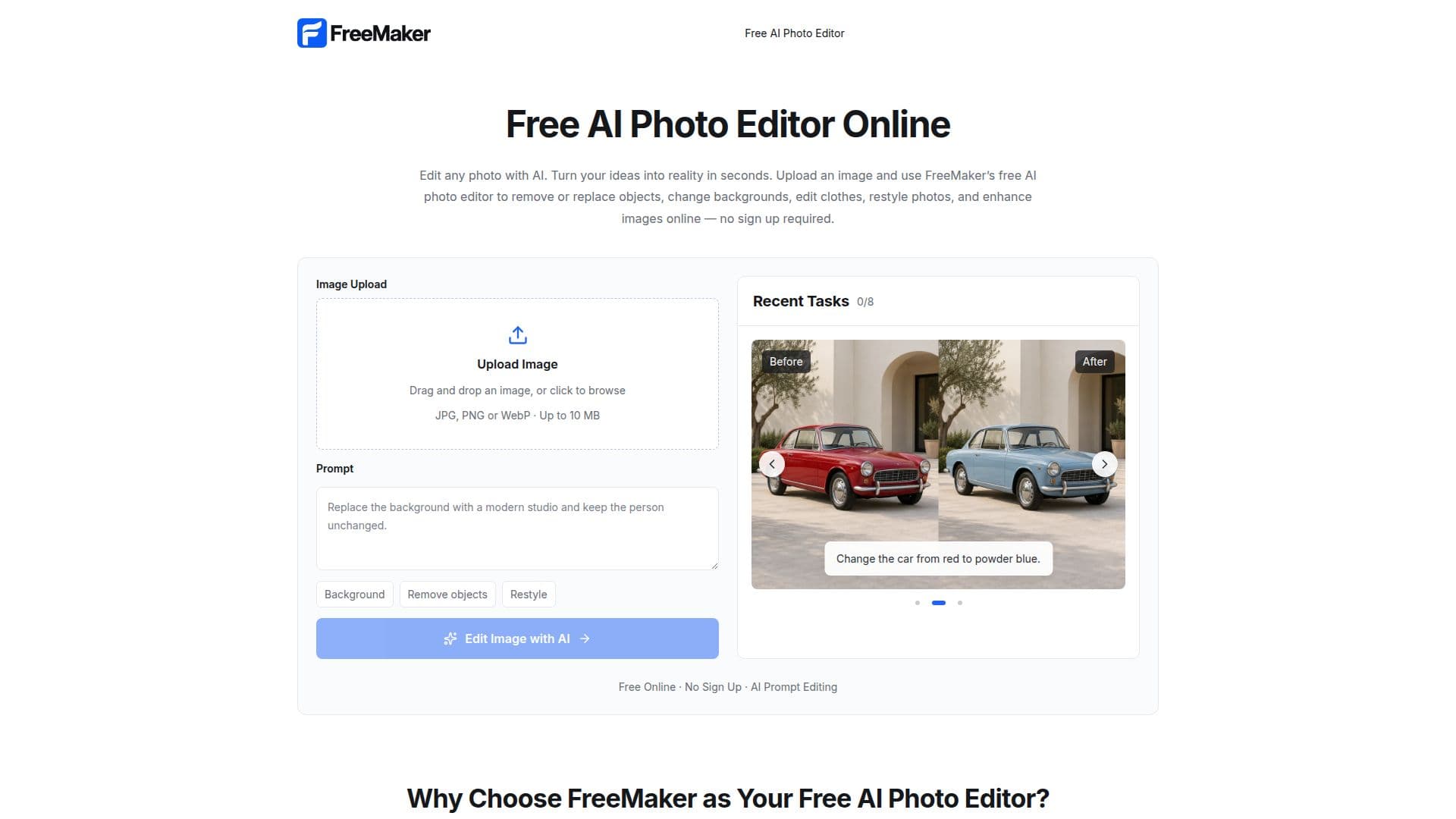
FreeMaker is a versatile online AI photo editor designed to simplify the process of image editing. It offers a range of features that allow users to remove or replace objects, change backgrounds, restyle photos, and enhance images with ease. The platform operates entirely online, eliminating the need for software installation or account creation. Users can upload images in common formats such as JPG, PNG, and WebP, and use text prompts to describe the desired edits. The AI processes these instructions to generate high-quality edited images quickly.
Read More
One of the standout features of FreeMaker is its commitment to user privacy. Uploaded images are automatically deleted within 24 hours, ensuring that personal data is not stored longer than necessary. This makes FreeMaker a reliable choice for those concerned about privacy.
FreeMaker is particularly useful for e-commerce sellers, content creators, marketing teams, and individuals looking to enhance personal photos. E-commerce sellers can create polished product images for online stores, while content creators can adapt photos for various social media platforms. Marketing teams benefit from the ability to quickly generate campaign assets without starting from scratch.
The platform's AI capabilities extend to editing text, logos, and watermarks, as well as restyling photos while maintaining subject consistency. Users can also enhance, restore, and expand images, making FreeMaker a comprehensive tool for both professional and personal use. Despite its advanced features, FreeMaker remains user-friendly, requiring no advanced design skills to operate.
- CategoryAI Photo Editors
- Pricing ModelFree
- DeploymentCloud
- PlatformsWeb
FreeMaker's Core Features
Remove or replace objects
Change backgrounds
Restyle photos
Enhance images
No sign up required
Automatic image deletion within 24 hours
Supports JPG, PNG, and WebP formats
High-quality edited image downloads
How to use FreeMaker?
Upload Image: Drag and drop your image into the editor
Enter Instructions: Describe the changes you want using text prompts
Generate: Click Generate to process your request
Download: Preview and download the edited image
FreeMaker's Use Cases
- E-commerce Photography
- Social Media Content
- Marketing Campaigns
- Personal Photo Editing
- Creative Projects