
Description
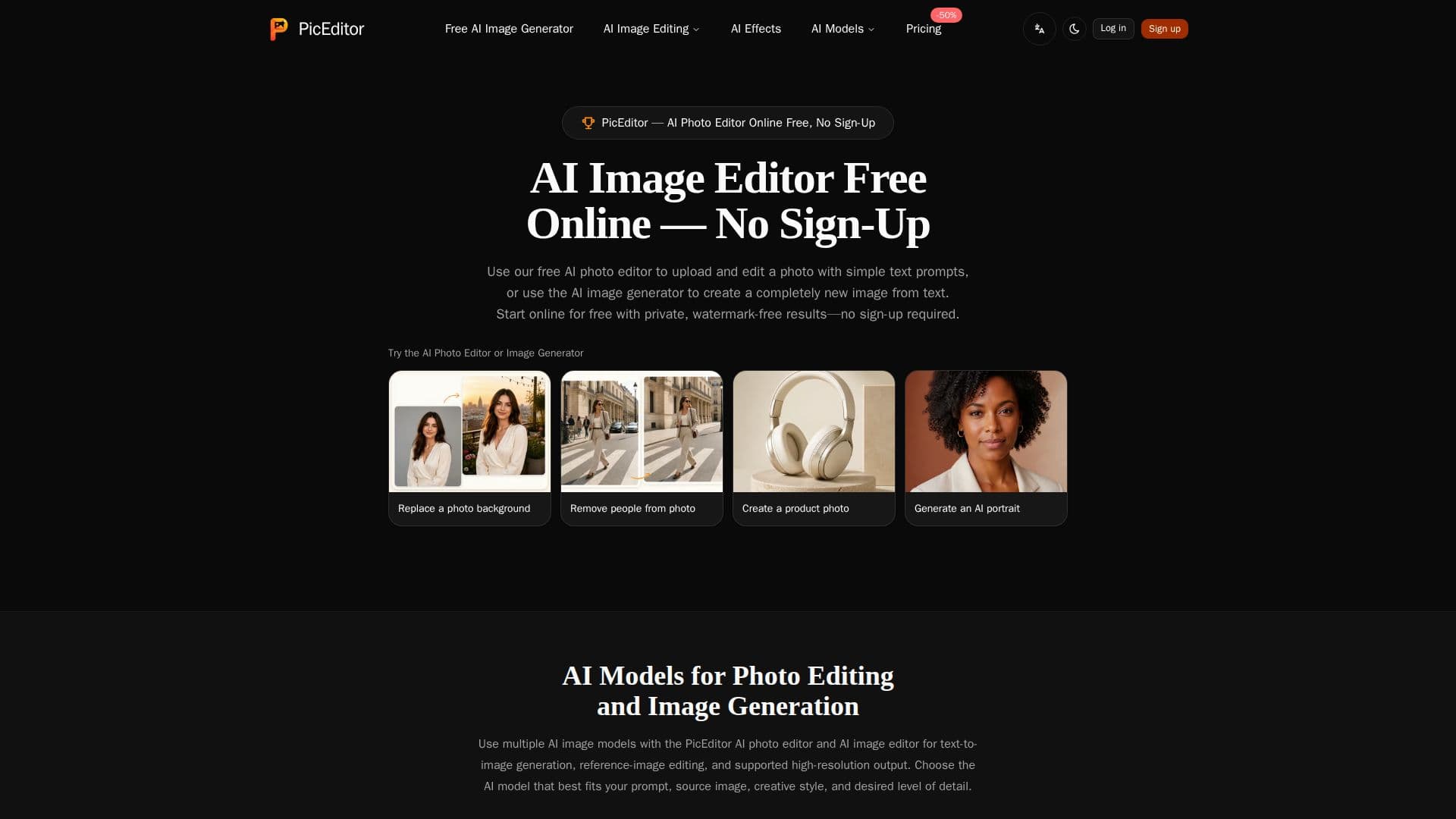
PicEditor is an innovative AI photo editor and image generator that operates directly in your browser. It allows users to upload photos and make changes using simple text prompts or generate entirely new images from text descriptions. The platform supports multiple AI models, including GPT Image 2.5 Flare, which is available for free users at 1K Standard resolution. Paid subscriptions unlock access to advanced models and higher resolutions, such as 2K and 4K.
Read More
The AI editor can perform various tasks, such as removing unwanted objects, replacing backgrounds, editing visible text, and changing colors and styles. It can also generate photorealistic images, illustrations, product visuals, and concept art from text prompts. Users can upload JPEG, PNG, or WebP images up to 10 MB for editing or use them as reference images for new creations.
Privacy is a key feature of PicEditor, with all uploaded and generated images kept private by default. Commercial use rights are granted for images created with a subscription or valid credit access, while free-only images are intended for personal use. The platform offers a freemium pricing model, with a free tier providing limited access to features and paid plans offering additional credits and model access.
PicEditor is designed for individuals and professionals seeking a versatile and accessible tool for image editing and generation. Its user-friendly interface and powerful AI capabilities make it suitable for creating marketing materials, social media graphics, and artistic projects. Limitations include the need for clear instructions to achieve desired results and the potential for slight changes in image details during editing.
- CategoryAI Photo Editors
- Pricing ModelFreemium
- DeploymentCloud
- PlatformsWeb
PicEditor's Core Features
AI photo editing and image generation
Multiple AI models supported
Free and paid access options
Private, watermark-free images
Commercial use rights with subscription
JPEG, PNG, WebP image uploads
1K, 2K, and 4K resolution outputs
Text prompt-based editing
How to use PicEditor?
Upload: Choose a photo to edit
Describe: Enter text prompts for changes
Select Model: Choose an AI model
Generate: Create or edit images
Download: Save your results
PicEditor's Use Cases
- Background Replacement
- Text Editing
- Style Transformation
- Object Removal
- Image Generation