
Description
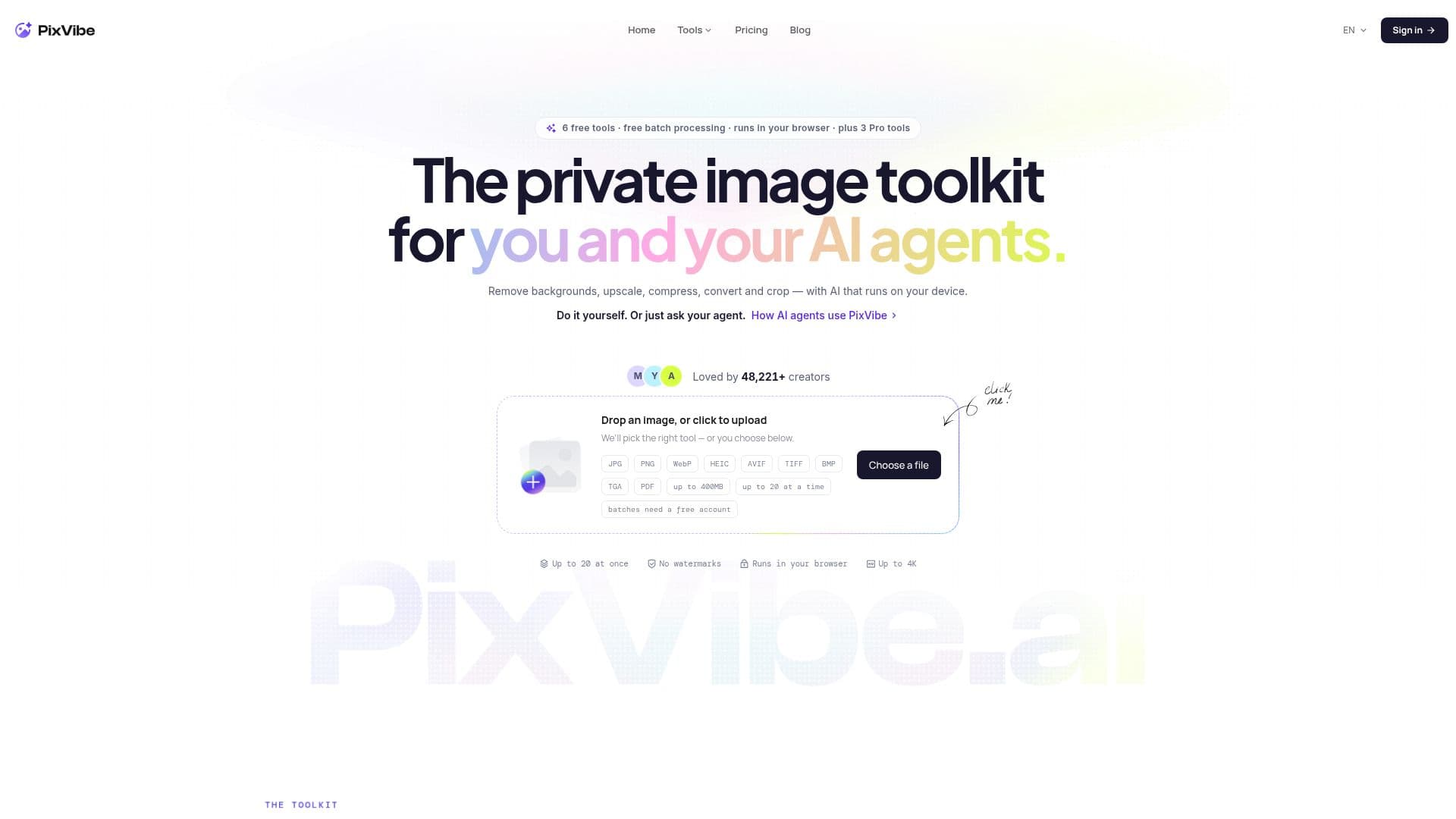
PixVibe is an innovative image processing platform designed to cater to a variety of image editing needs. It offers a suite of tools that allow users to remove backgrounds, convert image formats, compress, resize, crop, and upscale images, all from within their browser. The platform is designed to be user-friendly and efficient, providing essential tools for everyday image editing tasks.
Read More
One of the standout features of PixVibe is its ability to process images in batches of up to 20 at a time, making it an ideal choice for users who need to handle multiple images quickly. The free tools operate entirely within the user's browser, ensuring that files remain private and secure on the user's device. For more advanced editing needs, PixVibe offers AI-powered tools that utilize server-side processing to deliver high-quality results.
PixVibe's pricing model is flexible, offering a free tier with generous monthly AI credits and additional paid plans for users who require more extensive capabilities. The Pro and Studio plans provide increased AI credits and support for commercial use, while one-time credit packs offer additional flexibility without the need for a subscription.
The platform is particularly suitable for creators, marketers, and professionals who require efficient and high-quality image editing solutions. Its browser-native design ensures that users can access powerful editing tools without the need for complex software installations. PixVibe's commitment to privacy and ease of use makes it a valuable tool for anyone looking to enhance their visual content.
- CategoryAI Photo Editors
- Pricing ModelFreemium
- DeploymentBrowser
- PlatformsWeb
PixVibe's Core Features
Background removal
Image format conversion
Image compression
Image resizing
Image cropping
AI upscaling
Batch processing up to 20 images
No watermarks
How to use PixVibe?
Open PixVibe in your browser
Upload your image or images
Select the desired tool (e.g., remove background)
Adjust settings as needed
Process the images
Download the edited images
PixVibe's Use Cases
- Background Removal
- Image Conversion
- Image Compression
- Image Resizing
- AI Upscaling