Description
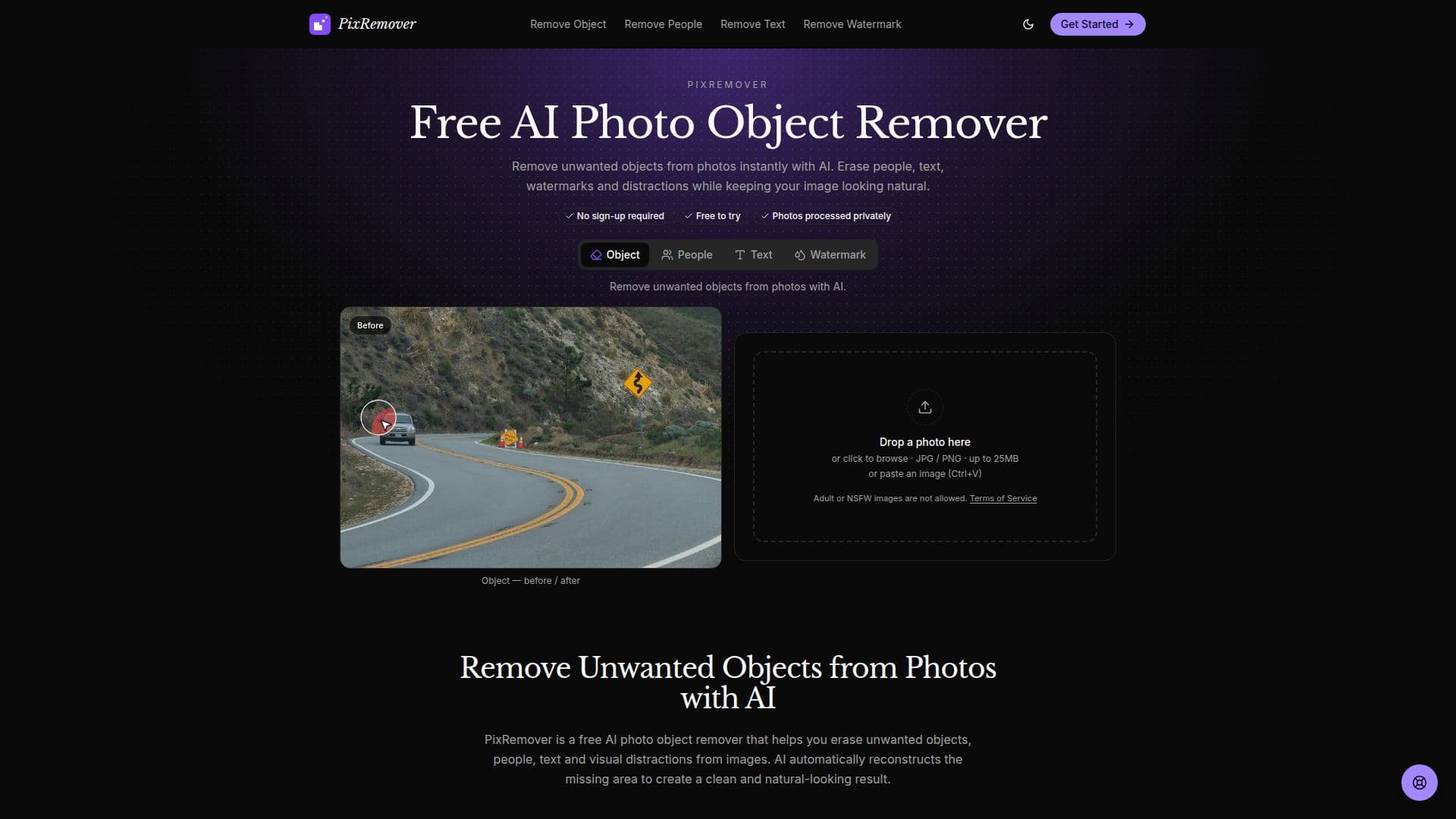
PixRemover is an innovative AI-powered tool designed to help users remove unwanted objects, people, text, and distractions from photos effortlessly. This online photo editing solution is perfect for photographers, content creators, designers, and online sellers who wish to enhance their images quickly and efficiently.
Read More
The tool operates with a simple three-step workflow: upload your photo, select the area you want to remove, and let the AI handle the editing. PixRemover intelligently reconstructs the missing areas to ensure clean and natural-looking results, making it an ideal choice for those without advanced editing skills.
PixRemover offers a freemium pricing model, allowing users to perform up to two free image removals per day without registration, or five per day when signed in. For those requiring additional removals or full-resolution downloads, optional paid plans are available, starting at $4.99 for credit packs and $9.99 per month for Pro plans.
The tool is particularly useful for cleaning up travel photos, improving product images, and preparing visuals for social media. By erasing photobombers, unwanted text, and background clutter, PixRemover helps users create distraction-free images that maintain focus on the main subject.
PixRemover's AI capabilities include object removal, people removal, text removal, and watermark removal, all accessible directly from your browser without the need for software installation. This makes it a convenient and accessible solution for anyone looking to enhance their photos with minimal effort.
- CategoryAI Photo Editors
- Pricing ModelFreemium
- DeploymentCloud
- PlatformsWeb
PixRemover's Core Features
AI Object Remover: Remove unwanted objects and distractions from photos.
People Remover: Erase unwanted people from backgrounds.
Text Remover: Remove text from images.
AI Photo Cleanup: Clean up images while preserving natural-looking backgrounds.
Easy Online Editing: Edit photos directly in your browser without installing software.
Freemium Model: Offers free removals with optional paid plans.
Simple Workflow: Upload, brush, and remove.
Full-Resolution Downloads: Available with paid plans.
How to use PixRemover?
Upload Your Photo: Upload a JPG, PNG or supported image to PixRemover.
Select What You Want to Remove: Brush over an unwanted object, person, text, watermark or distraction.
Let AI Clean Up the Photo: AI removes the selected area and reconstructs the missing background automatically.
Download the Edited Photo: Save the cleaned-up image to your device.
PixRemover's Use Cases
- Travel Photo Cleanup
- Product Image Enhancement
- Social Media Photo Editing
- Watermark Removal
- Text Erasure