Description
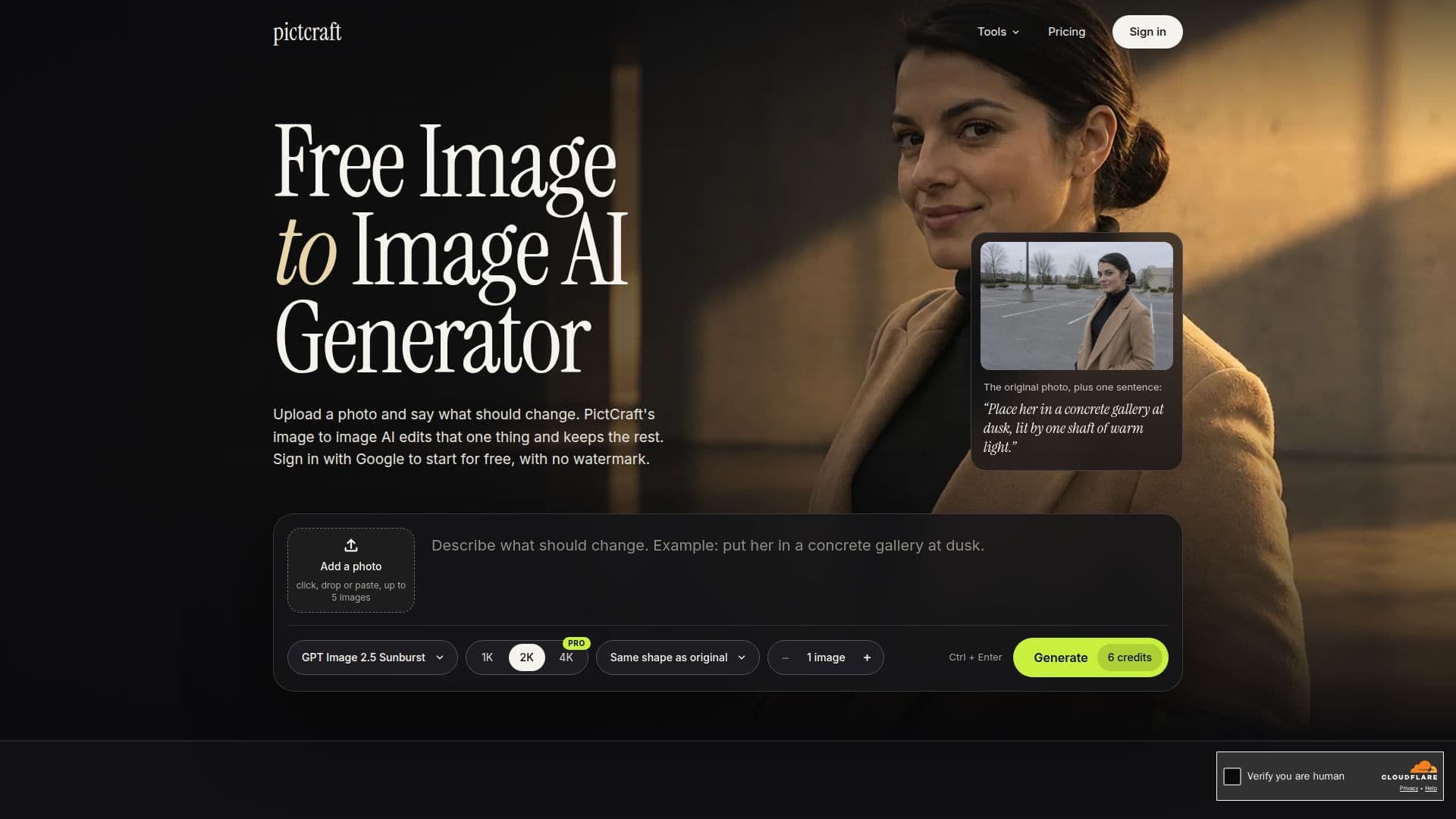
PictCraft offers an online image to image AI generator and photo editor, allowing users to transform existing photos with simple text instructions. The platform operates directly in the browser, eliminating the need for software installation. Users upload a photo and provide a short prompt detailing what should change, and the AI model generates an edited version that maintains the original subject, framing, and other unmentioned details.
Read More
This tool is designed for a wide range of common photo edits. It can replace backgrounds, alter hair color or clothing, redraw photos in different artistic styles, remove unwanted elements like people from the background, or add new objects. PictCraft also supports combining up to five images into a single new creation. A key feature is the iterative editing process: any generated result can become the starting image for the next edit, enabling users to make sequential changes and refine their creations over multiple steps.
PictCraft utilizes the latest AI image models, which are regularly updated to ensure high-quality output. Users can choose output resolutions of 1K, 2K, or 4K, with 4K resolution available on Pro and Max plans. A significant advantage is that all generated images are free of watermarks, whether from free credits or paid plans. The platform also prioritizes user privacy, ensuring that uploaded photos are visible only to the user and are not used for training AI models.
Access to PictCraft begins with a free tier upon signing in with a Google account, which provides initial credits. Once these credits are used, users can purchase credit packs or subscribe to monthly plans. The service enforces content restrictions, prohibiting nudity, sexual content, face-swapping of real individuals, and anything that sexualizes minors. All prompts and images are checked against these safety filters before generation. Images generated with PictCraft are owned by the user and can be used for any lawful personal or commercial purpose.
- CategoryAI Image Generators
- Pricing ModelFreemium
- DeploymentCloud
- PlatformsWeb Browser
PictCraft's Core Features
Image to Image AI Generation
AI Photo Editor
Browser-Based Tool
No Watermark on Results
Preserves Subject and Framing
Supports Background Replacement
Enables Style Changes
Allows Object Addition
Combines up to Five Images
Iterative Editing Capability
Multiple Output Resolutions (1K, 2K, 4K)
Uses Latest AI Image Models
Google Sign-in for Access
Private Photo Storage
Commercial Use Rights for Generated Images
How to use PictCraft?
Add Your Photo: Click, drag, or paste JPG, PNG, or WEBP images up to 50 MB each, with support for up to five images at once.
Describe Changes: Write a single sentence specifying what to change, what to keep, and the desired feel.
Pick Model and Size: Choose an AI model and an output size (1K, 2K, or 4K), noting the credit cost before generation.
Generate and Compare: Create the image, then use a slider to compare it with the original or send another edit.
Download or Continue Editing: Save the watermark-free result or use it as the starting point for further modifications.
PictCraft's Use Cases
- Change Photo Backgrounds
- Alter Appearance and Style
- Add or Remove Objects
- Combine Multiple Images
- Iterative Photo Editing
- Product Visualization
- Marketing and Social Media Content
- Architectural and Interior Design Previews
- Personal Photo Enhancement