Description
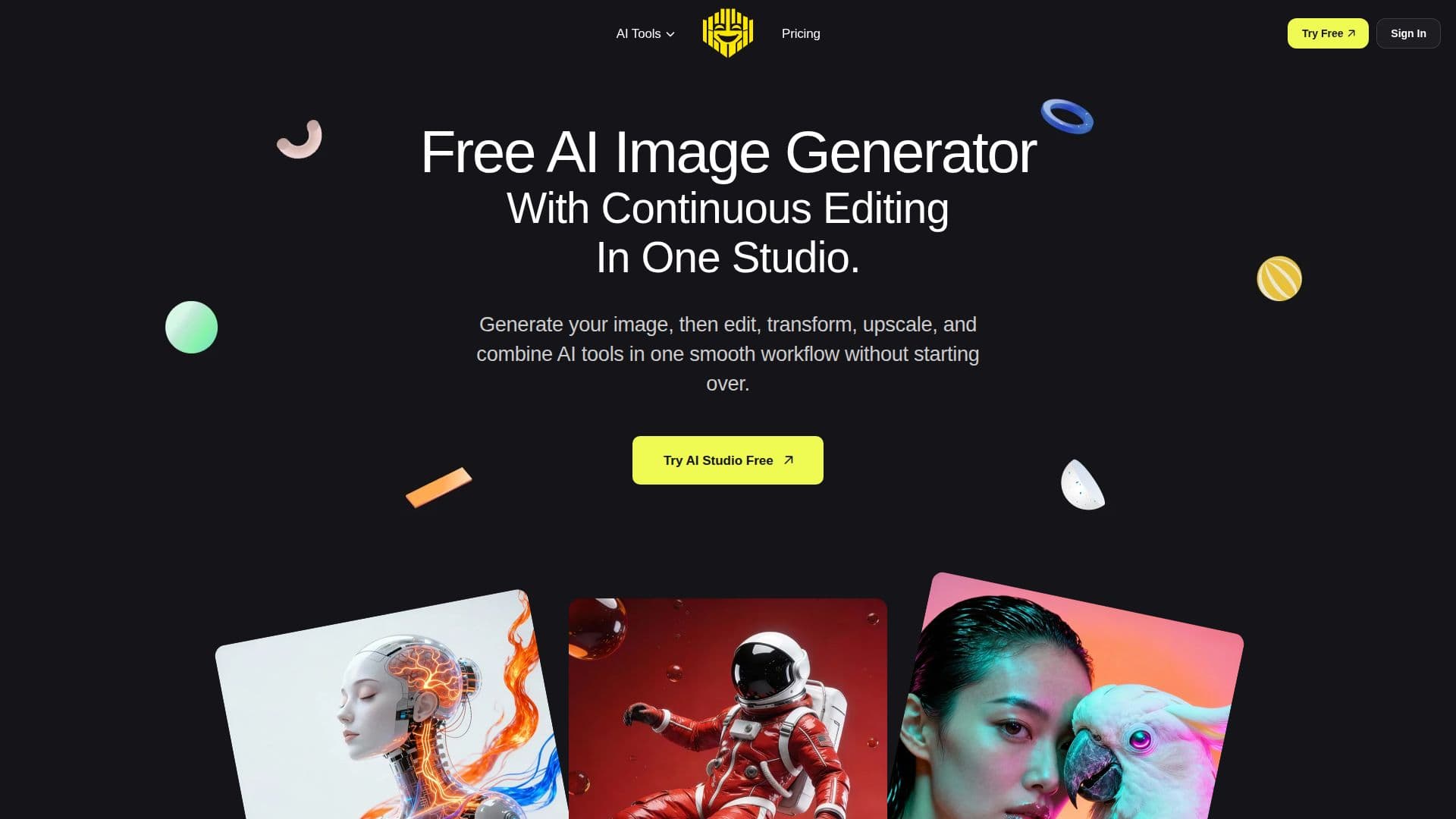
Free AI Generator (free-ai-generator.com) is an AI image platform centered on AI Studio, a shared canvas where users keep one image open and apply edits step by step instead of bouncing between separate tools. You can generate an image from a prompt or upload your own photo, then continue editing, transforming, and finishing that same result, applying background changes, recoloring, outfit swaps, hairstyle previews, cutouts, and upscaling in sequence.
Read More
The platform bundles 13+ AI image and video tools that work together, including an AI image generator, anime generator, headshot generator, image editor driven by plain-language instructions, background remover and replacer, clothes changer, hairstyle changer, product color changer, image describer, an AI video generator that turns text or an image into a short clip, and an image upscaler supporting 720p, 1080p, 2K, and 4K. Text-first workflows include image, anime, and portrait generation, while image-based workflows cover editing, headshots, background tools, recoloring, outfit and hairstyle changes, and upscaling. Supported files include PNG, JPEG, and WebP.
Some tools can be tried as a guest with no account, and new accounts start with 30 free credits (signup bonus credits expire after 7 days). One-time credit packages (from a $4 Starter Pack of 150 credits up to a Power Pack of 6,000 credits) are non-recurring and valid for two years, and the image describer is unlimited on packages. Users keep rights to their prompts, uploads, and outputs to the extent allowed by law, and are responsible for permissions and reviewing outputs before commercial use.
- CategoryAI Image Generators
- Pricing ModelFreemium
- DeploymentCloud
- PlatformsWeb
Free AI Generator's Core Features
AI Studio single-canvas workflow across steps
Text-to-image and anime generation
AI image editing with plain-language instructions
Background remover and replacer
Clothes changer, hairstyle changer, and product color changer
AI headshot generator
AI video generator from text or image
Image upscaler up to 4K
How to use Free AI Generator?
Start: Generate an image from a prompt or upload your own photo into AI Studio.
Change the look: Recolor, restyle, edit with words, or swap outfits and hairstyles.
Change the scene: Remove or replace the background, or make it white for listings.
Finish: Upscale the result to 720p, 1080p, 2K, or 4K.
Download: Export the final image, or continue building on the same canvas.
Free AI Generator's Use Cases
- Multi-step image editing
- E-commerce product images
- Professional headshots
- Anime and creative art
- Short AI videos