
Description
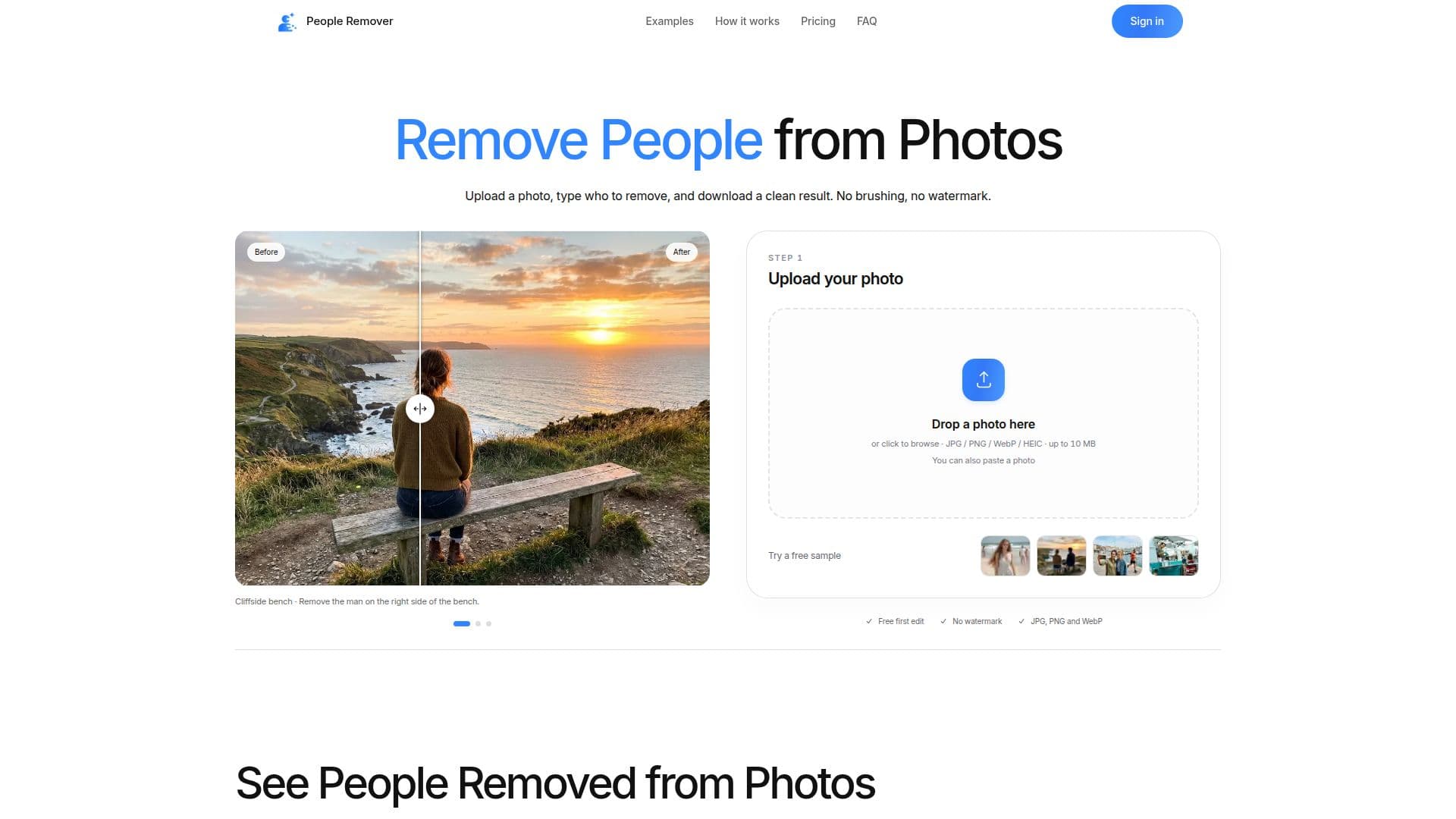
People Remover is an innovative AI-powered tool designed to effortlessly remove unwanted people, objects, and distractions from photos and videos. Unlike traditional editing software that requires manual brushing or precise selections, People Remover allows users to simply describe what they want to delete using natural language prompts. For example, a user can type "remove the woman in the red jacket" or "remove everyone in the background," and the AI intelligently identifies and eliminates the specified elements.
Read More
The tool is accessible online through a web browser, meaning no app installation is required, making it convenient for use on various devices, including iPhones. Users upload their photo (supporting JPG, PNG, WebP, and HEIC/HEIF formats up to 10 MB), provide a textual description of what to remove, and then download the clean result. The service ensures that all edited photos are free of watermarks, even for the initial free edit.
People Remover offers flexible pricing options, starting with a free first edit upon signing in. Subsequent edits can be purchased through one-time credit packs or monthly subscription plans. Output resolutions vary, with 1K, 2K, and 4K options available, costing 1, 2, or 3 credits respectively. A key advantage is that removing multiple people in a single description counts as one edit, providing cost-efficiency.
Privacy is a priority, as uploaded originals and edited results are automatically deleted after one hour, and photos are not used to train AI models. In cases where an edit fails, credits are automatically returned. While the AI re-draws the entire image, which might cause minor shifts in details away from the removed person, users are advised to review results before final use. People Remover is ideal for cleaning up tourist photos, removing photobombers, editing out ex-partners, enhancing real estate listings, and perfecting family or event photos.
- CategoryAI Photo Editors
- Pricing ModelFreemium
- DeploymentCloud
- PlatformsWeb
People Remover's Core Features
AI-powered object removal
Text-based object description for removal
No manual brushing or selection required
Removes multiple people/objects in one edit
No watermarks on any output
Supports JPG, PNG, WebP, HEIC/HEIF photo formats
Output resolutions: 1K, 2K, 4K
Free first edit upon sign-in
Credit packs and monthly subscription plans
Credits returned for failed edits
Automatic deletion of photos after 1 hour
Photos not used for AI model training
Web-based, no app installation needed
Suitable for mobile browser use
Converts HEIC to JPG in browser
How to use People Remover?
Upload Photo: Open People Remover in your browser and upload your JPG, PNG, WebP, or HEIC/HEIF photo.
Describe Removal: Type a short sentence describing who or what you want to remove, e.g., "remove the man on the left."
Review Result: The AI processes the image; check the generated result for accuracy.
Download Edited Photo: Download your clean photo in JPG, PNG, or WebP format. Choose 2K or 4K resolution on paid plans.
People Remover's Use Cases
- Remove Tourist Crowds
- Eliminate Photobombers
- Edit Out Ex-Partners
- Enhance Real Estate Photos
- Perfect Wedding & Event Photos
- Clean Up Family Photos
- Object Removal