
Description
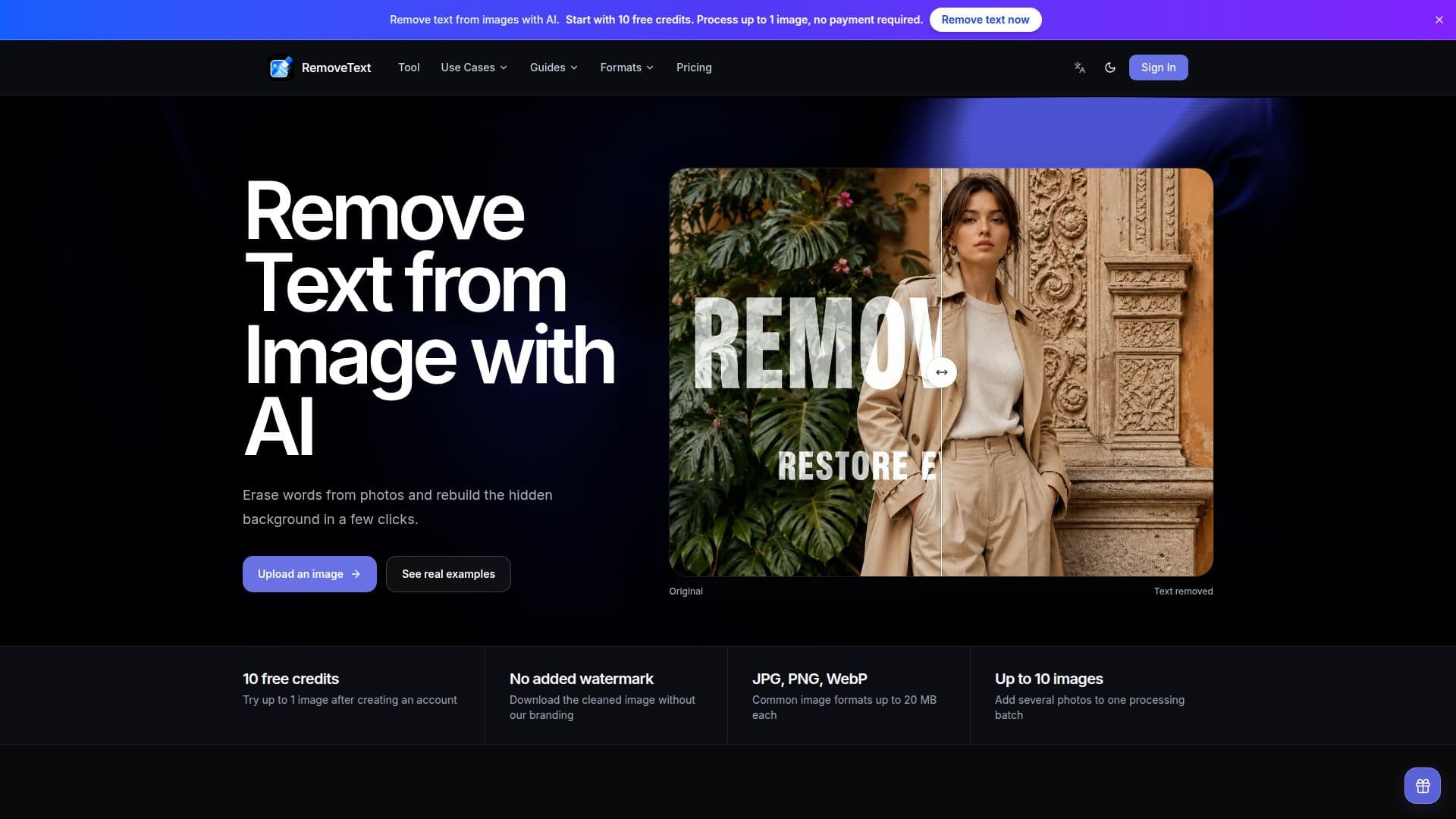
RemoveText is a web-based application designed to remove visible text from images while reconstructing the background seamlessly. Users can upload images in JPG, PNG, or WebP formats, each up to 20 MB, and process up to 10 images in a batch. The tool uses AI to identify and erase text, generating new pixels that match the surrounding colors, textures, and lighting, ensuring a natural look.
Read More
The service offers a free tier where new verified accounts receive 10 credits, enough to process one image without entering payment details. Paid plans are available for more frequent use, with options for 500, 1,500, or 4,000 credits per month, allowing users to process up to 50, 150, or 400 images monthly, respectively.
RemoveText is particularly useful for cleaning up product photos, travel posters, memes, and other designed images. It allows users to specify which text to remove, preserving other content as needed. The tool ensures that the original aspect ratio of images is maintained, and processed images do not have any added watermarks.
The platform is ideal for individuals and businesses needing routine image cleanup, offering a straightforward workflow: upload an image, specify text removal instructions, review the result, and download the cleaned image. It provides a practical solution for removing promotional text, labels, dates, and other visible words from images, making it a valuable tool for marketers, designers, and content creators.
- CategoryAI Photo Editors
- Pricing ModelFreemium
- DeploymentCloud
- PlatformsWeb
RemoveText's Core Features
AI text removal
Natural background reconstruction
Supports JPG, PNG, WebP formats
Batch processing up to 10 images
Free tier with 10 credits
No watermark on downloads
Custom text removal instructions
Preserves original aspect ratio
How to use RemoveText?
Upload: Choose a JPG, PNG, or WebP file
Specify: Add instructions for text removal
Process: Run the AI text remover
Review: Compare original and cleaned images
Download: Save the final image
RemoveText's Use Cases
- Product Photo Cleanup
- Poster Editing
- Meme Caption Removal
- Selective Text Removal
- Marketing Visuals