Description
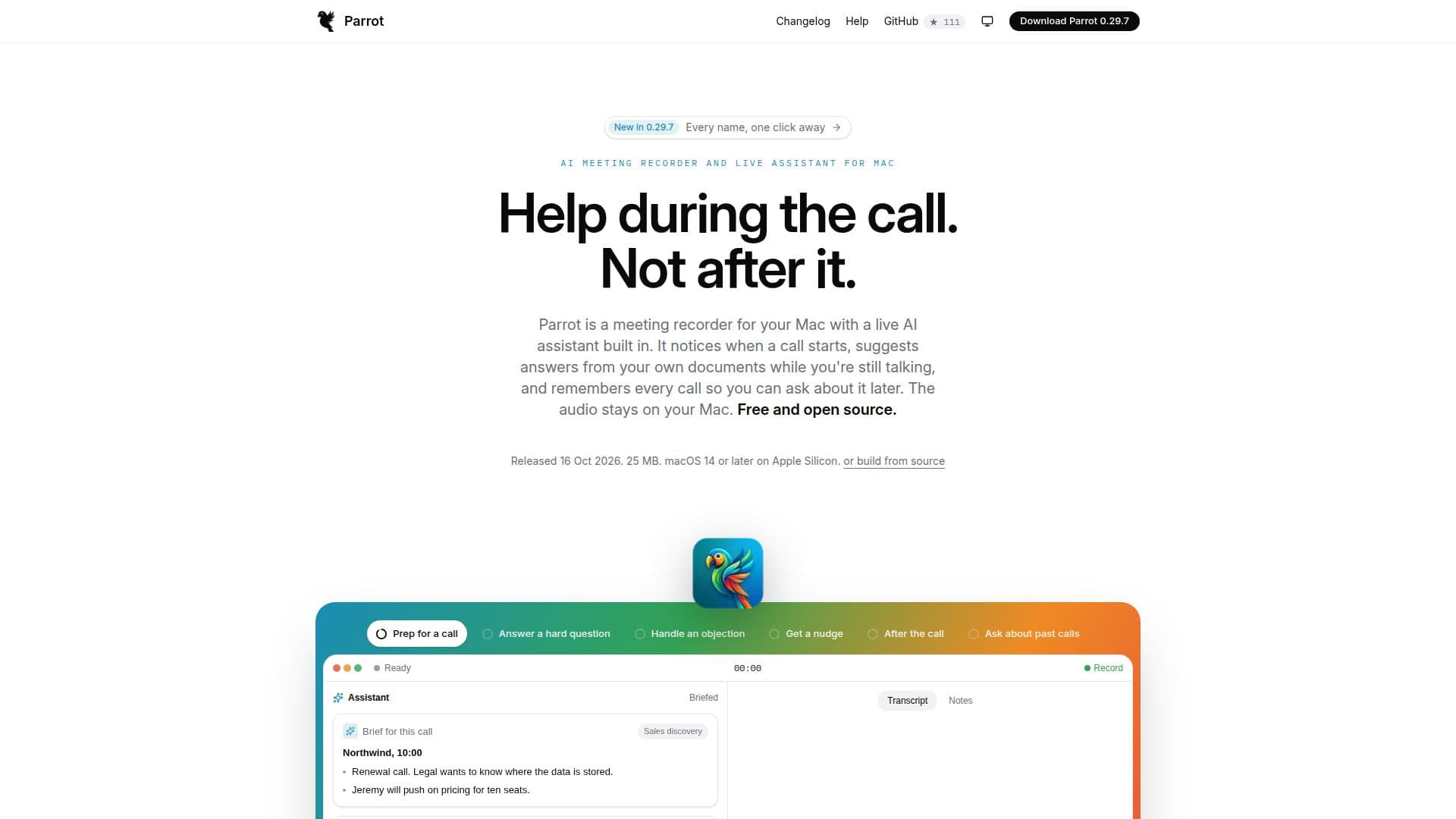
Parrot is an innovative AI meeting recorder designed specifically for Mac users. It offers a seamless way to record calls without the need for a bot, ensuring that nothing appears in the participant list. This tool transcribes audio directly on your Mac, providing real-time transcription and speaker detection without sending your audio to the cloud. Parrot is compatible with popular meeting platforms such as Zoom, Google Meet, and Microsoft Teams, as well as any other audio source your Mac can hear.
Read More
One of the standout features of Parrot is its ability to suggest answers from your own documents during a call. This is achieved through integration with various AI models like Claude, Cursor, and Codex. The tool is free and open-source, operating under the GPL-3.0 license, and does not require an account or any paid plans. Users can choose to add their own keys for cloud AI services, which may incur minimal costs.
Parrot is designed to work offline, with transcription and AI assistance running locally on your Mac. It supports a range of AI models for transcription, including Whisper and Parakeet, and offers flexibility in choosing the AI model for live assistance and report generation. The tool is optimized for macOS 14 or later on Apple Silicon devices, ensuring high performance and compatibility.
Privacy is a key focus for Parrot. The tool does not send any audio data unless explicitly chosen by the user, and all transcription and document processing occur locally. This makes Parrot a secure choice for users concerned about data privacy. Additionally, Parrot offers features like automatic language detection, customizable recording settings, and the ability to search past calls, providing a comprehensive solution for managing meeting recordings.
- CategoryAI Meeting Assistants
- Pricing ModelFree
- DeploymentLocal
- PlatformsmacOS
Parrot's Core Features
Free and open-source under GPL-3.0
Local transcription and speaker detection
Compatible with Zoom, Google Meet, and Teams
No bot joins the meeting
Works offline with local AI models
Supports Claude, Cursor, and Codex
Automatic language detection
Customizable recording settings
How to use Parrot?
Download: Install Parrot from the website
Configure: Set up permissions and choose AI models
Use: Start recording when a call begins
Optimize: Adjust settings for language and AI models
Parrot's Use Cases
- Meeting Transcription
- Document Integration
- Privacy-Focused Recording
- AI Model Flexibility
- Offline Functionality