Description
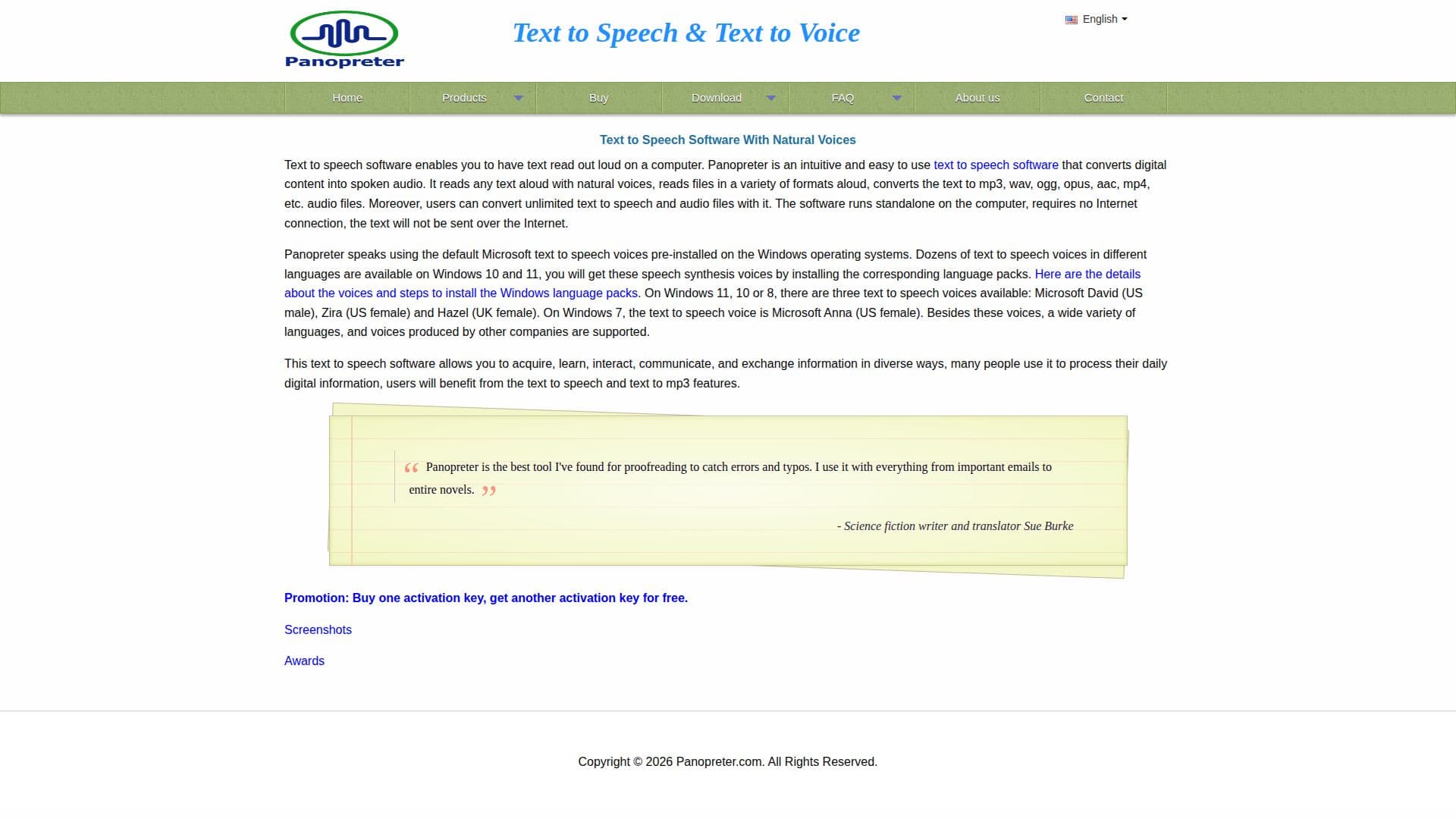
Panopreter is an intuitive text to speech software designed to convert digital text into spoken audio. It reads text aloud using natural voices and supports a wide range of audio file formats including mp3, wav, ogg, opus, aac, and mp4. The software operates independently on a computer without requiring an internet connection, ensuring privacy as text is not sent over the internet.
Read More
Users can benefit from its ability to read text selected in other software windows and copied to the Windows clipboard. Panopreter highlights the word or sentence being read, supports batch file conversion, and includes extensions for Chrome and Firefox browsers to read web page text aloud. Additionally, it offers a toolbar for Internet Explorer and Microsoft Word, allowing text conversion to audio files directly from these applications.
The software is compatible with Microsoft SAPI 5 voices and supports various languages by installing corresponding language packs on Windows 10 and 11. Users can customize the interface layout, font, text size, color, and adjust voice speed, volume, and pitch. Panopreter also allows users to adjust audio files' sample rate and bit rate for optimal audio quality.
Panopreter offers a 14-day free trial, with licensed users eligible for free upgrades to future releases. It is widely used by individuals, businesses, educational institutions, and non-profit organizations globally, providing a powerful tool for processing digital information and enhancing communication.
- CategoryText to Speech
- Pricing ModelFreemium
- DeploymentDesktop app
- PlatformsWindows
Panopreter Text to Speech Software's Core Features
Read text aloud with natural voices
Convert text to audio files in multiple formats
Support for batch file conversion
Extensions for Chrome and Firefox browsers
Toolbar for Internet Explorer and Microsoft Word
Customizable interface and audio settings
Compatible with Microsoft SAPI 5 voices
14-day free trial available
How to use Panopreter Text to Speech Software?
Download: Choose 32-bit or 64-bit version
Install: Follow setup instructions
Configure: Customize settings and interface
Use: Read and convert text to audio
Optimize: Adjust audio quality settings
Panopreter Text to Speech Software's Use Cases
- Proofreading
- Language Learning
- Accessibility
- Content Creation
- Education