Description
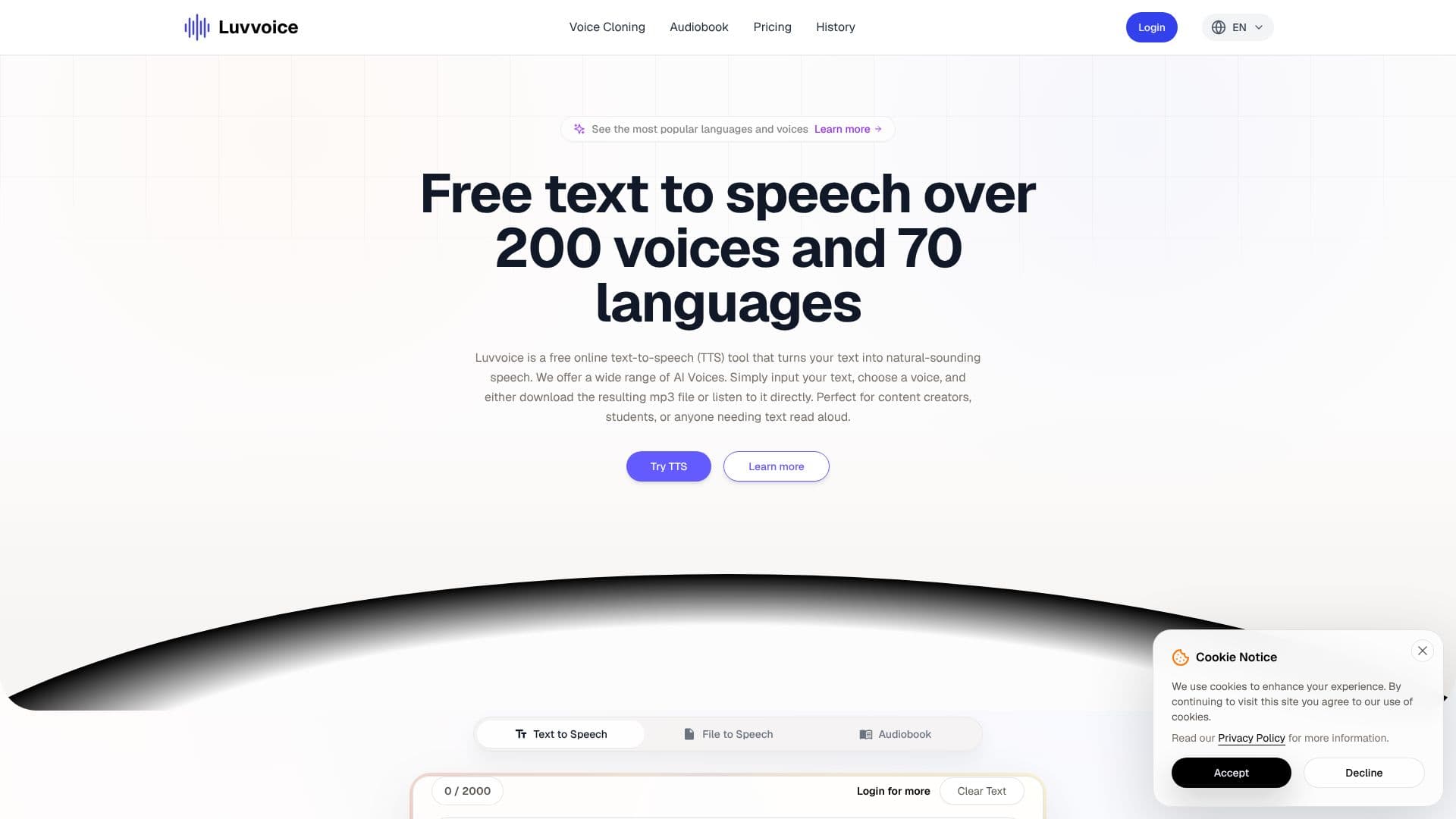
Luvvoice offers a robust and free online text-to-speech (TTS) solution designed to transform written content into natural-sounding audio. Leveraging advanced AI and deep learning research, the platform generates speech that closely mimics human vocal quality, making it an ideal tool for a wide range of users.
Read More
Users can easily convert text to speech by simply pasting or typing their script into the provided text editor. The process involves selecting a preferred voice from an extensive library, which boasts over 200 voices across more than 70 languages. Once the text is processed, the resulting audio can be listened to directly on the platform or downloaded as an MP3 file. This flexibility makes Luvvoice suitable for content creators, educators, students, and anyone requiring text to be read aloud.
The platform distinguishes itself with features such as real AI voices, extensive language and voice options, and the ability to convert documents like PDFs and TXTs. For logged-in and paid users, Luvvoice extends the character limit to 20,000 per conversion, significantly enhancing efficiency for larger projects. Furthermore, users have the ability to adjust speech rate and pitch, offering a personalized audio output. The generated audio files are stored for 72 hours, providing ample time for access and download.
Luvvoice is positioned as a powerful creative and business TTS tool, capable of generating diverse character voices for marketing, social media content (YouTube, TikTok), language learning, and audiobook narration. The generated audio is fully owned by the user, allowing for unrestricted commercial use in projects such as YouTube videos, podcasts, and social media content, provided it complies with legal regulations.
Key capabilities include document-to-voice conversion for common formats, adjustable speech parameters, and the ability to insert pauses for more nuanced speech delivery. The platform also addresses potential user queries through a comprehensive FAQ section, covering topics from adding pauses to troubleshooting common errors. Luvvoice aims to make digital interactions more human-like and bridge language barriers through its versatile audio tools.
- CategoryText to Speech
- Pricing ModelFreemium
- DeploymentCloud
- PlatformsWeb
Luvvoice Text to Speech's Core Features
Converts text into natural-sounding speech using AI voices.
Supports over 70 languages.
Offers a library of more than 200 AI voices.
No word limit for text-to-speech conversions.
Allows listening to generated audio online.
Enables downloading audio files in MP3 format.
Supports document conversion from PDF and TXT files.
Adjustable speech rate and pitch settings.
Generated audio files are saved for 72 hours.
Logged-in users can convert up to 20,000 characters at once.
Ability to add pauses of varying durations in speech.
Full ownership of generated audio files for commercial use.
How to use Luvvoice Text to Speech?
Input Text: Paste or type your text into the editor.
Select Voice: Choose a language and a preferred AI voice from the library.
Configure Settings: Adjust speech rate, pitch, and add pauses if needed.
Generate Audio: Click the 'Generate' button to process the text.
Listen or Download: Play the audio directly or download it as an MP3 file.
Luvvoice Text to Speech's Use Cases
- Content Creation
- Education
- Accessibility
- Language Learning
- Audiobook Narration
- Marketing & Promotion
- Character Voice Generation