Description
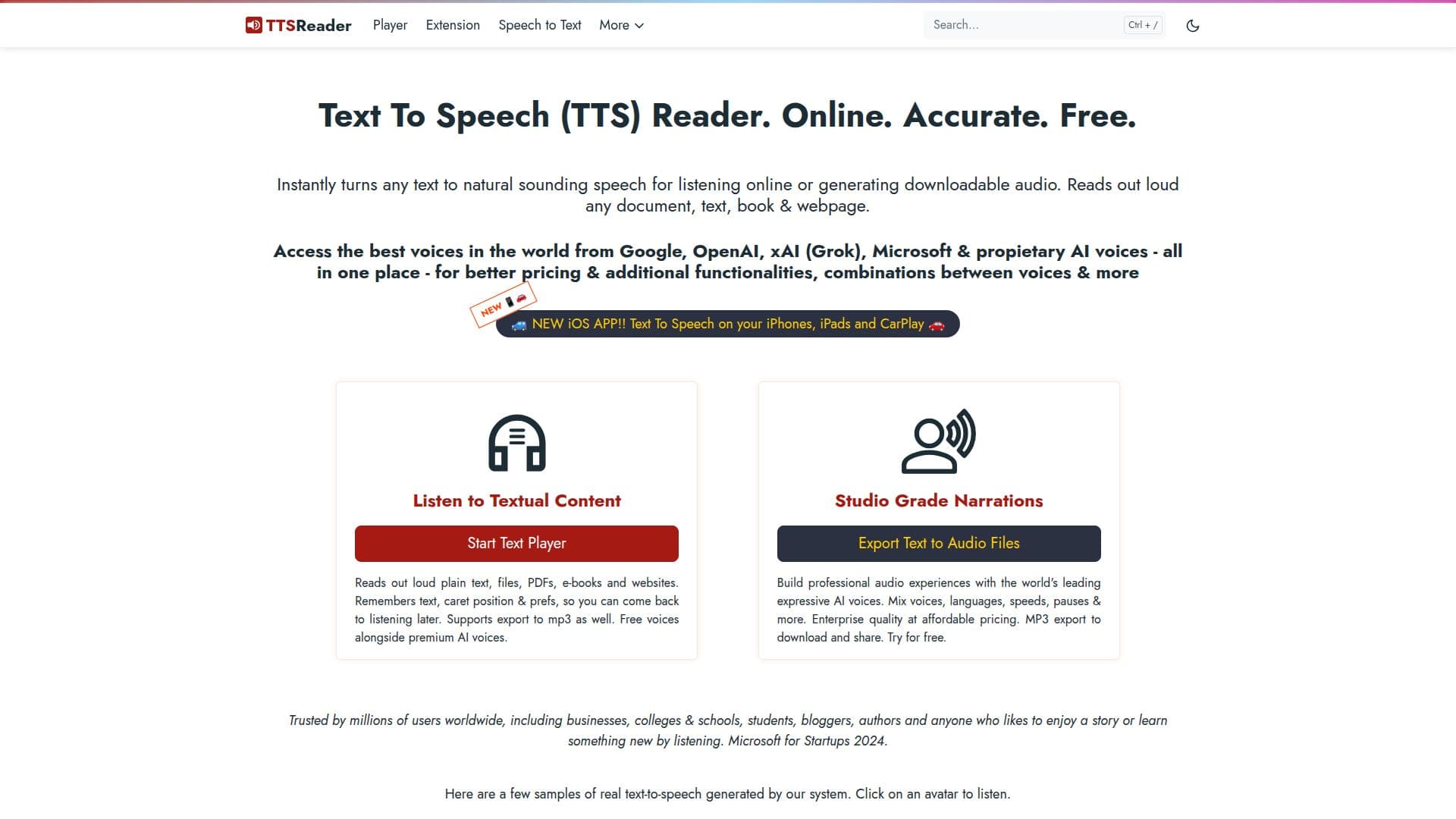
TTSReader is a versatile online text-to-speech application that transforms written text into natural-sounding audio. It supports a wide range of languages and voices, including those from leading AI providers like Google, Microsoft, and OpenAI. Users can listen to content online or download it as MP3 files for offline use. TTSReader is designed for ease of use, requiring no downloads or installations. Simply paste the text and click 'play' to start listening. The tool is compatible with all major browsers and operating systems, making it accessible from any device.
TTSReader offers both free and premium voices, with the latter providing higher quality and expressiveness. The free plan allows unlimited use of non-premium voices, while premium voices are limited to 5,000 characters. For users requiring more, there are paid plans available, including a Premium Plan with 1 million characters per month and a Pay-as-you-go option for API users.
The tool is ideal for various use cases, such as proofreading, education, and creating professional voice-overs for videos and audiobooks. It supports reading from different formats, including PDFs, e-books, and web pages. TTSReader also offers features like text highlighting and caret position memory, enhancing the user experience.
TTSReader is trusted by millions of users worldwide, including businesses, educational institutions, and individuals with accessibility needs. It provides a reliable and affordable solution for converting text to speech, with a focus on privacy and user satisfaction.
TTSReader's Core Features
Free online text-to-speech
Supports multiple languages
Natural-sounding voices
MP3 export for offline use
Compatible with all browsers
Premium voices available
API access for developers
Text highlighting and caret memory
No installation required
Supports PDFs and e-books
Unlimited non-premium voices
Affordable premium plans
Trusted by millions worldwide
Privacy-focused
Educational and professional use
How to use TTSReader?
Paste text: Insert your text into the app's text box
Select voice: Choose language and voice preferences
Play audio: Click 'play' to listen to the text
Export audio: Download as MP3 for offline use
TTSReader's Use Cases
- Proofreading
- Education
- Accessibility
- Audiobook Creation
- Professional Voice-Overs
- Language Learning
- Web Content Consumption
- Kids' Stories
- API Integration
- Commercial Use