Description
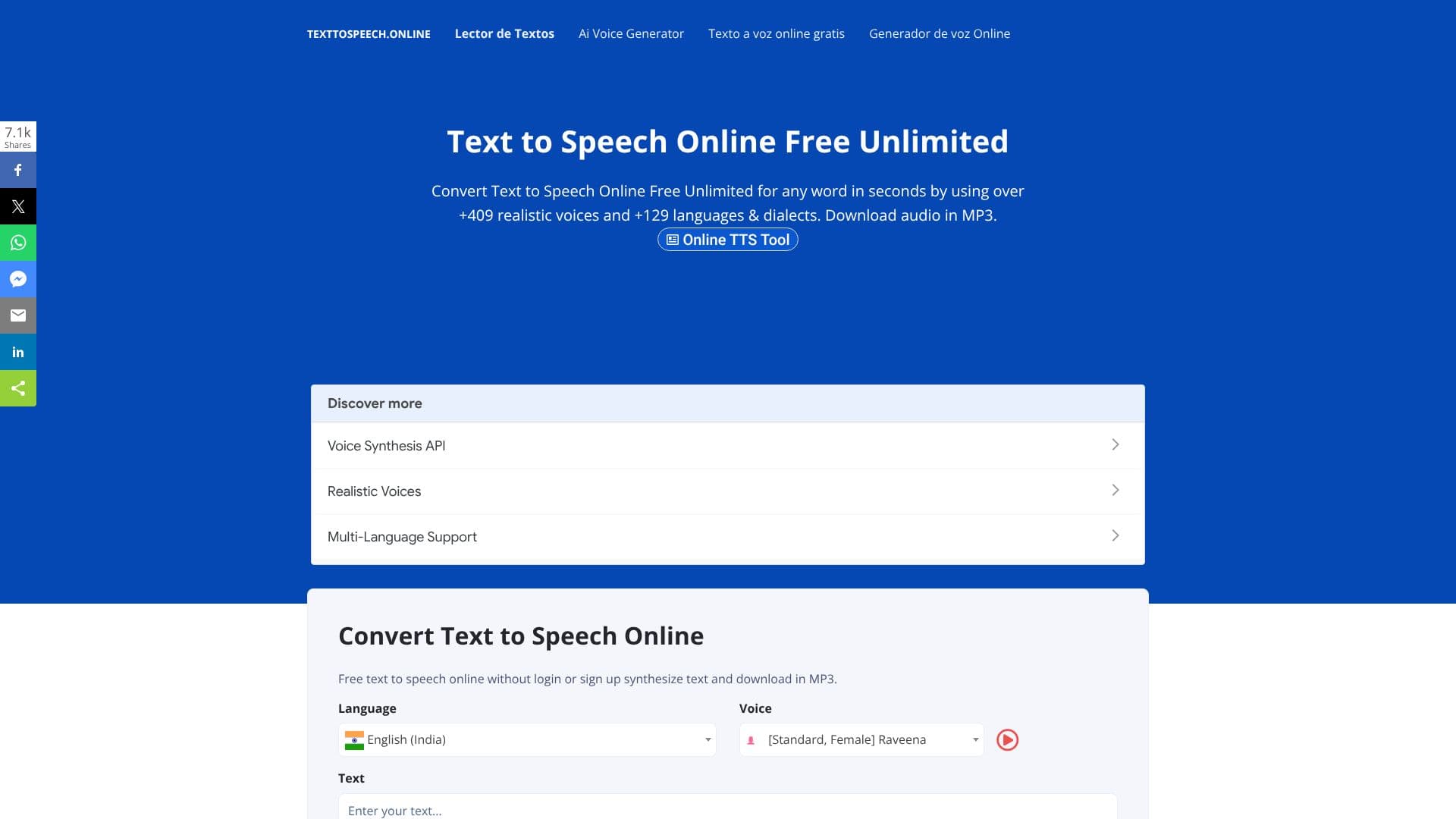
Text To Speech Online provides a free and unlimited service to convert written text into spoken audio. Leveraging advanced speech synthesis technology, the platform offers an extensive library of over 409 realistic voices across 129 languages and dialects, ensuring natural-sounding output. Users can easily transform any text into an MP3 audio file, which can then be downloaded for use on mobile devices or personal computers.
Read More
The service supports both standard and AI (neural) voices, with AI voices offering enhanced fluency. For advanced customization, users can utilize a full set of SSML (Speech Synthesis Markup Language) features to adjust pitch, volume, speed, emphasis, and add various voice effects. This makes the tool highly adaptable for diverse applications.
Text To Speech Online is accessible without the need for login or sign-up, providing immediate access to its capabilities. The platform is designed to be user-friendly, allowing for quick conversion of text to speech. It also supports the creation of podcasts and audio files for distribution on platforms like iTunes, Spotify, and Soundcloud via RSS feeds.
Beyond basic conversion, the tool can generate high-quality audio files in MP3 and WAV formats with different sample rates. The technology behind Text To Speech Online involves natural language processing, speech recognition, and voice synthesis, working together to analyze text and generate spoken words. This makes it a powerful tool for content creators, educators, individuals with visual impairments, and anyone looking to enhance accessibility or create audio content efficiently.
- CategoryText to Speech
- Pricing ModelFreemium
- DeploymentCloud
- PlatformsWeb
Text To Speech Online's Core Features
Convert text to speech
Over 409 realistic voices
Supports 129 languages & dialects
Download audio in MP3 format
Free and unlimited usage
No login or sign-up required
Standard and AI voices available
Full SSML feature support
Generate audio for podcasts
Supports MP3 and WAV formats
High-quality audio generation
Cross-platform compatibility (Mobile/PC)
How to use Text To Speech Online?
Enter Text: Type or paste the text you want to convert into the provided text area.
Select Voice & Language: Choose from over 409 voices and 129 languages/dialects.
Customize (Optional): Utilize SSML tags to adjust pitch, speed, volume, and add effects.
Generate Audio: Click the 'Convert' or 'Synthesize' button.
Download Audio: Save the generated MP3 or WAV audio file to your device.
Text To Speech Online's Use Cases
- Content Creation
- Accessibility
- Language Learning
- E-learning
- Voiceovers
- Text Summarization
- Marketing