Description
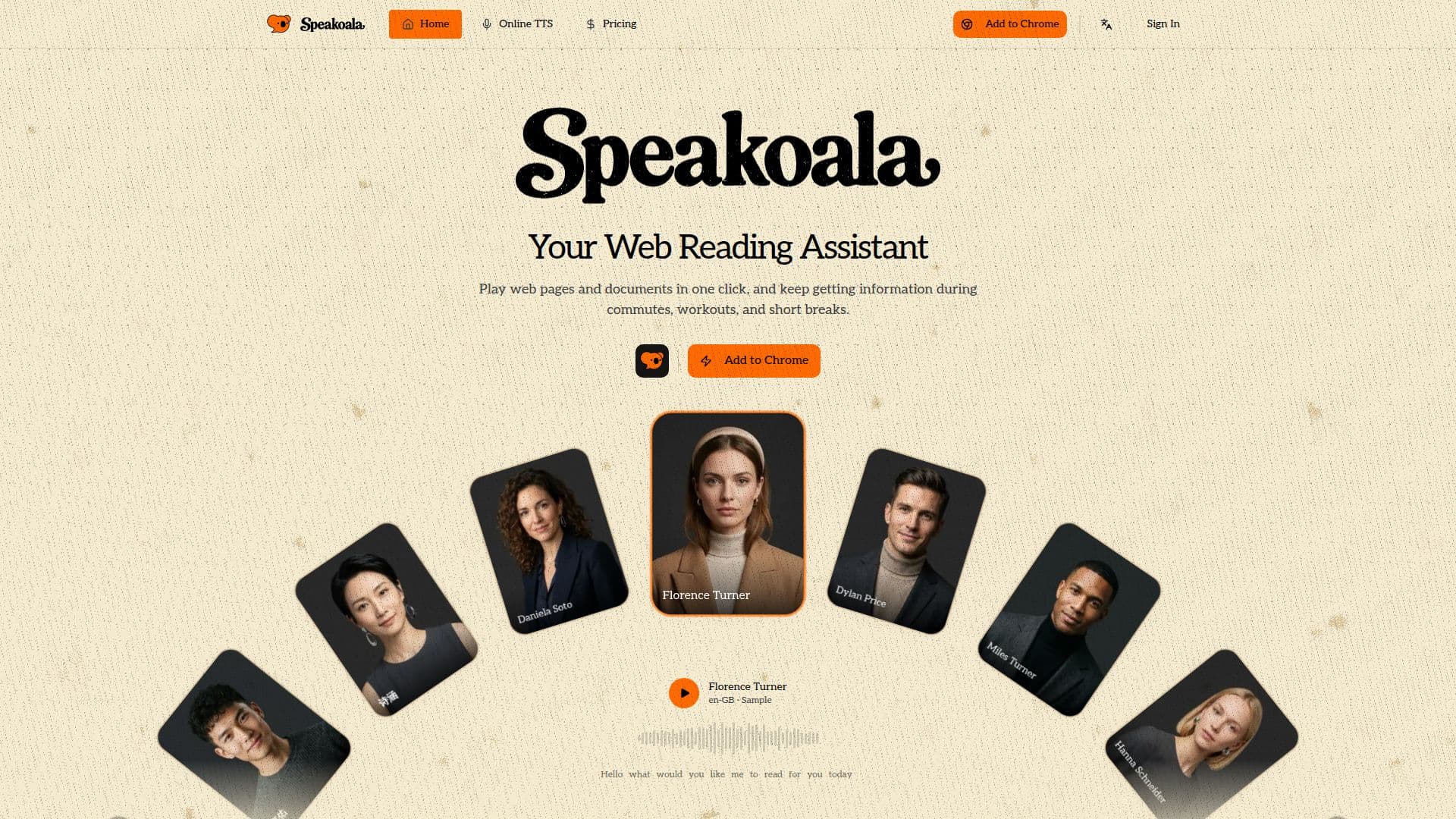
Speakoala is a text-to-speech web reading assistant that lets you play web pages and documents aloud in one click, so you can keep taking in information during commutes, workouts, and short breaks. It can read almost anything you read online, including emails, articles, newsletters, blogs, research papers, online novels, social posts, and forum threads.
Read More
Beyond web pages, Speakoala reads local files. You can upload PDF, DOCX, EPUB, and other documents to have them read aloud. It offers flexible playback options, including box-selection reading for a chosen area and selected-text reading, along with word-level highlighting so you can follow along, and precise controls for speed, pause, and replay.
The assistant supports natural voices across many languages. The free tier includes daily natural voice credits, unlimited robotic voices, web reading, box and selected-text reading, word-level highlighting, ambient sounds, and a speed range from 0.25x to 4x. Paid plans unlock more natural voices, with the site describing support for over 70 languages and 300+ voices.
Pricing starts at $4.99 per month. The Pro plan adds unlimited text-to-speech duration, 75 languages and 300+ natural voices, faster synthesis, and local PDF and Word reading, while the Max plan adds use on up to three devices simultaneously, the fastest synthesis, and 24/7 top-priority support. No credit card is required to start.
- CategoryText to Speech
- Pricing ModelFreemium
- DeploymentCloud
- PlatformsWeb
Speakoala's Core Features
One-click text-to-speech for web pages and documents
Natural AI voices in 75+ languages with 300+ voices
Reads local PDF, DOCX, and EPUB files
Box-selection and selected-text playback
Word-level highlighting to follow along
Speed, pause, and replay controls (0.25x to 4x)
Ambient sounds for focused listening
Free tier with daily natural voice credits
How to use Speakoala?
Install or open: Use the Speakoala extension panel on a web page.
Choose what to read: Play a whole page, a selected area, or selected text.
Pick a voice: Select a natural voice and language.
Listen and follow: Use word-level highlighting and adjust speed as needed.
Read local files: Upload a PDF, DOCX, or EPUB to have it read aloud.
Speakoala's Use Cases
- Hands-free browsing
- Document listening
- Selective reading
- Accessibility