Description
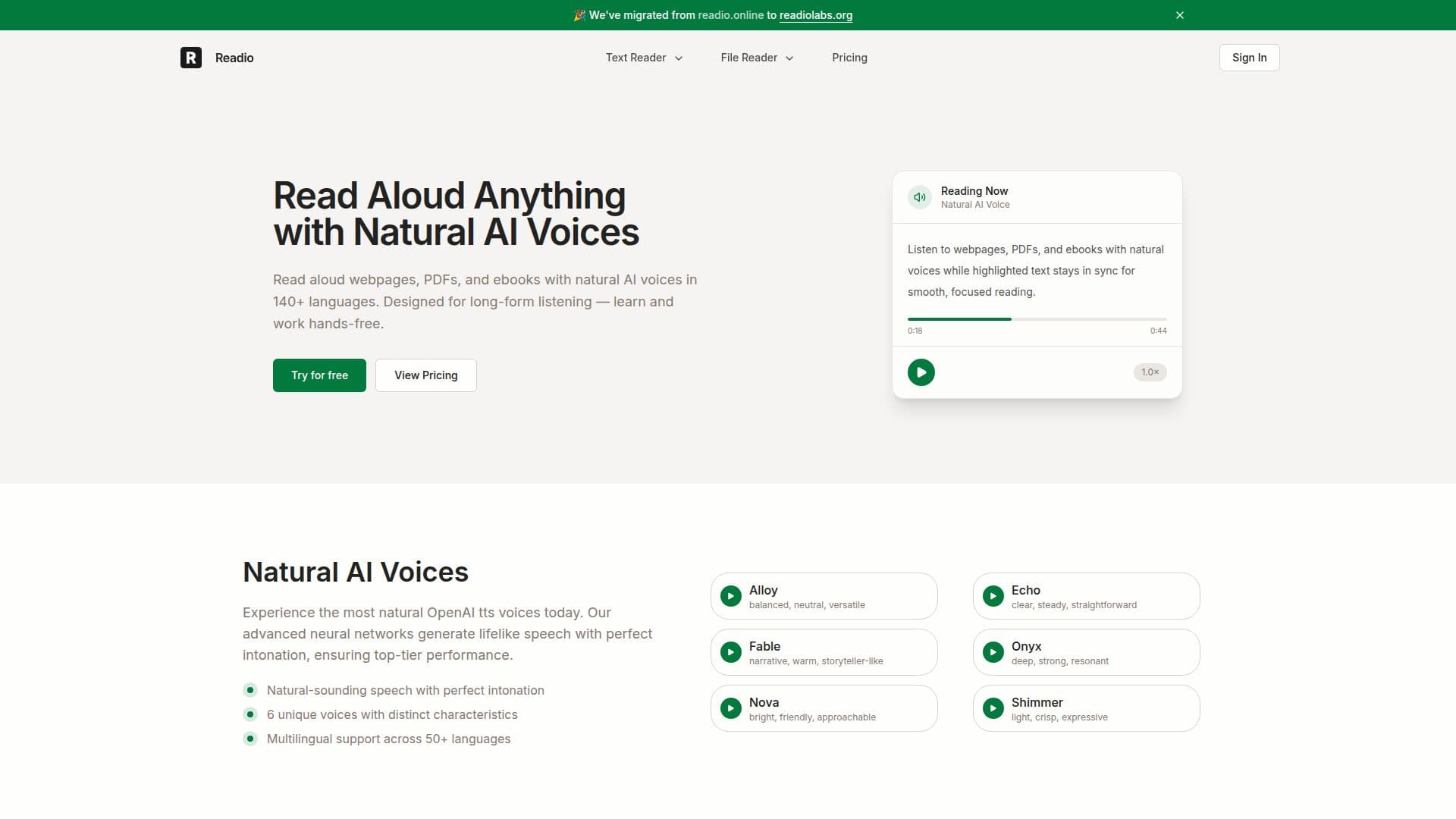
Readio is an AI reader that turns webpages, PDFs, and ebooks into natural-sounding speech so you can learn and work hands-free. It reads content aloud with natural AI voices while highlighting the text in sync with the audio, keeping sound and text aligned so you can follow every line without losing your place.
Read More
The voices are powered by OpenAI text-to-speech, offering natural-sounding speech with lifelike intonation. Readio includes six distinct voices, Alloy, Echo, Fable, Onyx, Nova, and Shimmer, each with its own character, and supports reading in over 140 languages and dialects. As documents are read, sentences highlight in sync and the page scrolls automatically to keep you on track.
Readio is designed for focused, long-form listening. Smart content filtering can skip elements like footnotes, superscripts, and bracketed text, and you can manually exclude sections from being read. Full playback controls let you adjust speed, move between sections, and jump to specific parts of a document, making long or complex content easy to navigate. It works with widely used formats such as PDF, EPUB, and DOCX without changing their structure.
Readio recently migrated from readio.online to readiolabs.org. It offers a free option to try, with paid plans priced by monthly character allotments for premium and standard voices, adding higher limits, commercial usage of downloaded audio, and priority support.
- CategoryText to Speech
- Pricing ModelFreemium
- DeploymentCloud
- PlatformsWeb
Readio's Core Features
Read aloud webpages, PDFs, and ebooks
Natural OpenAI text-to-speech voices
Six distinct voices with different characteristics
Support for 140+ languages and dialects
Live text highlighting synced with audio
Smart content filtering to skip footnotes and brackets
Full playback controls for speed and navigation
Works with PDF, EPUB, and DOCX
How to use Readio?
Add content: Open a webpage or upload a PDF, EPUB, or DOCX file.
Choose a voice: Pick one of the natural AI voices and your language.
Start listening: Play the content and follow the synced text highlighting.
Filter and control: Skip footnotes or sections and adjust speed and position.
Upgrade if needed: Move to a paid plan for higher character limits and more voices.
Readio's Use Cases
- Hands-free reading
- Long-form learning
- Multilingual listening
- Accessibility