

Description
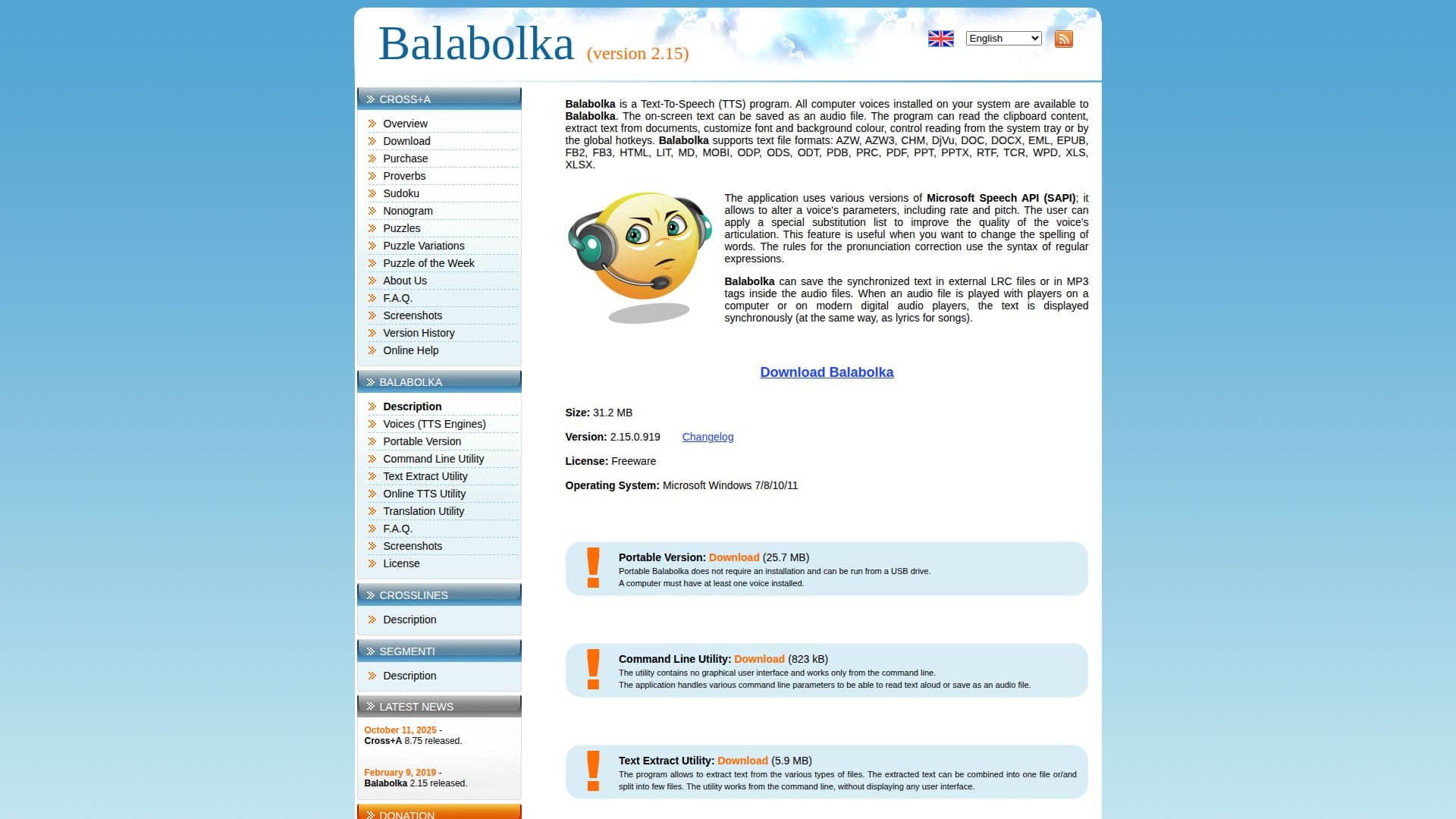
Balabolka is a freeware text-to-speech (TTS) program that provides users with the ability to convert text into spoken words. It supports a wide range of text file formats including AZW, CHM, DOC, EPUB, FB2, HTML, MOBI, PDF, RTF, and more. Users can save the spoken text as audio files in various formats, making it a flexible tool for those who need to listen to text rather than read it.
The application utilizes the Microsoft Speech API, allowing users to alter voice parameters such as rate and pitch. This customization can enhance the listening experience by adjusting the voice to suit personal preferences. Additionally, Balabolka offers a unique feature that allows users to apply a substitution list to improve voice articulation, which is particularly useful for correcting pronunciation using regular expressions.
Balabolka can read clipboard content, extract text from documents, and control reading through system tray or global hotkeys. It also supports synchronized text saving in external LRC files or MP3 tags, enabling text display alongside audio playback on compatible devices.
The software is compatible with Microsoft Windows 7, 8, 10, and 11, and offers a portable version that can be run from a USB drive without installation. Balabolka also includes a command line utility for advanced users who prefer working without a graphical interface.
Balabolka is ideal for users who need assistance with reading text on screens, such as those with visual impairments or those who prefer auditory learning. Its flexibility and range of features make it a valuable tool for converting text to speech across various contexts.
Balabolka Text-to-Speech Software's Core Features
Supports multiple text file formats
Saves text as audio files
Customizable voice parameters
Uses Microsoft Speech API
Substitution list for pronunciation correction
Reads clipboard content
Portable version available
Command line utility
How to use Balabolka Text-to-Speech Software?
Configure: Set up voice parameters and preferences
Use: Open text files or paste text to convert
Save: Export spoken text as audio files
Optimize: Use substitution lists for better pronunciation
Balabolka Text-to-Speech Software's Use Cases
- Text-to-audio conversion
- Pronunciation correction
- Portable usage
- Clipboard reading
- Voice customization