
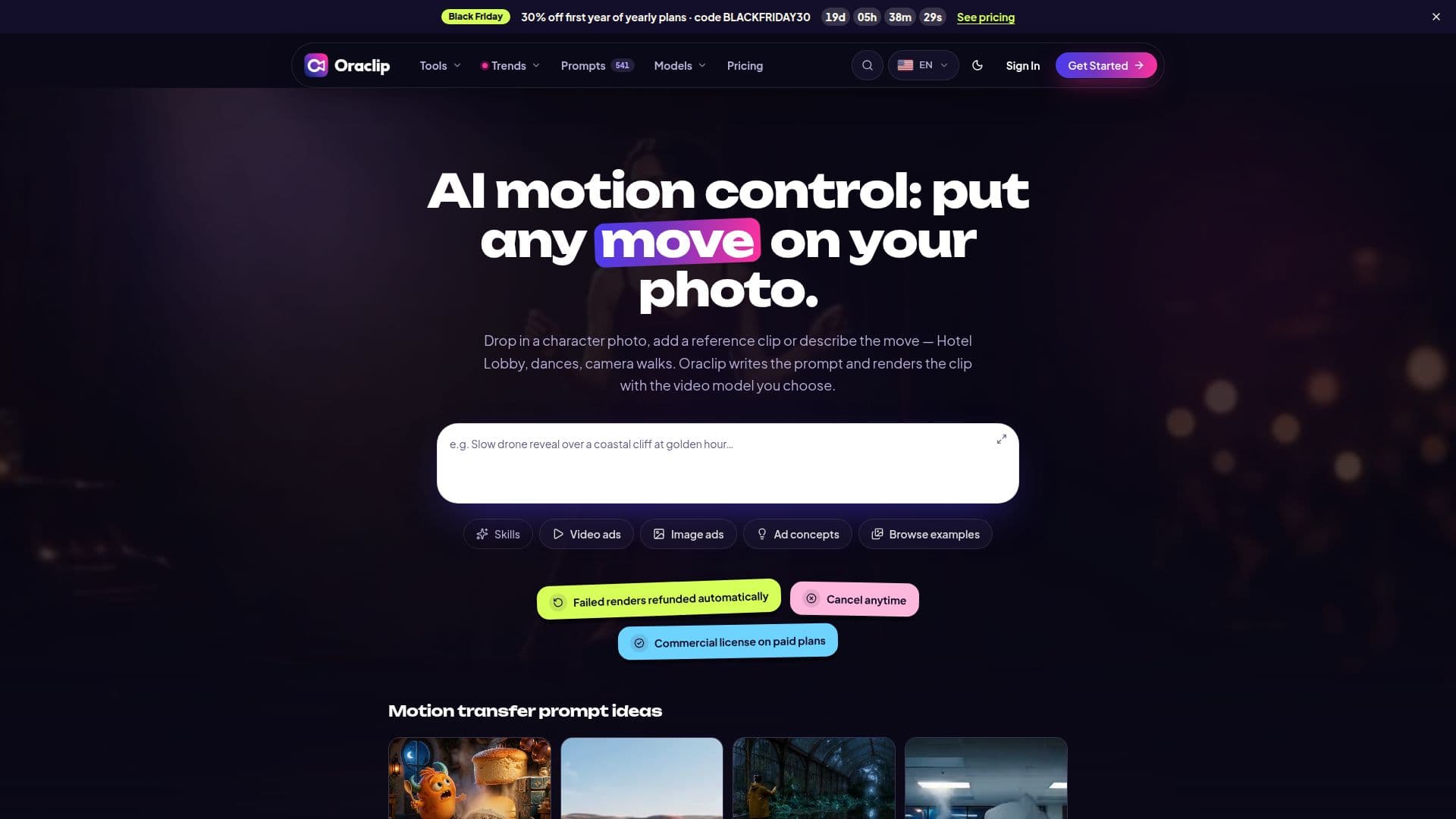
Description
Oraclip functions as an AI motion control and motion transfer video agent, enabling users to animate still images or transfer motion from reference videos. The process is straightforward: users upload a character photo, then either provide a reference video of up to 30 seconds or describe the desired movement. The platform then generates a video clip using advanced rendering models like Seedance 2.5, Seedance 2.0, or MiniMax H3, chosen by the user within the composer interface.
Read More
A key feature of Oraclip is its user-friendly chat-based direction system, eliminating the need for complex timelines or keyframes. Every render is treated as a new "take," and all previous takes are saved, allowing users to build upon any earlier version without losing their history. This iterative approach, combined with automatic refunds for failed renders, ensures a risk-free creative process.
Oraclip supports various creative applications, including image-to-video conversion, camera movement prompts, and motion transfer from existing videos. It caters to a diverse audience, from meme and trend creators to short-form publishers, marketers, designers, indie founders, and small studios looking to produce engaging visual content efficiently.
Pricing is credit-based, with plans starting from $8.9/month when billed yearly, or $9.9 month-to-month. These plans include auto-renewing credits and can be canceled anytime. For users needing additional credits without a subscription, one-time credit packs are available, starting from $10 for 1,800 credits. All credits are valid for one year, with a system that prioritizes the use of credits expiring soonest. The exact cost of each generation is displayed before rendering, reinforcing transparency and user control.
- CategoryAI Animation Tools
- Pricing ModelFreemium
- DeploymentCloud
- PlatformsWeb
Oraclip's Core Features
AI motion control for photos
Motion transfer from reference videos
Text-to-motion description for animation
Multiple rendering models: Seedance 2.5, Seedance 2.0, MiniMax H3
Chat-based direction without timelines or keyframes
Automatic refunds for failed renders
Every render take is saved for iteration
Image-to-video generation
Camera movement prompts
Commercial license for generated content
Credit-based pricing with subscription plans
One-time credit packs available
Credits valid for one year
Free download of generated videos
How to use Oraclip?
Upload Photo: Provide a character photo to serve as the base for your video.
Add Motion: Supply a reference video (up to 30 seconds) or describe the desired movement in text.
Select Renderer: Choose your preferred rendering model from Seedance 2.5, Seedance 2.0, or MiniMax H3.
Direct in Chat: Use the chat interface to refine the shot and motion without needing timelines or keyframes.
Render Video: Initiate the rendering process to generate your animated video clip.
Review Takes: Examine the generated video takes; failed renders are automatically refunded.
Oraclip's Use Cases
- Meme & Trend Creation
- Short-Form Video Publishing
- Marketing Campaigns
- Design & Animation Projects
- Indie Game Development
- Small Studio Productions
- Image to Video Conversion
- Motion Transfer from Video