
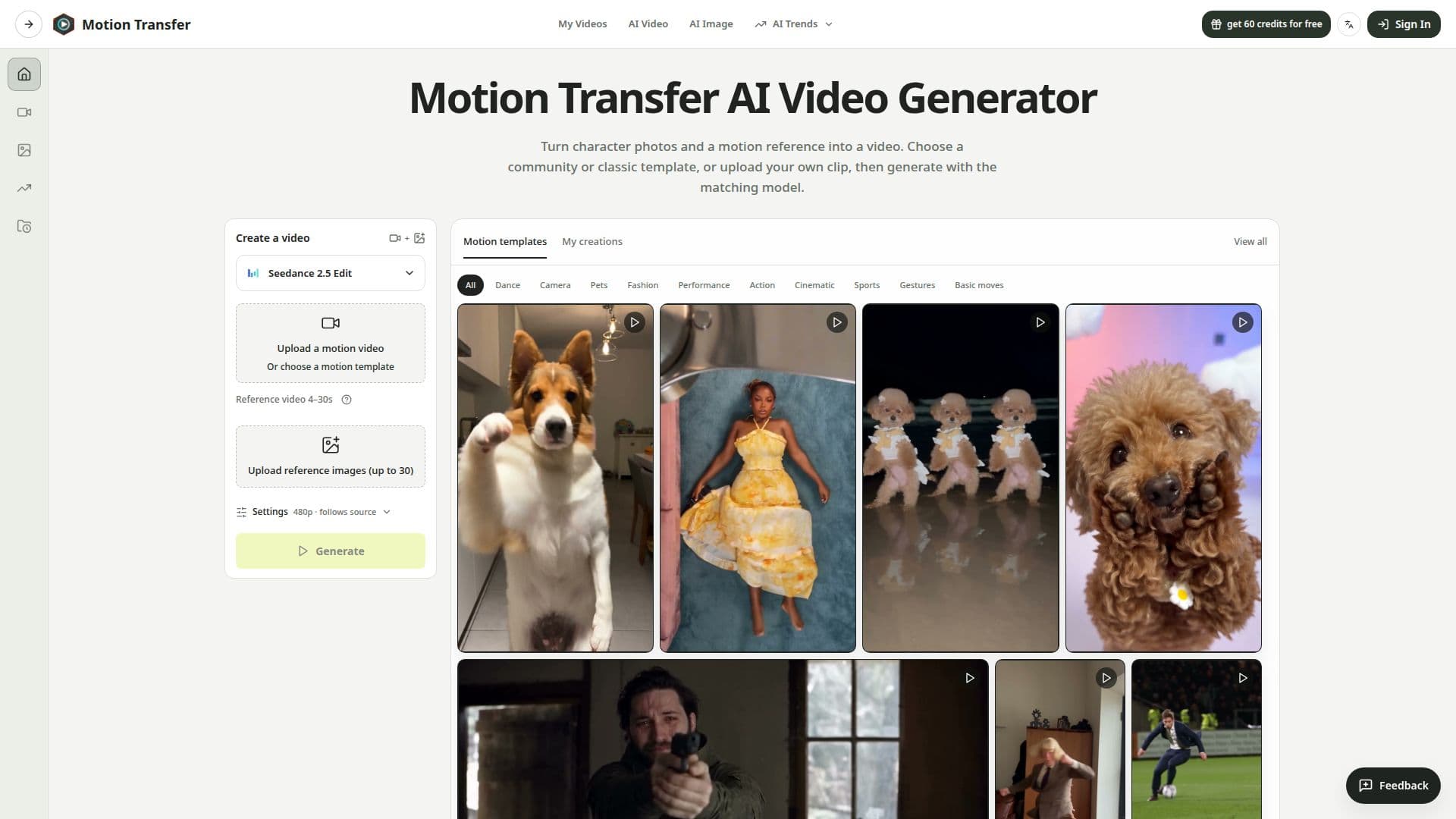
Description
Motion Transfer AI is a tool designed to animate character photos by using reference videos. Users can choose from a variety of motion templates and adjust settings to preview the final animated clip. The platform supports multiple models, including Kling 2.6, Kling 3.0, Wan 2.2, and Seedance 2.0 and 2.5, each offering different capabilities and file format support. Users can upload JPEG, PNG, and WebP images, with video references ranging from 2 to 30 seconds depending on the model.
Read More
The tool provides options to match character orientation with either the photo or the video, allowing for flexibility in animation creation. Users can start with community or classic templates, which load motion clips and reference images without generating new content. Motion Transfer AI offers a free trial with 18 credits, allowing new users to explore its features before committing to a subscription.
Pricing plans include Starter, Pro, and Business tiers, each offering different credit allocations and capabilities. The tool is suitable for individuals and businesses looking to create animated content for social media, marketing, or personal projects. Users must have permission to use the media they upload, and the platform enforces strict guidelines to ensure ethical use.
Motion Transfer AI generates new videos from user references, which may result in changes to facial details, clothing, and backgrounds. Users are encouraged to start with high-quality photos and simple motion clips to achieve the best results. The platform also provides guidance on improving awkward movements and ensuring that the final animation meets user expectations.
- CategoryAI Animation Tools
- Pricing ModelFreemium
- DeploymentCloud
- PlatformsWeb
Motion Transfer AI's Core Features
Animate photos with reference videos
Supports JPEG, PNG, and WebP formats
Multiple models: Kling, Wan, Seedance
Community and classic templates
Free trial with 18 credits
Pricing plans: Starter, Pro, Business
Match photo or video orientation
Strict ethical guidelines for media use
How to use Motion Transfer AI?
Upload: Add your photo and motion video
Select: Choose a motion template or upload your own
Adjust: Configure settings and preview the clip
Generate: Create and download the animated video
Motion Transfer AI's Use Cases
- Social Media Clips
- Marketing Content
- Character Greetings
- Dance Animations
- Creative Projects