Description
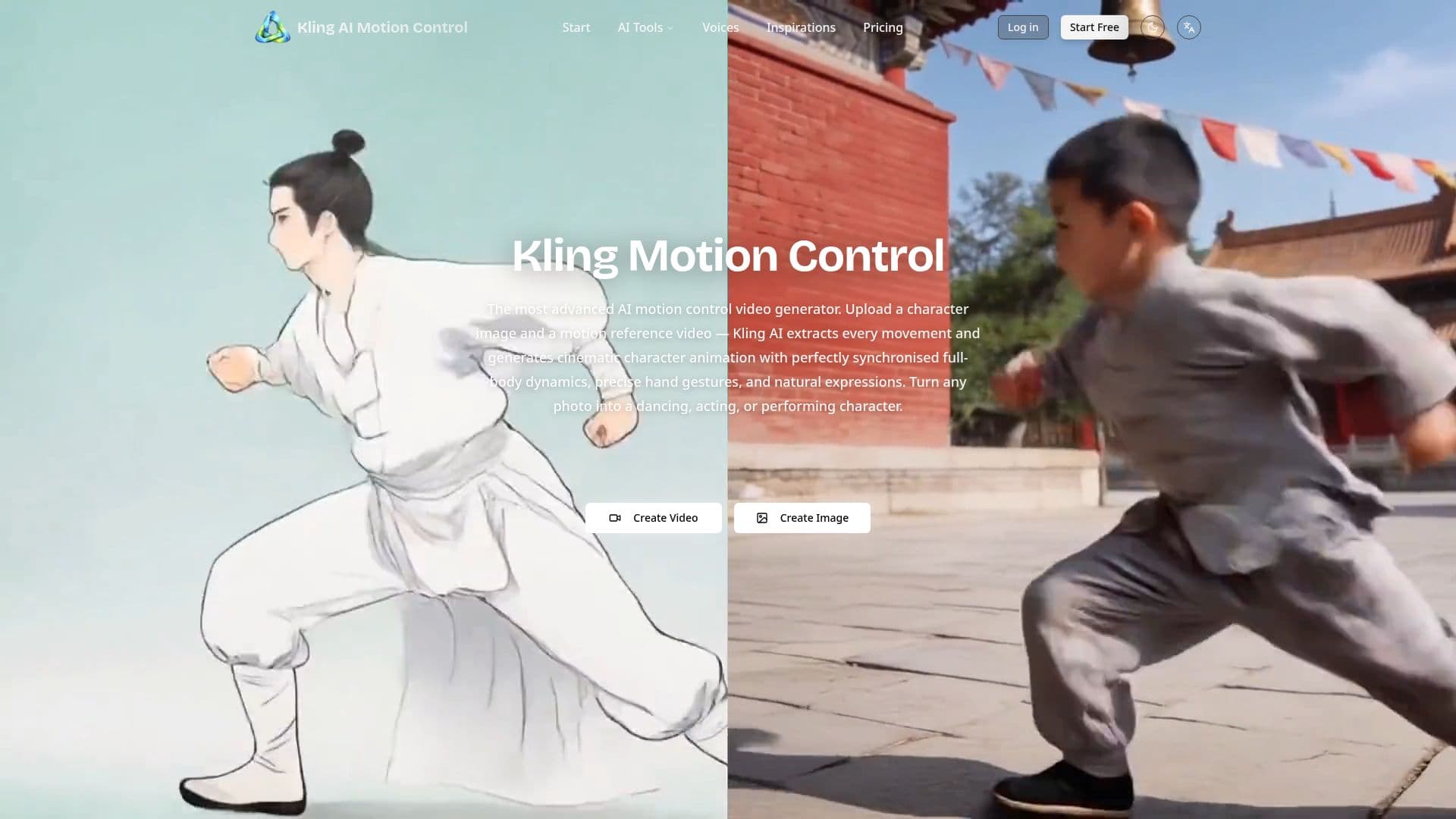
Kling AI Motion Control is a feature within Kling AI (version 2.6) that transfers motion from a reference video onto a character in a reference image. Users upload a character photo and a video showing the desired movement, and the tool extracts the motion frame by frame to generate a new video where the character performs the same actions with full-body synchronization, precise hand gestures, and natural expressions.
Read More
It requires two inputs, a reference image (JPG or PNG) showing the character's appearance and a reference video (MP4 or MOV, 3-30 seconds, single continuous shot) as the motion source, with an optional text prompt of up to 2,500 characters to control background, clothing, and lighting. Two modes are available: Image orientation preserves the image's aspect ratio, outputs 3-10 seconds, and adds camera controls such as zoom and pan, while Video orientation matches the reference video's framing and supports up to 30-second continuous output for full dance or performance sequences. Both modes support 720p and 1080p resolution while keeping character identity consistent.
The tool requires no motion capture equipment, green screens, or camera rigs; reference videos can come from a smartphone recording, an online video, or a screen capture, and all motion extraction and video generation happen in the cloud. It is positioned for uses like dance videos, character animation, and AI motion posters that add subtle movement to static images for social ads and brand content, offering finger-level precision and up to 30-second single-generation output.
- CategoryAI Animation Tools
- Pricing ModelFreemium
- DeploymentCloud
- PlatformsWeb
Kling AI Motion Control's Core Features
Motion transfer from a reference video onto a character image
Full-body synchronization with finger-level hand precision
Up to 30-second single-generation output (Video orientation)
Image orientation with camera controls like zoom and pan
Optional text prompt for background, clothing, and lighting
720p and 1080p resolution options
Consistent character identity across the video
No motion capture equipment required
How to use Kling AI Motion Control?
Upload a character image: Provide a JPG or PNG showing your character's appearance.
Add a motion reference video: Upload an MP4 or MOV (3-30 seconds, single continuous shot) with the desired movement.
Add an optional prompt: Describe background, clothing, or lighting if desired.
Choose a mode: Pick Image orientation for character-focused shots or Video orientation for full sequences.
Generate: The AI maps the motion onto your character and produces the video in 720p or 1080p.
Kling AI Motion Control's Use Cases
- Dance videos
- Character animation
- AI motion posters
- Product showcases